Glove Knock: Boxing Glove AI
Upload one photo and two springy cartoon boxing gloves, red and blue, pop up and bop your face until your cheeks puff up pink, like the Glove Knock effect on TikTok. 6 or 10 seconds.
- 1 photo
- 6 s / 10 s
- One video from $4.99
- 720p MP4, original AI-made sound, no watermark
- Credits back if it fails
Create your video
1Your photo
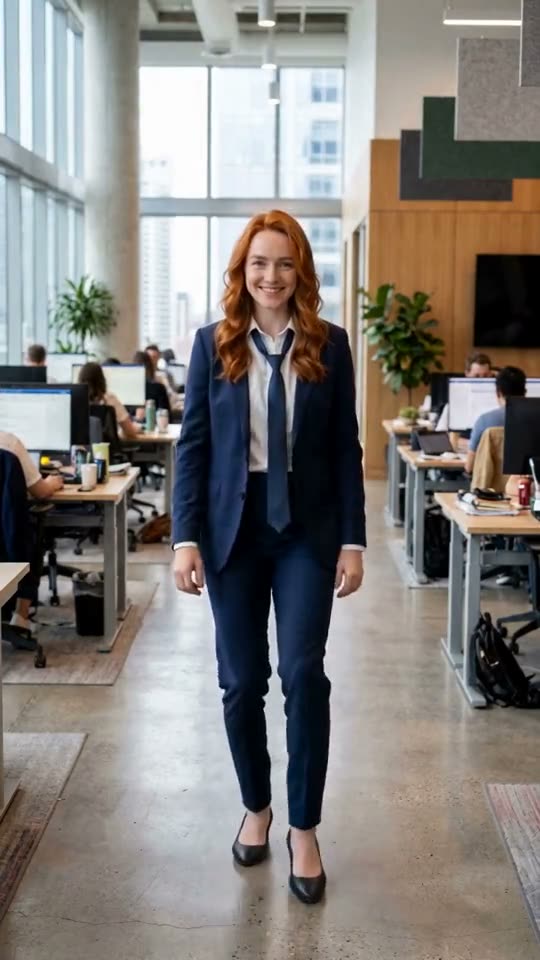
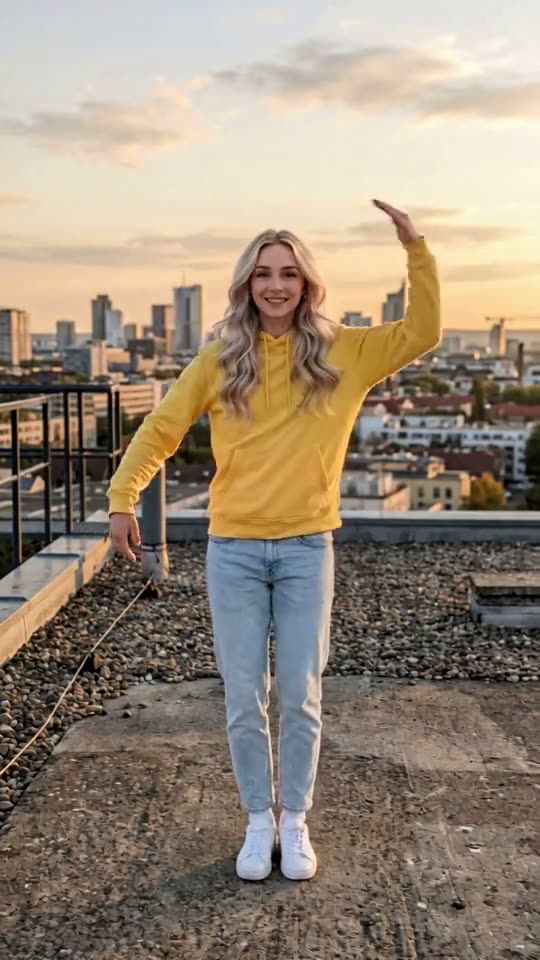
Best results: one adult, facing the camera, head and shoulders, sharp and evenly lit. Your photo becomes the person in the selfie, in the template's grey sweatshirt. No kids, sunglasses, hands over the face or group shots.
2Length
Sign in and you can see 2 free previews of yourself in this scene before paying. Sign in
Template: our own AI-made Glove Knock selfie with an AI-generated person · original AI sound · AI render · full 10 s · sample photo is AI-generated
Also called: Glove Knock effect · Glove Knock filter · boxing glove effect · boxing glove filter · DunPig effect · #DunpigEffect · filtro de guantes de box
Quick facts: 1 photo, no prompt to write, no TikTok effect needed, 6 seconds for USD 4.99 or the full 10 seconds for USD 9.99, paid once with no subscription. You get a 720p vertical (9:16) MP4 with original AI-made sound. Before you pay, you can see 2 free still previews of yourself in the scene.
Glove Knock is a TikTok camera effect by the effect creator DunPig (@dun.pig): a red and a blue cartoon boxing glove on springs pop up from the bottom of the screen and bop your face in turn, and your face squashes and your cheeks turn red. DunPig's demo from 19 November 2026 had about 25.4 million views by 27 November, and the most-watched post so far, by @mangucuppppp, had about 32.8 million.
Glove Knock AI on TrendTemplate is our own AI-made version of that selfie, made from one photo. You don't need the TikTok effect, a phone that supports it, or to film anything: your face goes into the selfie, the gloves bop it, and by the end your cheeks puff up into two big pink cartoon cheeks.
What is the Glove Knock trend?
The Glove Knock trend is a short, funny selfie video. Two cartoon boxing gloves sit at the bottom corners of the screen, a red one on the left and a blue one on the right, each on a spring. They pop up one at a time and bop the face, then spring back down.
In Glove Knock videos the face reacts like a cartoon. It squashes, a cheek puffs out, an eye squeezes shut, and the cheeks turn red. The joke is usually the person's straight face while it happens.
Glove Knock is a TikTok camera effect, not a CapCut template. The original is a live effect called "Glove Knock" in TikTok's camera, made by the effect creator DunPig, who tags it #DunpigEffect. You open the effect and film yourself with it in real time.
The Glove Knock gloves are cartoon graphics and the red, swollen face is a face-warp effect. Nobody is really being hit. Some viewers still find it not funny, especially with pets, so keep it light.
The Glove Knock trend goes by a few names: the Glove Knock effect or filter, the boxing glove effect or filter, and the DunPig effect, after the creator. In Spanish people say "filtro de guantes de box".
Glove Knock trend timeline
18 November 2026: DunPig posts a Glove Knock demo tagged #DunpigEffect. It's a single phone shot of about 6 seconds, with DunPig's own short sound. It had about 15.3 million views by 27 November 2026.
19 November 2026: DunPig posts a second Glove Knock demo with a second, longer sound. It became the bigger of the two, with about 25.4 million views by 27 November 2026.
20 November 2026: @mangucuppppp posts himself lying in bed with a straight face while the gloves bop him. It's the most-watched Glove Knock post we found, with about 32.8 million views by 27 November 2026. The same day @endless_mystery points it at a calm black cat called Patches, "Poor patches", about 13.4 million views.
22 and 23 November 2026: CapCut tutorial accounts in the US and Mexico start teaching a "Glove Knock AI trend": the same look made from one photo instead of the live TikTok camera. That's where the "AI" in the name comes from.
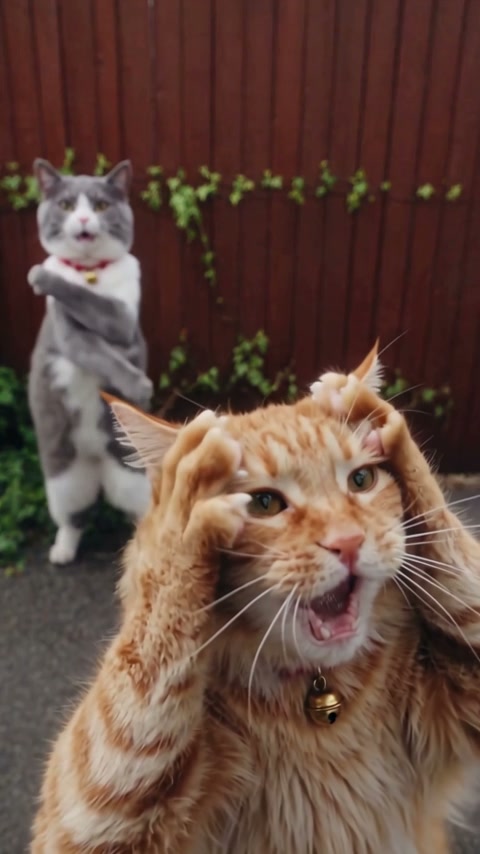
24 November 2026: @trashygas puts a barking chihuahua under the gloves, "Nonstop barking". It had about 19.2 million views and 1.78 million likes by 27 November 2026. Pets became the trend's second wave.
27 November 2026: we add Glove Knock AI to TrendTemplate. The two DunPig sounds were in about 42,000 and 20,000 TikTok videos by then, and most Glove Knock posts come from Southeast Asia, with the US and Europe close behind.
The template, shot by shot
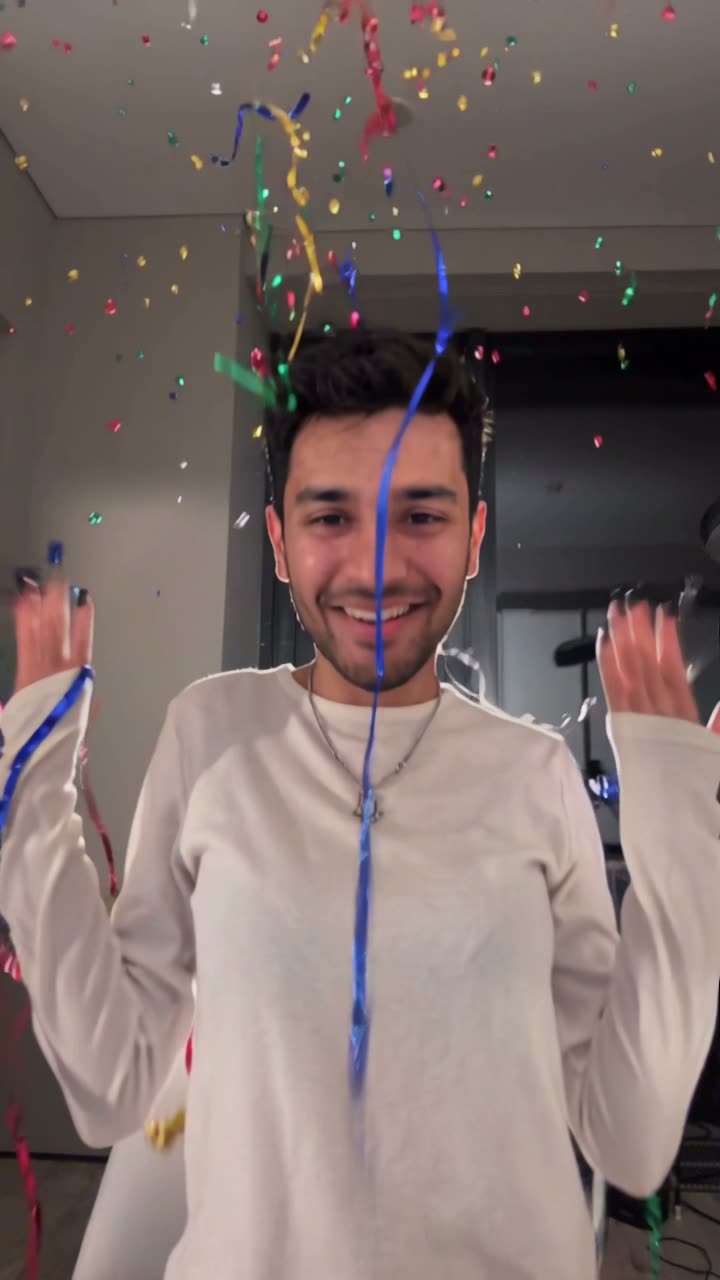
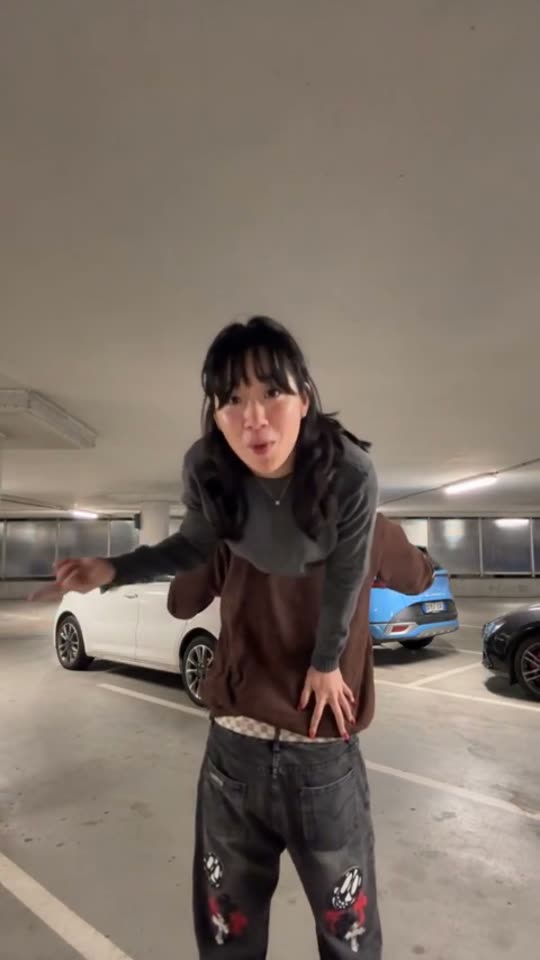
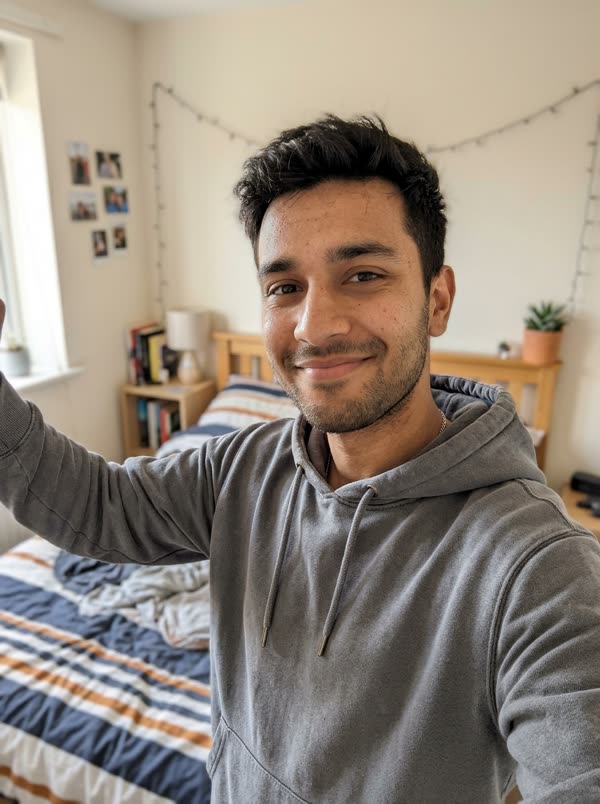
Our Glove Knock template is our own AI-made selfie, not anyone's TikTok clip and not DunPig's effect. The person in it is AI-generated, not a real person. They wear a plain grey crew-neck sweatshirt and hold the phone close, in a cosy bedroom with a warm lamp behind them.
The Glove Knock template has two shiny cartoon boxing gloves on coiled springs at the bottom of the frame, red on the left and blue on the right. It's one continuous handheld shot with no cuts, vertical 9:16, and you get a 720p MP4. Here's what happens, with times rounded:
About 0 to 6 seconds: the red and blue gloves take turns popping up and bopping your face. Your face squashes and wobbles, an eye shuts, and your cheeks get pinker with every hit. You keep a straight face.
About 6 to 10 seconds: the bops get faster and faster, red, blue, red, blue, and your cheeks swell up into two big round pink cartoon cheeks.
The 6-second Glove Knock video is the first round of bops and the blushing. It costs 5 credits, which the Try pack (USD 4.99) covers. The full 10 seconds adds the fast finish and the big pink cheeks, for 15 credits, one Single pack (USD 9.99).
The Glove Knock AI video takes about 4 minutes for 6 seconds and about 8 minutes for the full 10 seconds. You can close the page; the video goes to My videos and we email you when it's ready. If a render fails, your credits come back automatically.
Our Glove Knock template isn't a copy of DunPig's effect. The gloves don't have the effect's patterned bases or little flags, the sound is our own, and ours ends with big puffy pink cheeks. If you want the exact TikTok look, use the effect in the TikTok camera.
Who plays who, and picking your photo
Glove Knock AI has one role. Your photo becomes the person in the selfie who takes the bops. Your face, hair, skin tone and age go into that person, and the cartoon squash and pink cheeks happen to your face.
Glove Knock AI puts you in the template's plain grey sweatshirt, whatever you wore in your photo, so it works the same for men and women. We tested a man and a woman, and both faces came out right.
For the best Glove Knock video, use a photo of one adult facing the camera, head and shoulders, sharp and in even light. The video is a close selfie, so a big, clear face matters most. Skip sunglasses, masks, hands in front of the face and group shots.
Only use your own photo or one of an adult who said yes. Photos of children aren't allowed, even though some Glove Knock posts use babies, and neither are celebrities or public figures. This template is for people; we don't take pet photos for it.
The sound
The sound on our Glove Knock video is original AI-made sound: cartoon spring boings and squeaky rubber bops on every hit, over a bouncy beat that speeds up with the gloves. There are no lyrics, no voices and no one else's recording in it.
The TikTok Glove Knock posts use DunPig's own two sounds, a short one from 18 November and a longer one from 19 November 2026, or whatever song the poster picks. If you want DunPig's sound on your video, add it from TikTok's sound library when you post.
Glove Knock AI vs the TikTok effect and other AI sites
The TikTok Glove Knock effect is free and it's the original. Open the TikTok camera, find "Glove Knock" by DunPig and film yourself live. Pick it if your phone runs the effect and you're happy to film; it's also the only way to get DunPig's exact gloves and sound.
Glove Knock AI is for when the effect doesn't work for you: your phone doesn't support it, you only have a photo, you want to make one of a friend who said yes, or you want the bigger cartoon finish with the puffy cheeks.
MakeViral charges 92 credits for a 6-second 720p Glove Knock video with the effect's sound, and takes a person or a pet. Its smallest pack is $9.99 for 100 credits, according to its own page, November 2026.
Jump on the Trend charges 100 credits ($6.99) per 11-second Glove Knock video and shows a free preview first. It also has Pro at $19.99 a month for 300 credits, says a video takes 10 to 20 minutes, and only takes adults, according to its own page, November 2026.
Glove Knock AI on TrendTemplate is USD 4.99 for 6 seconds or USD 9.99 for the full 10 seconds, at 720p, paid once with no subscription, with 2 free still previews first. Ours is for people only and uses our own sound.
TrendTemplate isn't connected to TikTok, DunPig, MakeViral or Jump on the Trend. We name them only to compare, and their prices may change.
How to post your Glove Knock video
Your Glove Knock video is vertical 9:16, so it fills the screen on TikTok, Reels and Shorts with no cropping.
Glove Knock captions are short: "glove knock effect", "#DunpigEffect", "me on Monday", or just a deadpan emoji. Say it's AI when you post; our player and share pages already mark the video as AI-generated.
TrendTemplate is not affiliated with or endorsed by TikTok, ByteDance, CapCut, DunPig, @mangucuppppp, @endless_mystery, @trashygas, MakeViral or Jump on the Trend. Our template is our own AI-made selfie: the person in it is AI-generated, not a real person, and it doesn't use anyone's TikTok video or DunPig's effect. The sound is original AI-made sound, not DunPig's original sound.
How much does a Glove Knock video cost?
A 6-second Glove Knock video costs 5 credits. The cheapest way to make one is the Try pack: $4.99 for 5 credits.
| Length | Credits | Cheapest pack that covers it |
|---|---|---|
| 6 s | 5 | Try · $4.99 (5 credits) |
| 10 s | 15 | Single · $9.99 (15 credits) |
No subscription. Credits never expire, and a failed render gives your credits back automatically.
Sample results
One photo in, one video out
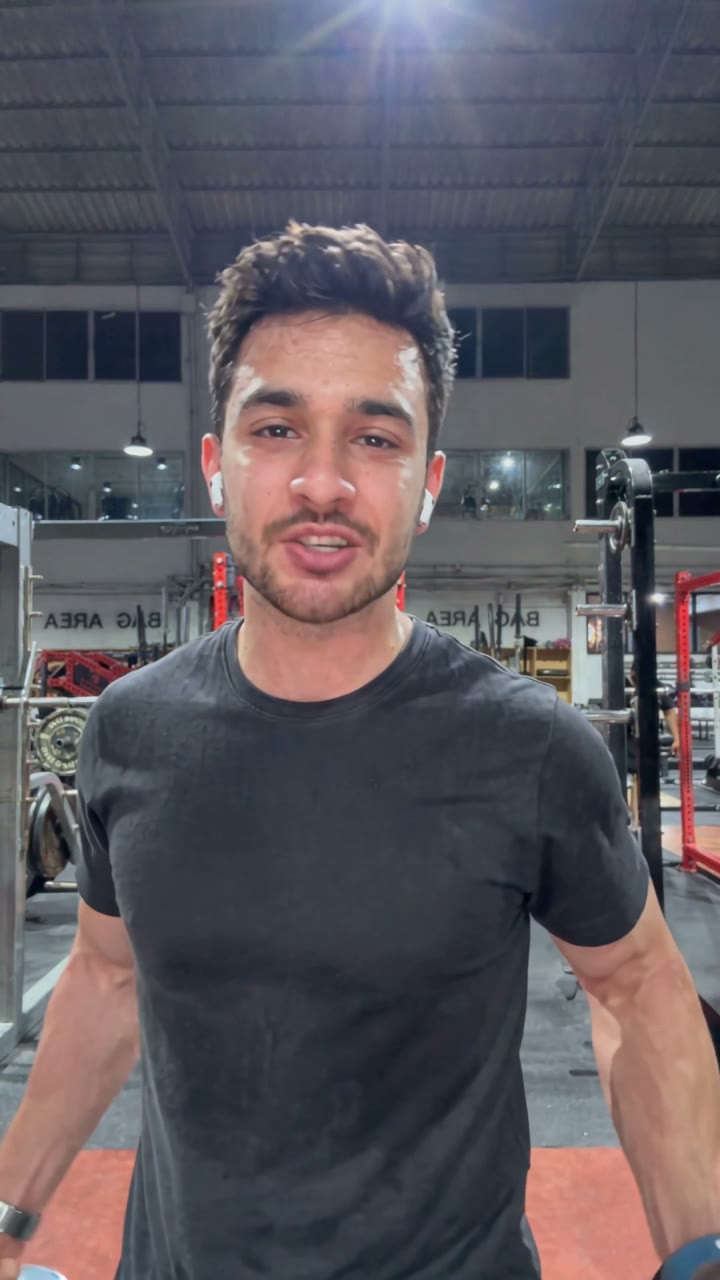
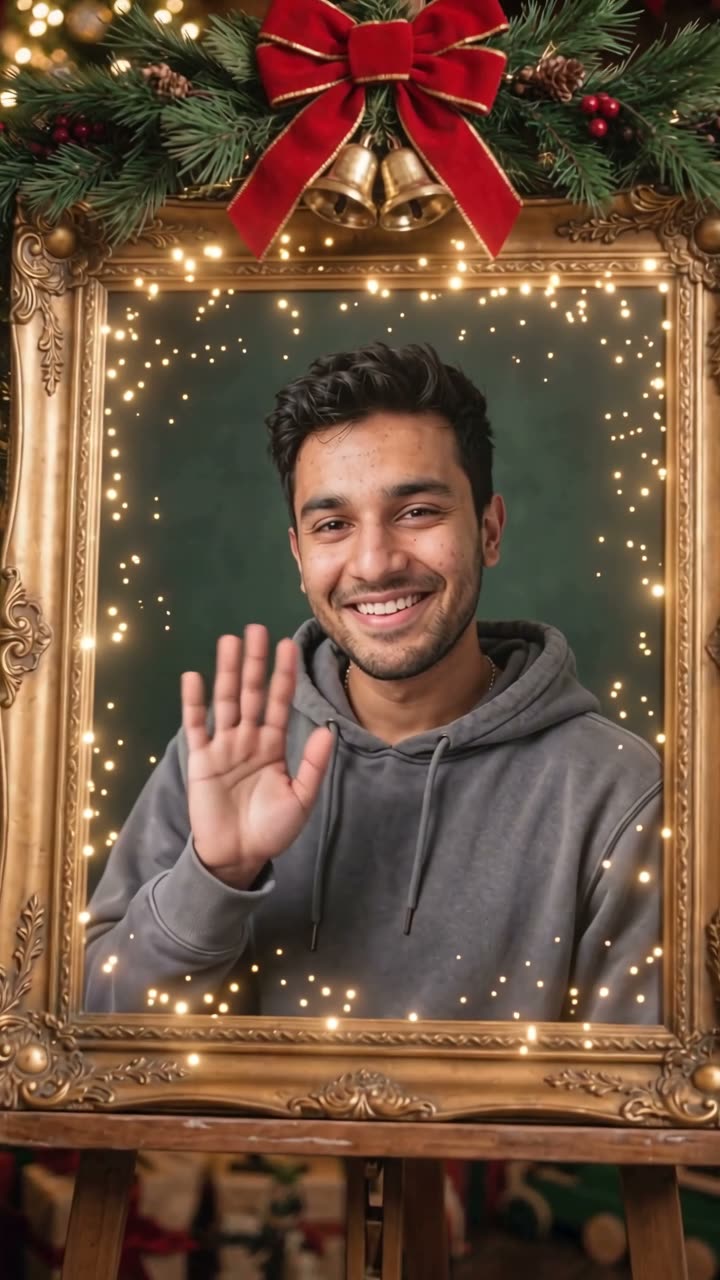
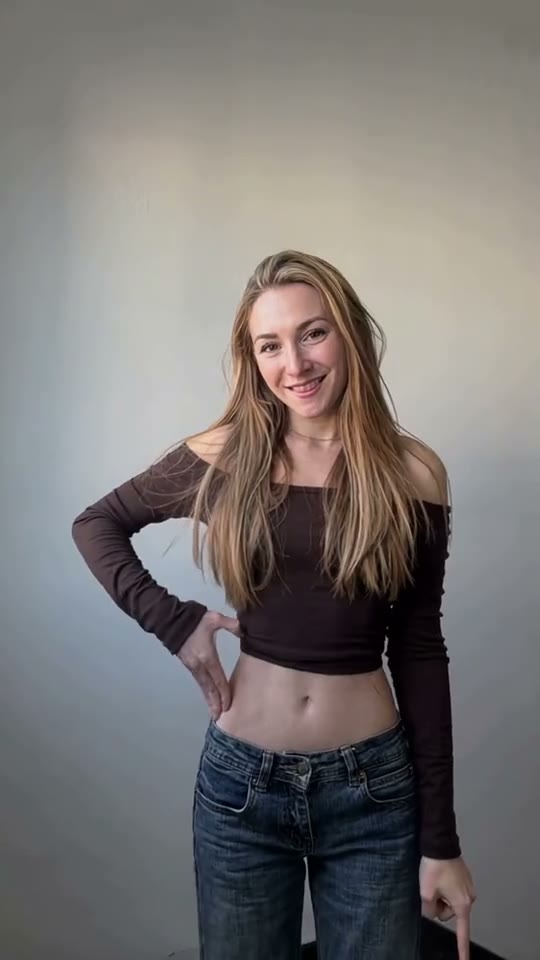
 PhotoGlove Knock
 PhotoGlove Knock
Questions, answered
What is the Glove Knock effect?
It's a TikTok camera effect by the effect creator DunPig (#DunpigEffect). A red and a blue cartoon boxing glove on springs pop up from the bottom of the screen and bop your face, which squashes and turns red. DunPig's 19 November 2026 demo had about 25.4 million views by 27 November.
Is Glove Knock a TikTok filter or a CapCut template?
A TikTok camera effect: you use it live in the TikTok camera. CapCut tutorial accounts started teaching a one-photo "Glove Knock AI" version from 22 and 23 November 2026, and that's what our template does too, without CapCut.
Can I make the Glove Knock video without the TikTok effect?
Yes. Upload one photo here and we make the video for you; you don't need the effect, CapCut or a phone that supports it.
Does the Glove Knock effect hurt?
No. The gloves are cartoon graphics and the swollen red face is a face-warp effect. Nobody is really hit, and in our template it's the same: a cartoon bop and pink cheeks.
Can I make a Glove Knock video of my cat or dog?
Not on TrendTemplate; this template is for people. Pets are a big part of the TikTok trend (a black cat and a barking chihuahua are among the most-watched posts), and MakeViral says on its own page that it takes pet photos.
What sound is used in the Glove Knock trend?
DunPig's own two original sounds, from 18 and 19 November 2026, are the effect's sounds. Our template uses original AI-made cartoon sound instead; you can add DunPig's sound in TikTok when you post.
Can I see a preview before I pay?
Yes. Sign in, upload your photo and tick the consent box, and you get 2 free previews for this template. Each one is a still picture of you in the selfie with the gloves, ready in about 30 seconds, and it uses no credits. A preview that fails doesn't count. Only the video costs credits.
Whose photos can I use?
Yours and those of adults who said yes. Photos of kids, celebrities or public figures are not allowed. Videos are marked as AI-generated on our player and share pages; please say it's AI when you post.
Guides and tips
- How to Do the Glove Knock Effect (With or Without TikTok)How to do the Glove Knock boxing glove effect: with DunPig's effect in the TikTok camera, or from one photo on TrendTemplate when the effect won't work.
- Glove Knock Trend: Where the DunPig Effect Came FromWhat the Glove Knock trend is, who made the effect (DunPig), the biggest posts from 18 to 24 November 2026, the pet wave and the AI version.