AI Dance Generator: Make Your Photo Dance
Pick a dance, upload one photo and get a vertical video of you doing the moves, with the original music. 5, 15 or 30 seconds.
Create your video
1Pick a template
2Your photo
Best results: one person, facing the camera, even lighting, head and shoulders visible. Avoid sunglasses, masks and heavy filters.
3Length
Rooftop Groove · Original template · made by TrendTemplate with AI
Most AI dance tools wiggle the photo you upload: same background, stiff arms, no sound. This one works the other way round. Each template is a real dance clip with its own scene, camera and track, and the AI puts the person from your photo into it.
That is why the result looks like a video someone filmed, not an animated picture. Your face, hair and build come from the photo; the moves, the setting and the music come from the template.
Four dances to choose from
Rooftop Groove is a relaxed groove on a rooftop at sunset. Neon Shuffle is fast footwork on a wet neon street at night. Beach Wave is a big, silly arm-wave dance on a sunny beach. Office Moonwalk is a moonwalk between the desks in a navy suit.
Switch between them in the generator above before you pay; your photo stays uploaded. Credits work on every template, so you can try a second dance with the same photo.
How to make your photo dance
1. Pick a dance. 2. Upload a recent photo of one person, face visible and evenly lit; a half-body shot works best because the AI also rebuilds your arms. 3. Choose 5, 15 or 30 seconds and press Generate.
A render usually takes 5 to 10 minutes. You can leave the page; the video lands in My videos and you can download the MP4 with the music for TikTok, Reels or Shorts.
Do I need an AI dance app?
No. It runs in the browser on your phone or computer, so there is nothing to install. Upload straight from your camera roll, then save the video back to it.
What it will not do
You cannot upload your own dance video or choose your own song; the moves and music come with each template. Photos of children, celebrities or anyone who has not agreed are not allowed, and every video is marked as AI-generated.
Same face, every template
One photo, a different video for each template
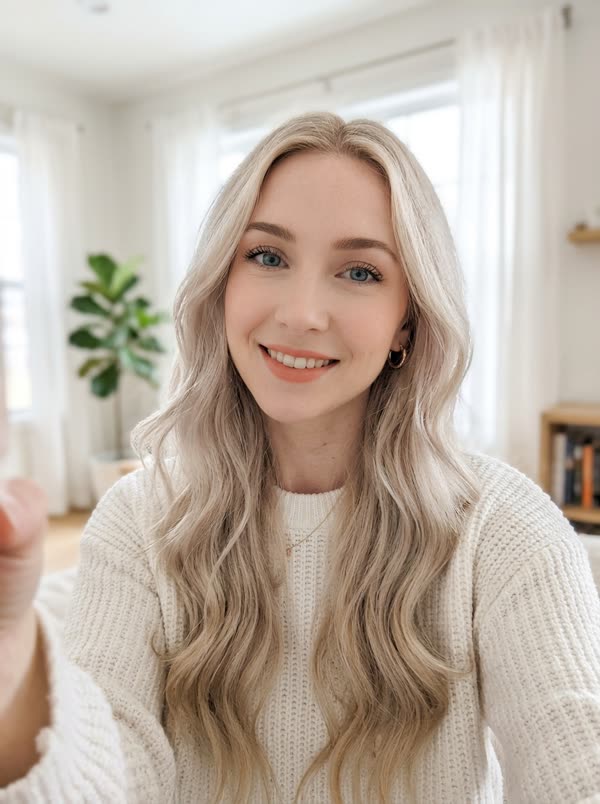
The same photo went into every template. The face stays the same; the moves, the outfit and the scene come from each template.
Sample results
One photo in, one video out
PhotoRooftop Groove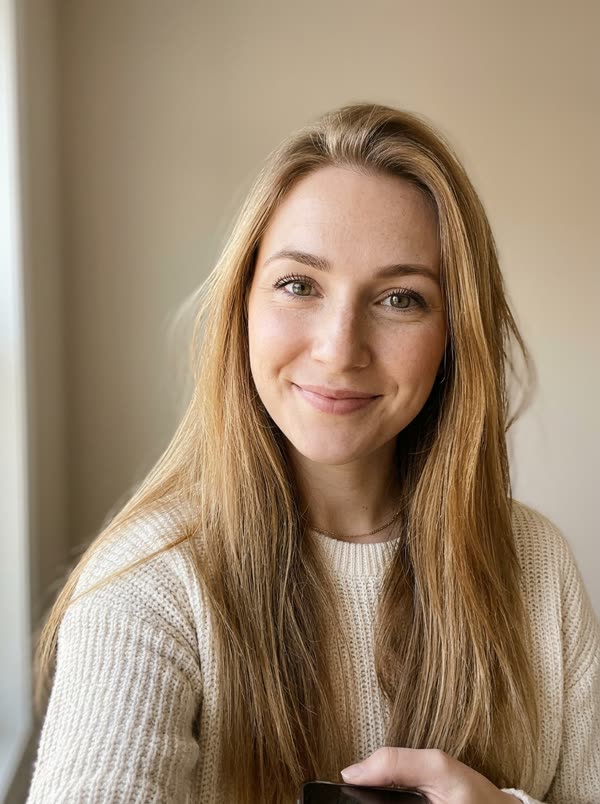 PhotoRooftop Groove
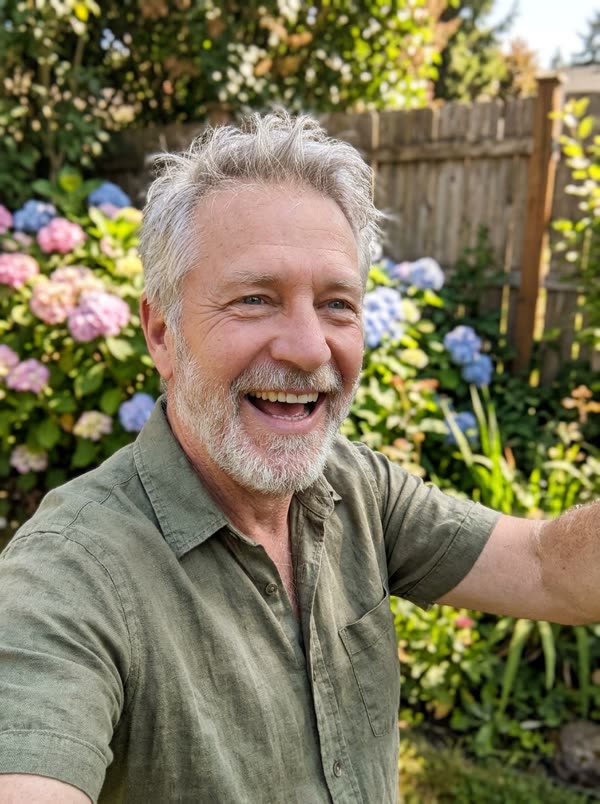 PhotoRooftop Groove
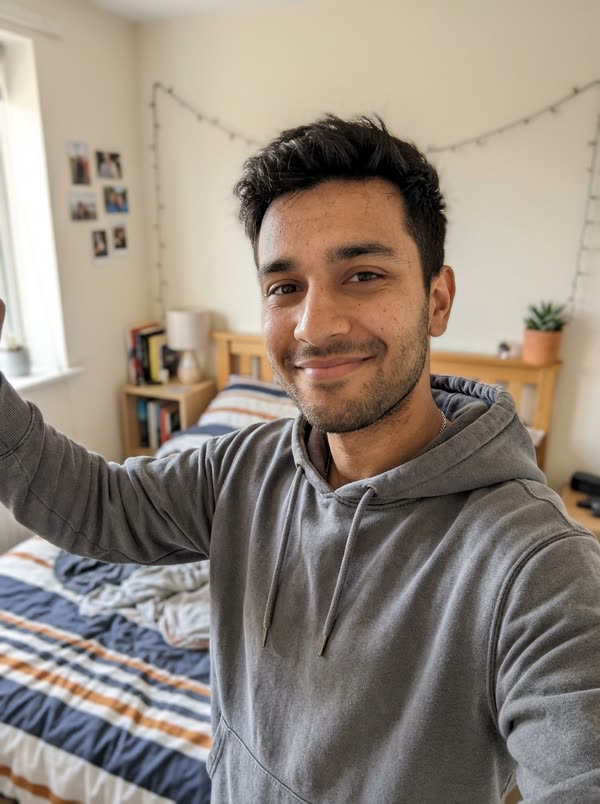 PhotoRooftop Groove
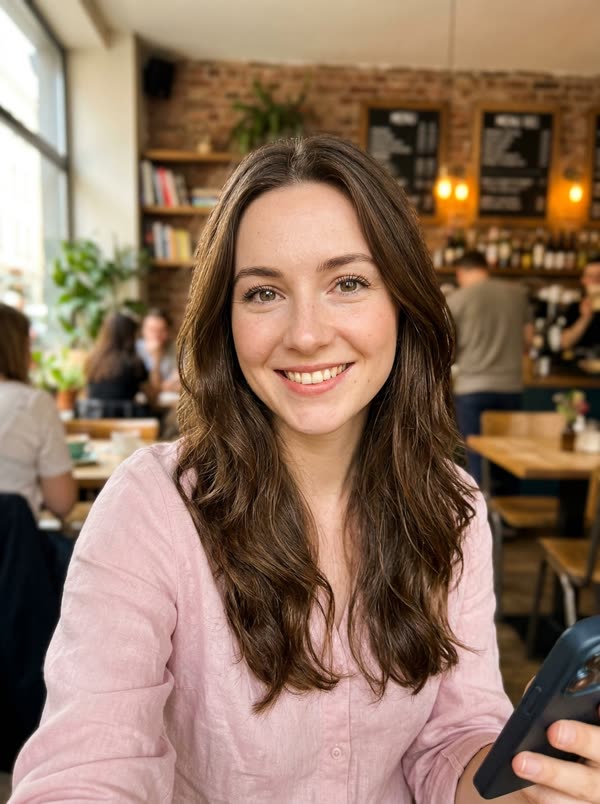 PhotoNeon Shuffle
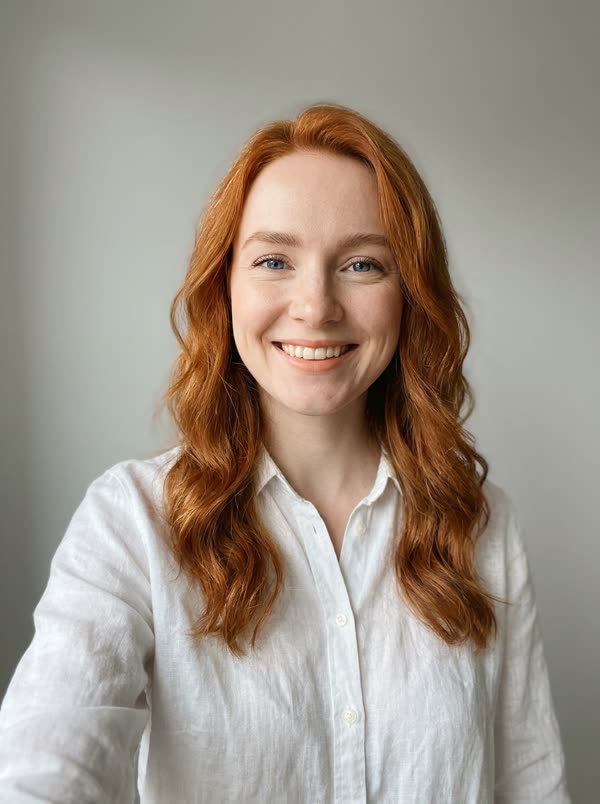 PhotoNeon Shuffle
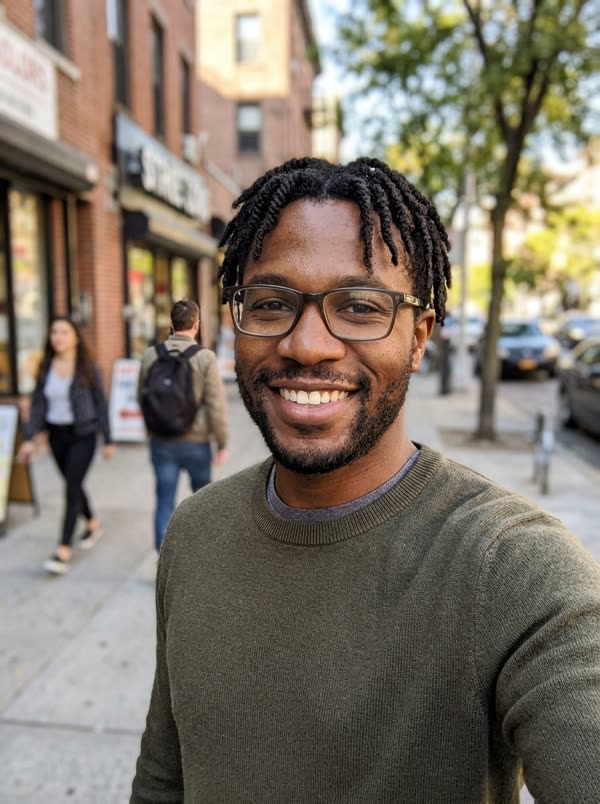 PhotoNeon Shuffle
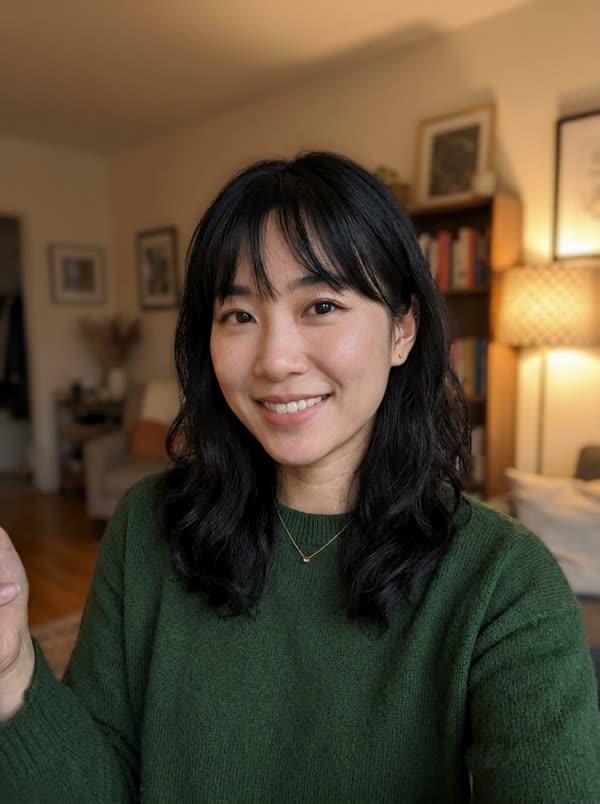 PhotoNeon ShufflePhotoBeach WavePhotoBeach Wave
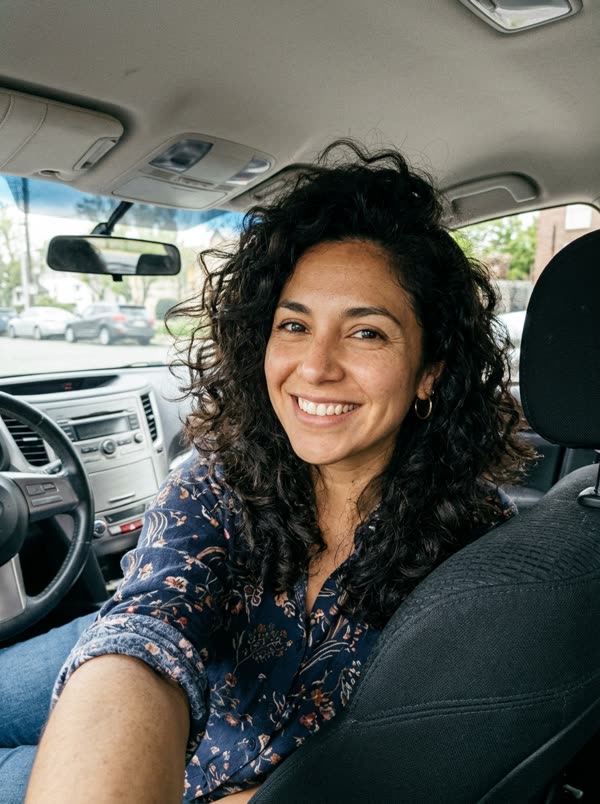 PhotoBeach WavePhotoOffice MoonwalkPhotoOffice Moonwalk
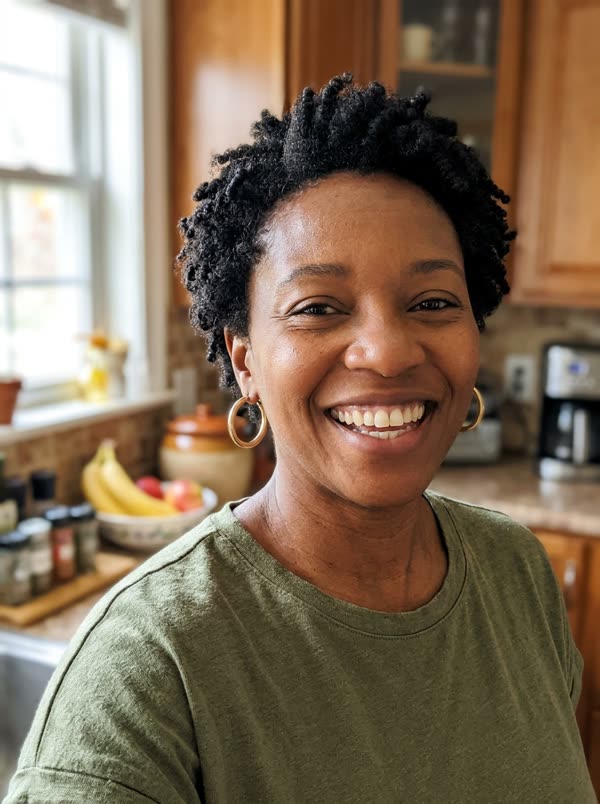 PhotoOffice Moonwalk
Photo tips
Which photos work best
The AI copies the face it can see. These are the photos that give the closest result, and the ones that usually go wrong.
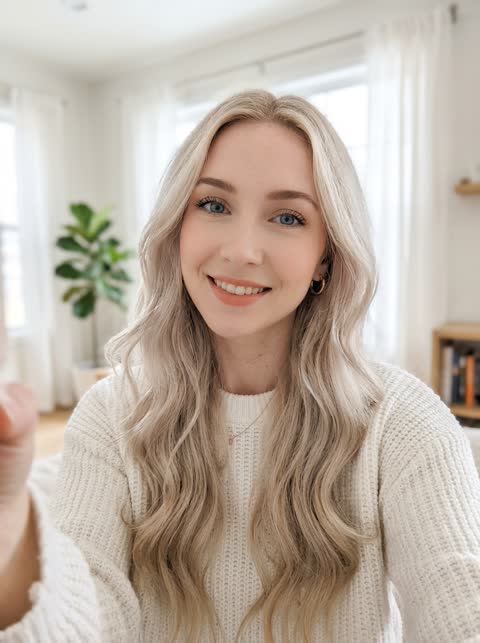 Works well
One person, facing the camera, even light
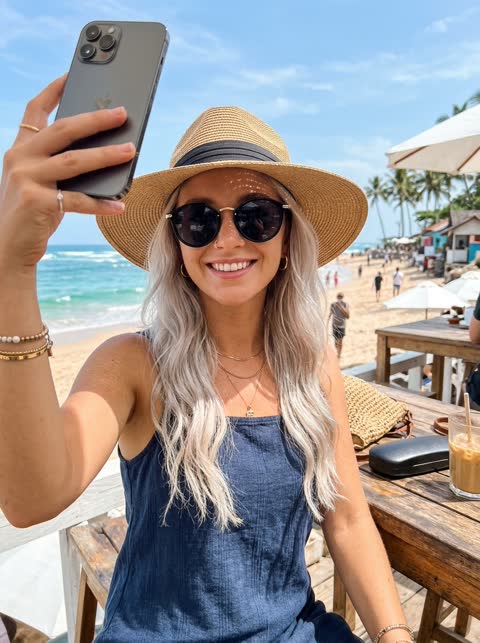 Avoid
AvoidSunglasses or a hat hide the face
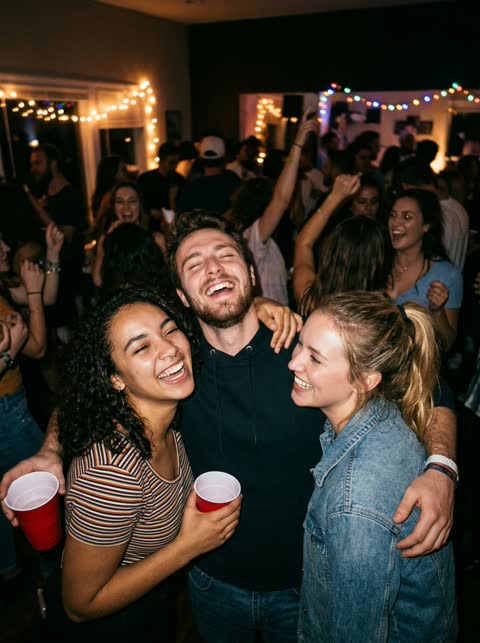 Avoid
AvoidGroup photos: it cannot tell which face to use
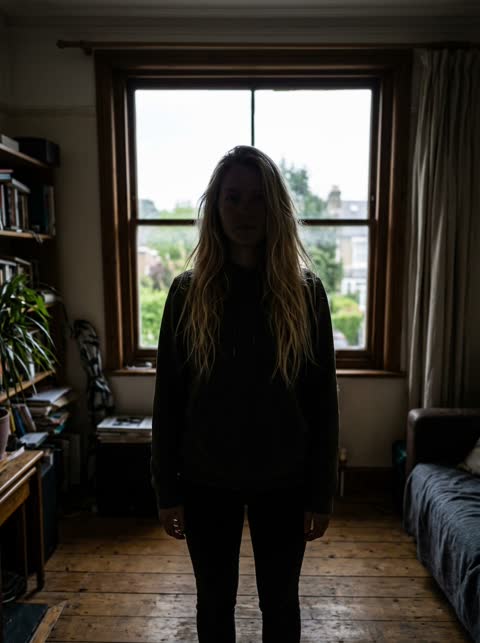 Avoid
AvoidBacklit or dark: the face is hard to read
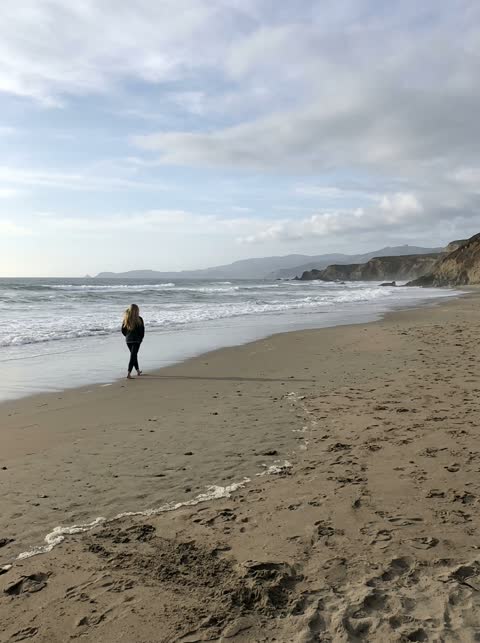 Avoid
AvoidToo far away: the face is too small
Questions, answered
Is the AI dance generator free?
No. Each render runs a video model for several minutes, so there are no free credits. One credit is one second of video, packs start at $4.99 and a failed render gives the credits back.
Can I make an old photo dance?
Yes, if the person in it is an adult and agreed, or it is you. A sharp, well-lit photo works much better than a small scan; a recent photo looks more like you today.
Can two people dance in one video?
Not yet. Each template has one dancer, so use a photo with one person in it. Group photos make the result less like anyone.
Does the video have sound?
Yes. Every dance comes with its own track, so the downloaded MP4 is ready to post.
How long does it take?
Usually 5 to 10 minutes. Longer clips and busy times can take a bit more. You do not have to keep the page open.