Goodbye GTA 5 AI Video
Upload a photo and star in the Goodbye GTA 5 trend: three old friends see you off on a sunset pier, and you drive away in a pink sports car. 30 or 10 seconds, 1–2 people.
- 1–2 photos
- 10 s / 30 s
- One video from $4.99
- 720p MP4, piano music included (Satie, public domain), no watermark
- Credits back if it fails
Create your video
1Your photos
One photo swaps in one subject. Add up to 2 photos to replace every role in the clip. You can pick them all at once.
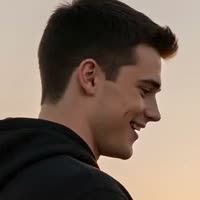 Replaces: You, black hoodie
 Replaces: Friend, green work shirtOptional
Best results: one person or pet, facing the camera, even lighting, head and chest visible. Avoid sunglasses, masks, heavy filters and long screenshots.
2Length
Template: our own AI-made goodbye scene, no game footage. Music: Satie, "Gymnopédie No. 1", piano by Robin Alciatore (Musopen, public domain) · AI render · full 30 s, made in two parts and joined · two sample photos (she leaves, he is the friend), both AI-generated
Also called: GTA 5 goodbye · GTA 5 farewell · Goodbye GTA 5 AI trend · GTA 5 goodbye AI video · GTA 5 goodbye video · Goodbye GTA 5 hello GTA 6 · Farewell Los Santos
The Goodbye GTA 5 trend is a wave of TikTok videos saying farewell to Grand Theft Auto V, posted in the week before GTA 6 came out on 19 November 2026. The AI version that took off is a short goodbye scene on a pier at sunset: three older men who look like GTA 5's three leads give "you" a game and the car keys, shake your hand, you hold back tears, and you drive away in a pink sports car down the beach road.
Goodbye GTA 5 AI is our own AI-made take on that scene, with your face in it. Upload one photo and you're the one leaving, in every shot. Add a second photo and your friend becomes the one who hands you the keys. The full 30 seconds costs 15 credits, and the 10-second cut with the teary close-up and the drive-off costs 5.
What is the Goodbye GTA 5 trend?
The Goodbye GTA 5 trend is players saying goodbye to GTA 5 and its city, Los Santos, before moving on to GTA 6. GTA 5 came out in September 2013, so for a lot of people that's 13 years with the same game, the same three main characters and the same city. GTA 6 came out on 19 November 2026, on PS5 and Xbox Series X|S, after Rockstar moved it twice.
It started with edits: game clips cut to sad music. On 10 November 2026, @alexander__lyrics posted "GOOD BYE LOS SANTOS" over "See You Again", and it passed 2 million plays. Then the AI versions came, and those are what people now mean by the Goodbye GTA 5 AI trend: made-up scenes where the three leads see you off, as if you were leaving Los Santos for good.
It moved fast. In our TikTok check on 19 November 2026, 26 different creators had posted 29 AI versions in the past 24 hours, with 829,000 plays between them. Over the past 7 days, 50 of the 54 posts we found were AI versions, 35 used a CapCut template, and 35 were "how to do it" tutorials. Together they had 8.74 million plays.
Goodbye GTA 5 trend timeline
September 2013: GTA 5 comes out, set in Los Santos, with three playable leads.
November 2025: Rockstar delays GTA 6 to 19 November 2026, the second delay.
6 November 2026: Atherton puts out a song called "Goodbye, GTA V". The TikTok post announcing it, by @ather.t0n, had about 683,000 plays by 19 November.
10 November 2026: @alexander__lyrics posts "GOOD BYE LOS SANTOS" with "See You Again" (about 2 million plays).
12 November 2026: the first AI goodbyes on a pier. @uekan2b posts "13年間、ありがとう。" ("thank you for 13 years"), where the three leads meet a kid on a pier in 2013 and the same person, grown up, in 2026. By 19 November it had 5.7 million plays and 782,000 likes. The same day, @mohamedelbiesy posts a pier goodbye where the young man gets a game case, shakes hands and drives off in a red pickup.
13 November 2026: @qordo_o posts a desert highway version, a young man driving a white convertible into the sunset (about 194,000 plays). Later that day, the sunset pier scene with the pink sports car is already on TikTok; the earliest copy we found is @cliptheory282's "Take Care Kid, The Keys have been handed over."
14 November 2026: CapCut goodbye templates start going around, and @lucidvicegta67 posts a 97-second AI short film of the three leads saying goodbye on a sunset pier (4.3 million plays).
16 November 2026: tutorials like @bella.moore54's "How to do the viral GTA 5 Goodbye AI trend!" open with the pier scene. @realconner posts a diner version with 4 million plays.
19 November 2026: GTA 6 comes out. We put this AI template up the same day.
Our Goodbye GTA 5 template, shot by shot
Our template is 30 seconds long, 16:9 landscape at 720p, in nine shots with hard cuts. It's golden hour on a long wooden pier, with the sea, palm trees and a Ferris wheel behind. There's no text on screen, no game footage and no logos.
0 to 3.8 seconds: wide shot on the pier. The man in the grey suit hands you a game case and shakes your hand. 3.8 to 6.4: close-up of the case in your hands, with a painted sunset on the cover. 6.4 to 10.4: the bearded man in the green work shirt dangles the car keys, drops them in your palm and shakes your hand. 10.4 to 15: from behind the pink sports car, the four of you stand at the railing and watch the sun go down.
15 to 17 seconds: the scruffy man in the old white T-shirt pulls you into a hug. 17 to 21.5: close-up of your face, eyes wet, a small nod, a wipe of the eye. 21.5 to 24.5: you sit behind the wheel of the pink sports car and put the game on the seat. 24.5 to 27.1: the three men watch the car drive away down the pier. 27.1 to 30: a high aerial shot of the car on the beach road at sunset.
The 10-second cut is the second half without the hug and the aerial shot: the teary close-up, the car, and the three of them watching you go. It's the part with your face biggest on screen.
Who plays which role
Photo 1 is you: the young man in the black hoodie, the one leaving. Your face goes into every shot he's in, from the front, from the side and from behind. Photo 2 is optional and goes to the bearded man in the green work shirt, the friend who hands you the car keys. The man in the grey suit and the man in the white T-shirt stay as they are.
The AI goes by the role, not by gender, so a woman can be the one leaving and a man the friend, or the other way around. Your face, skin tone and hair come from your photo. The clothes come from the template: you wear the black hoodie, your friend wears the green work shirt, though the top from your photo can show up in some shots.
The 10-second cut only swaps you. Your friend is only seen from behind and out of focus in that part, so if you upload two photos, pick the full 30 seconds.
What we saw in our 720p tests on 19 November 2026: a woman's photo as the one leaving and an older man's photo as the friend, full 30 seconds, came out with both faces right in every shot, from behind at the railing and at the wheel too, and you can't see the join at 15 seconds. One man's photo, full 30 seconds: his face right all the way through, but in the first half he kept the grey hoodie from his photo, so his top changes at the hug, and one cut turned into a short fade. One woman's photo, 10 seconds: her face in the close-up and in the car. In our 480p tests a woman as the friend also worked, after we fixed the friend's face going back to a stranger in the background of the hug. If a render fails, the credits go back to your balance.
Why our three men aren't the game's characters
The viral pier clip uses AI faces made to look like GTA 5's leads, and game cases with the real logos. We can't sell a template built on someone else's characters and trademarks, so we made our own scene from scratch with AI: three original characters, a game case with a painted sunset and no words, and a pink sports car with no badge.
The nod to the game is in the look, not the faces: a man in a grey suit, a man in a green work shirt over long sleeves, and a scruffy man in an old white T-shirt, on a sunset pier in a Southern California beach town. Anyone who has played GTA 5 gets it.
TrendTemplate is not affiliated with or endorsed by Rockstar Games or Take-Two Interactive. Grand Theft Auto, GTA and Los Santos are trademarks of Take-Two Interactive. Our template is an AI-made scene with our own characters, not game footage, and it has no game logos in it.
How people do the Goodbye GTA 5 trend
Most people put themselves in the scene as the one leaving, on the day they finally move on to GTA 6. Others put in the friend they played GTA Online with for years, or make it as a gift for a brother or a partner who has played since 2013.
On TikTok you'll see several versions of the same idea: the sunset pier with the pink car, a kid on the pier in 2013 who's grown up in 2026, a drive down a desert highway, a goodbye in a diner. Ours is the sunset pier with the pink car, the one many tutorials open with.
Posts usually come with a caption like "13 years" or "thank you for everything", and tags like #gta5 and #gta6.
Picking your photo
Use a clear, front-facing photo with even light, from the chest up. The teary close-up shows your whole face big on screen, so a sharp photo matters most there.
Any expression is fine. Your face follows the scene, so it smiles on the pier and gets teary in the close-up, whatever your photo shows.
Skip sunglasses, hats that hide your hair, heavy filters and group shots. Only use photos of yourself and of adults who said yes. Photos of kids, celebrities and public figures aren't allowed.
Price, length and how long it takes
The 10-second cut costs 5 credits, and the Try pack (USD 4.99) covers it. The full 30 seconds costs 15 credits, the Single pack (USD 9.99).
Our video model makes at most 15 seconds at a time with a reference clip, so the full 30 seconds is made in two 15-second parts and joined at the cut at 15 seconds, where the hug starts. The music goes back on over the whole thing afterwards, so there's no jump in the sound.
Both come out at 720p. Because it's made at 720p, the full video takes about 15 to 25 minutes and the 10-second cut about 7 to 12. You can close the page: it shows up in My videos and we email you. If a render fails, your credits come back automatically.
The music: Satie's "Gymnopédie No. 1" on piano
The viral pier clip comes with its own slow piano score and two short spoken lines, "Take care, kid" and "Thanks". A lot of goodbye edits use "See You Again" by Wiz Khalifa featuring Charlie Puth instead. Both are someone else's recordings, so we can't put them in a template we sell.
So our template plays slow solo piano too: Erik Satie's "Gymnopédie No. 1", published in 1888 and one of his best-known pieces, marked "lent et douloureux", slow and sorrowful. The recording is by pianist Robin Alciatore, released by Musopen as public domain, and we got it from Wikimedia Commons.
In the full 30 seconds the quiet opening chords play over the pier, and the tune comes in at 10.4 seconds, right as the four of you watch the sun go down at the railing; it fades out over the aerial shot. The 10-second cut starts on the tune. There are no words in it, so it doesn't clash with a song or a voiceover you add.
Our template vs a CapCut template vs other AI sites
CapCut templates are how most TikTok posts of this trend are made: you open the template in the CapCut app and drop in your photo. Pick one if you already use CapCut and want the exact clip from TikTok.
Other AI video sites have added this trend too, built on the viral clip itself. Ours is a different scene: our own characters, no game logos, the full 30 seconds with music, a slot for a second person, and nothing to install, in your phone's browser.
Posting your Goodbye GTA 5 video
You download a 16:9 MP4 at 720p with music on it. On TikTok, Reels and Shorts it plays with bars above and below, like the original clips, and it plays fine in WhatsApp and group chats.
Want "See You Again" on it, like the TikTok goodbye edits? Add it in TikTok, which has the license for its own music library: upload your video, tap Add sound, search "See You Again" (Wiz Khalifa featuring Charlie Puth) and pick it. Then open Volume and turn the original sound down or off, so our piano doesn't play under the song. Atherton's "Goodbye, GTA V" works the same way.
We don't put those songs in the file you download: they're other people's recordings, and TikTok's license covers posts on TikTok, not our videos. On Instagram Reels or YouTube Shorts, pick the song from that app's music the same way.
If you post it, say it's AI. Our player and share pages already mark it as AI-generated.
How much does a Goodbye GTA 5 video cost?
A 10-second Goodbye GTA 5 video costs 5 credits. The cheapest way to make one is the Try pack: $4.99 for 5 credits.
| Length | Credits | Cheapest pack that covers it |
|---|---|---|
| 10 s | 5 | Try · $4.99 (5 credits) |
| 30 s | 15 | Single · $9.99 (15 credits) |
No subscription. Credits never expire, and a failed render gives your credits back automatically.
Photo tips
Which photos work best
The AI copies the face it can see. These are the photos that give the closest result, and the ones that usually go wrong.
 Works well
One person, facing the camera, even light
 Avoid
Sunglasses or a hat hide the face
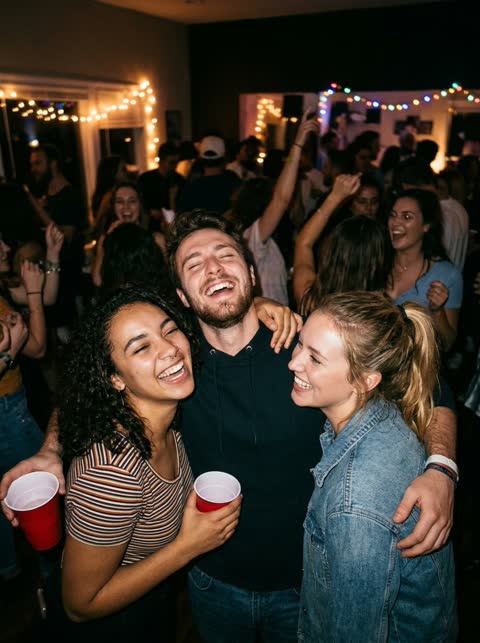 Avoid
Group photos: it cannot tell which face to use
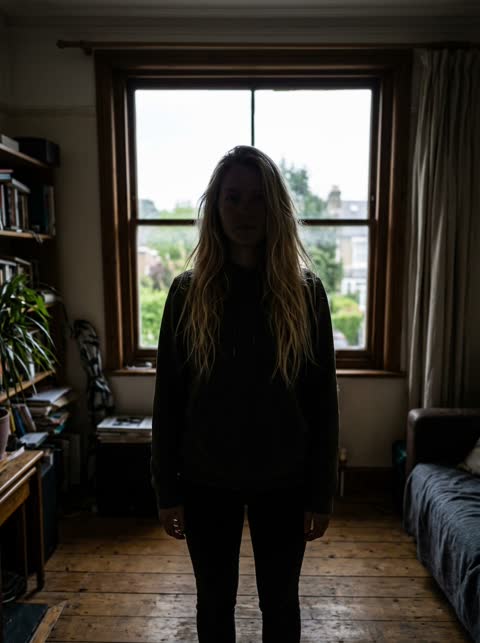 Avoid
Backlit or dark: the face is hard to read
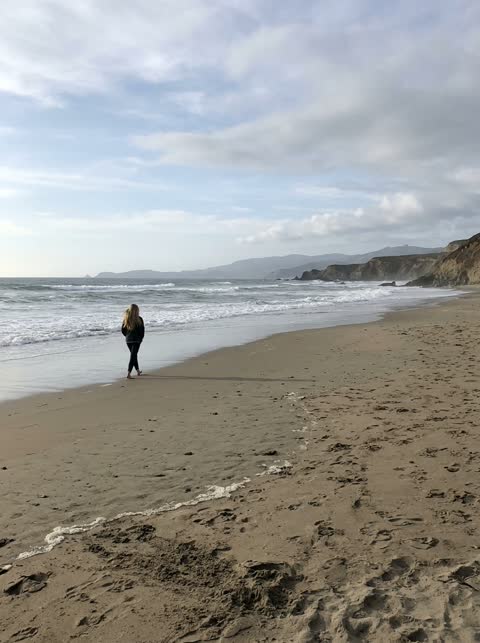 Avoid
Too far away: the face is too small
Sample results
One photo in, one video out

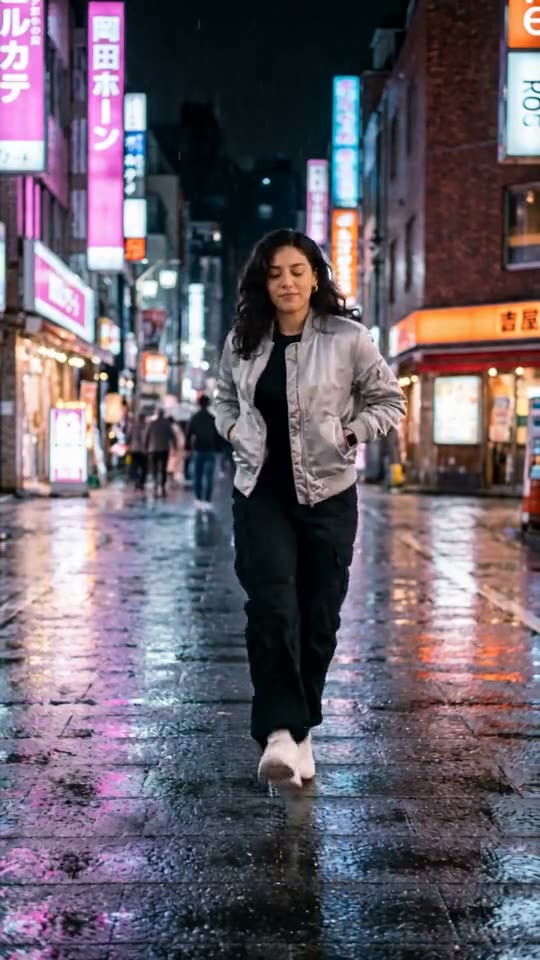
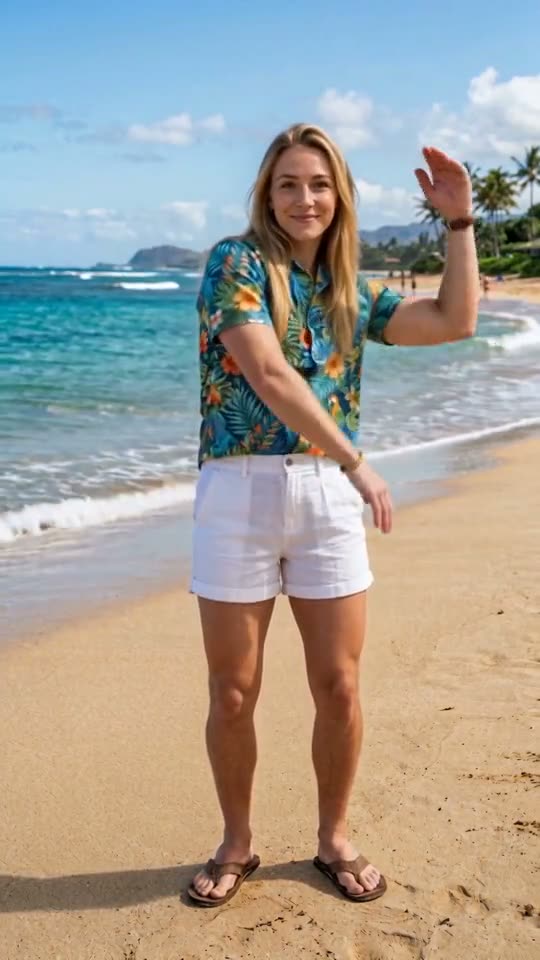
 PhotoGoodbye GTA 5PhotoGoodbye GTA 5
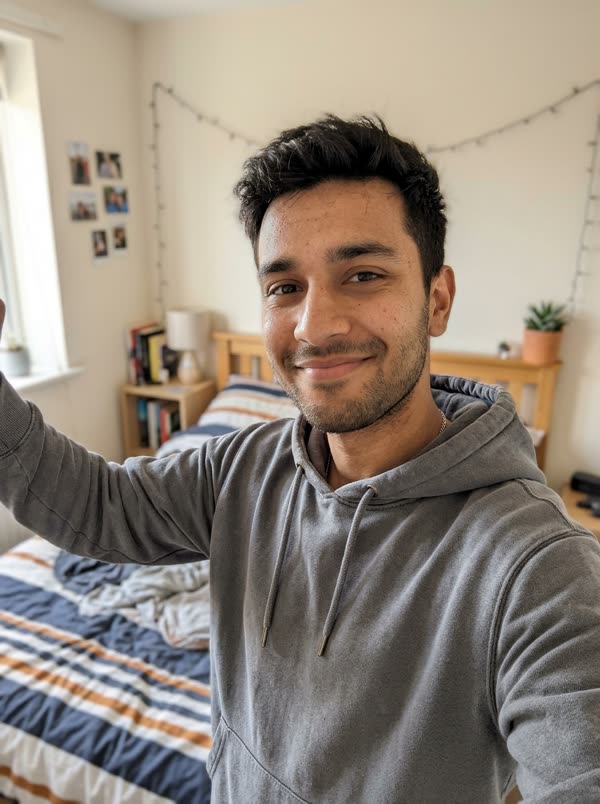 PhotoGoodbye GTA 5
Questions, answered
How do I make the Goodbye GTA 5 AI video?
Upload one clear photo of your face on this page (and a second one for a friend if you want), pick the 10-second cut or the full 30 seconds and press generate. You get an MP4 of you saying goodbye on the sunset pier and driving off in the pink sports car. No app, no prompt, nothing to edit.
Is there a free Goodbye GTA 5 AI generator?
Not here: every render costs real GPU time. The cheapest is the 10-second cut for 5 credits, which the USD 4.99 Try pack covers. Failed renders are refunded automatically.
Can I make the GTA 5 goodbye video with a friend?
Yes. Upload two photos and pick the full 30 seconds: photo 1 is you, the one leaving, and photo 2 is your friend in the green work shirt who hands you the car keys.
Do I need CapCut?
No. It all runs in the browser on this page. CapCut templates are a different way to do the trend, inside the CapCut app.
Are those the real GTA 5 characters?
No. Our three men are our own AI-made characters, dressed in a nod to the game's look. There are no game characters, game footage or logos in the template.
What song is in the Goodbye GTA 5 video?
Ours plays Erik Satie's "Gymnopédie No. 1" on solo piano, a public domain recording. Many goodbye edits on TikTok use "See You Again" by Wiz Khalifa featuring Charlie Puth, and Atherton released a song called "Goodbye, GTA V" on 6 November 2026. You can add either in TikTok when you post.
How do I put "See You Again" on my Goodbye GTA 5 video?
Add it in TikTok when you post: tap Add sound, search "See You Again", pick it, then turn the original sound down or off under Volume. TikTok has the license for its own music; we can't put the song in your file.
Whose photos can I use?
Yours and those of adults who said yes, like the friend you played GTA with. Photos of kids, celebrities or public figures are not allowed. Videos are marked as AI-generated on our player and share pages; say it is AI when you post.
Is this made by Rockstar?
TrendTemplate is not affiliated with or endorsed by Rockstar Games or Take-Two Interactive. Grand Theft Auto, GTA and Los Santos are trademarks of Take-Two Interactive. Our template is an AI-made scene with our own characters, not game footage, and it has no game logos in it.
Guides and tips
- How to Make the Goodbye GTA 5 AI Video (No CapCut)How to make the Goodbye GTA 5 AI video from one photo: which photo, adding a friend, 10 or 30 seconds, wait time, and what to check before you post.
- Goodbye GTA 5 Trend: Where It Started and WhenWhere the Goodbye GTA 5 trend came from: the farewell edits of 10 November 2026, the first AI pier goodbyes on 12 November, and how CapCut templates spread it.
- What Is the Goodbye GTA 5 Song? See You Again and MoreThe Goodbye GTA 5 song: most farewell edits use "See You Again" by Wiz Khalifa ft. Charlie Puth; Atherton released "Goodbye, GTA V" on 6 Nov 2026.
More trending templates
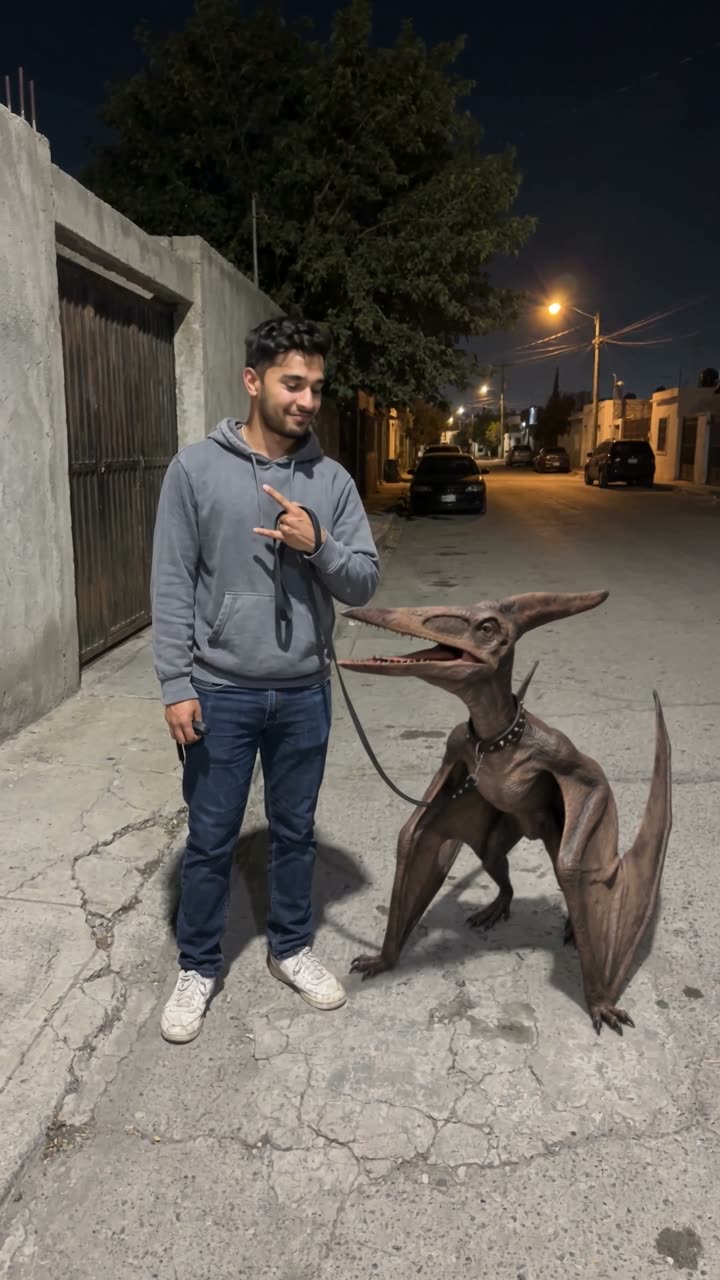 🔥 HotPterodactyl Juárez1 photo → you walk the Juárez pterodactyl on a leash like it's your pet · 10s
 No I Ain't Crazy YB1 photo → the family hugs you and fans cash in your face, "38 Baby" playing · 12s