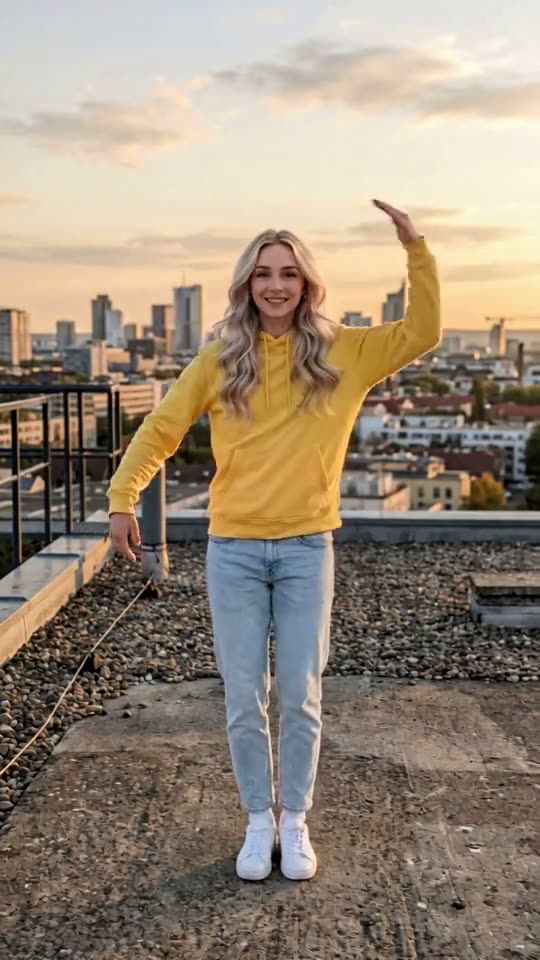
AI Christmas video generator
Pick a Christmas template, upload one to three photos and get a vertical video of you dancing in Christmas PJs, as Santa or as an elf, with music, in a few minutes.
Create your video
1Pick a template
2Your photos
One photo swaps in one subject. Add up to 2 photos to replace every role in the clip.
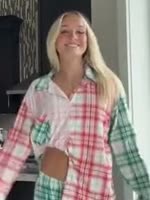 Replaces: Starts on the right
Who's in this photo?
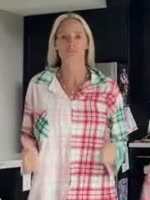 Replaces: Starts on the leftOptional
Who's in this photo?
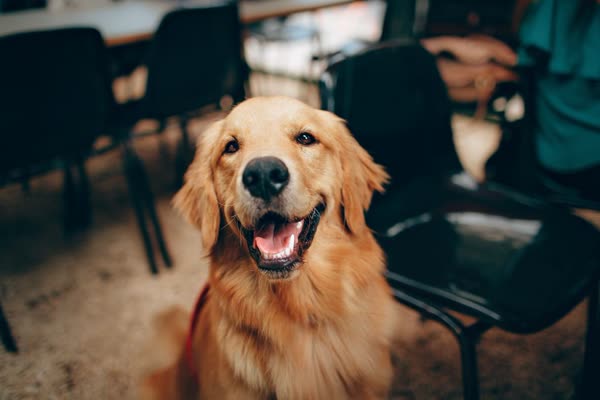
Person swaps in a face. Pet keeps your dog or cat an animal, in the same outfit and moves. Always pick Pet for animal photos, or the video may not come out right.
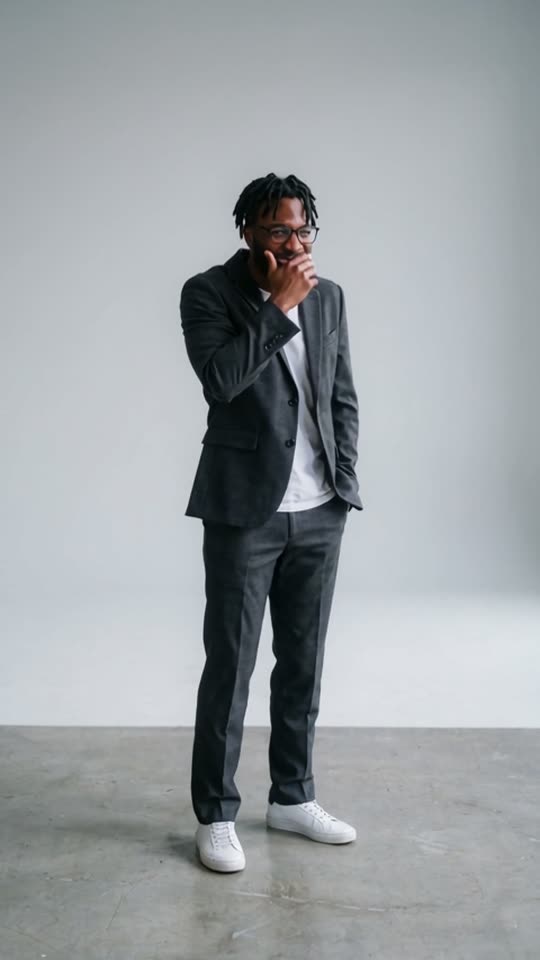
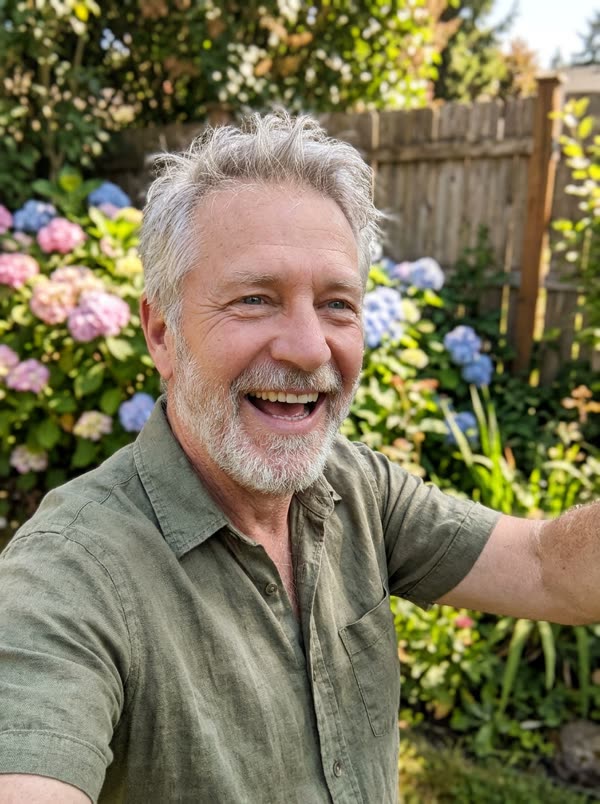
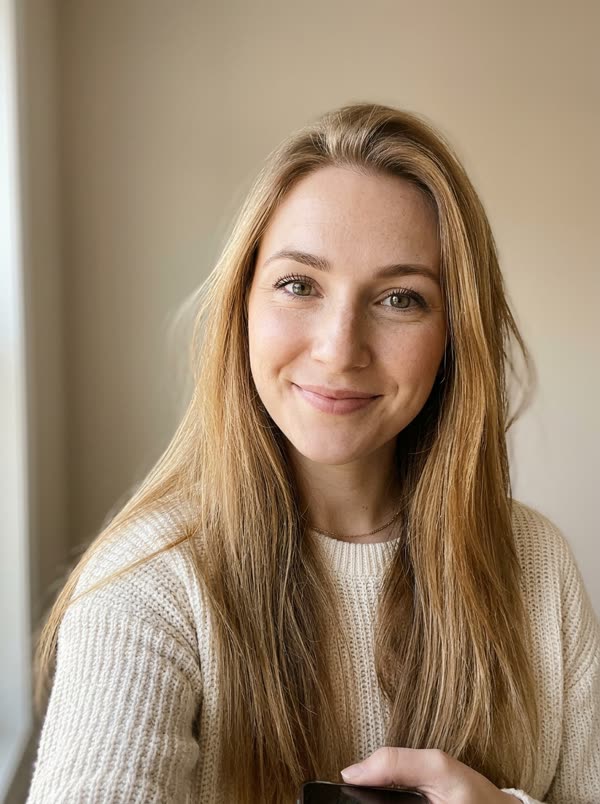
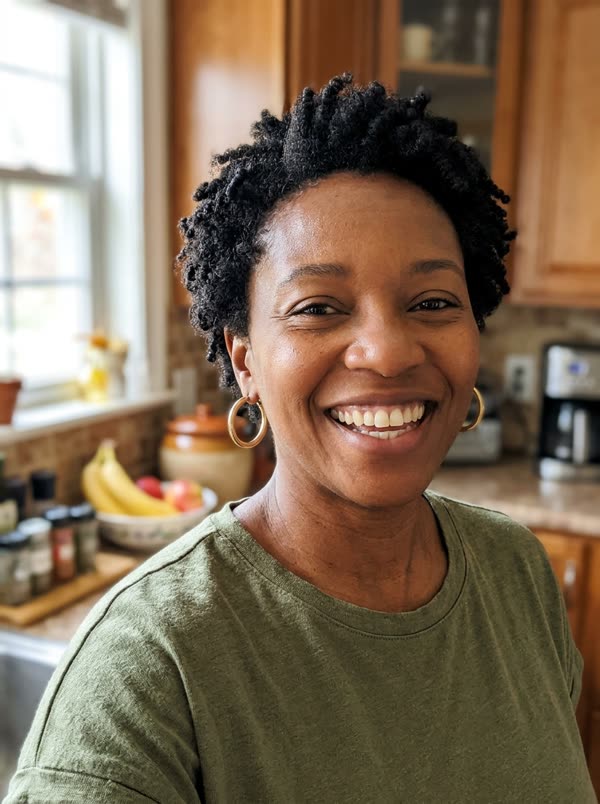
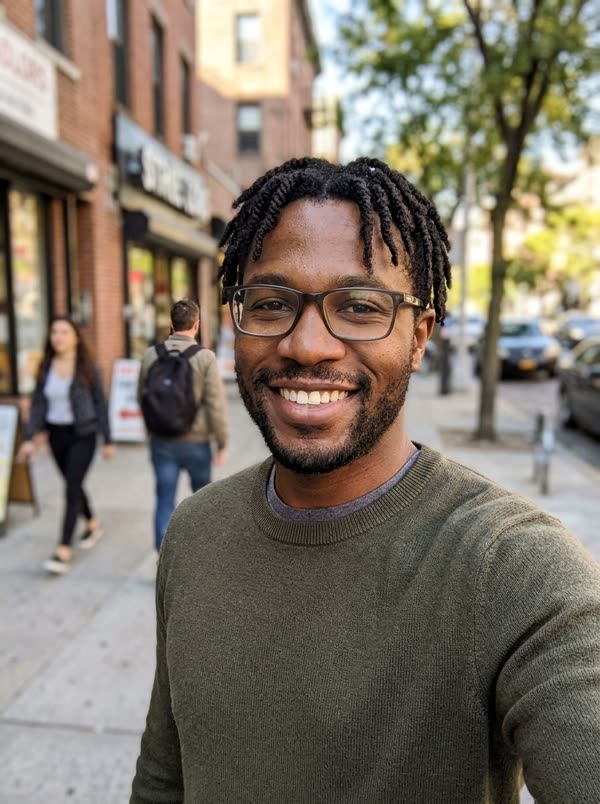
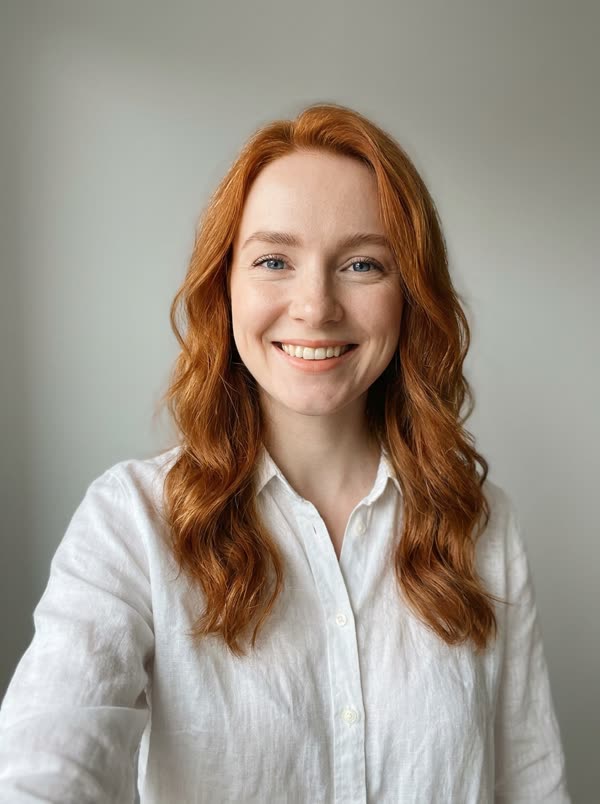
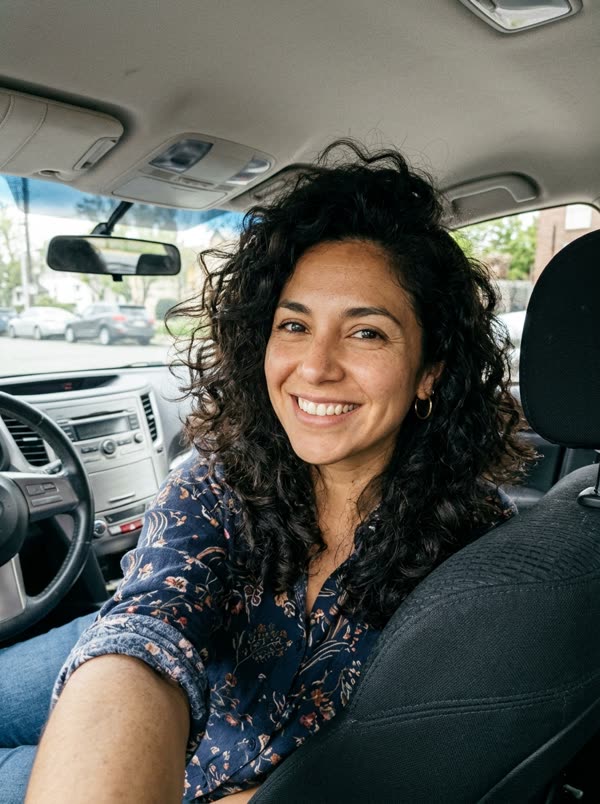
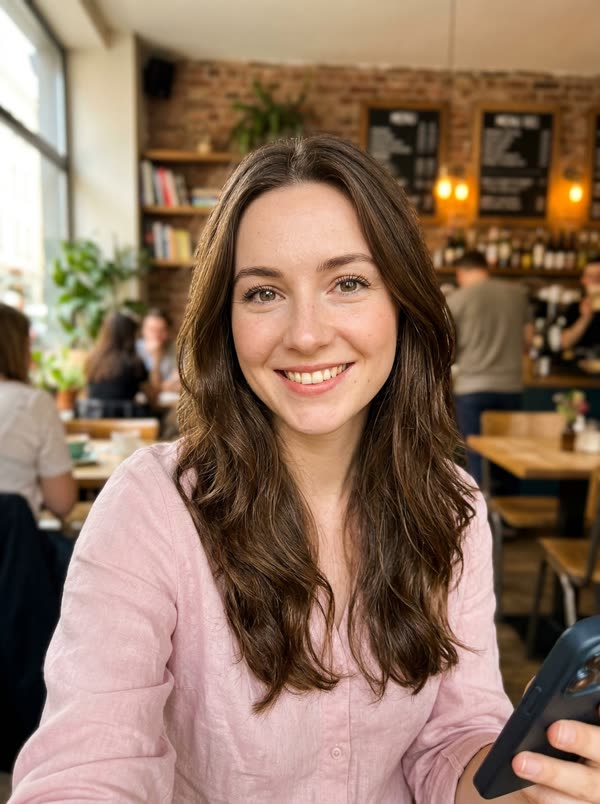
Best results: one person or pet, facing the camera, even lighting, head and chest visible. Avoid sunglasses, masks, heavy filters and long screenshots.
3Length
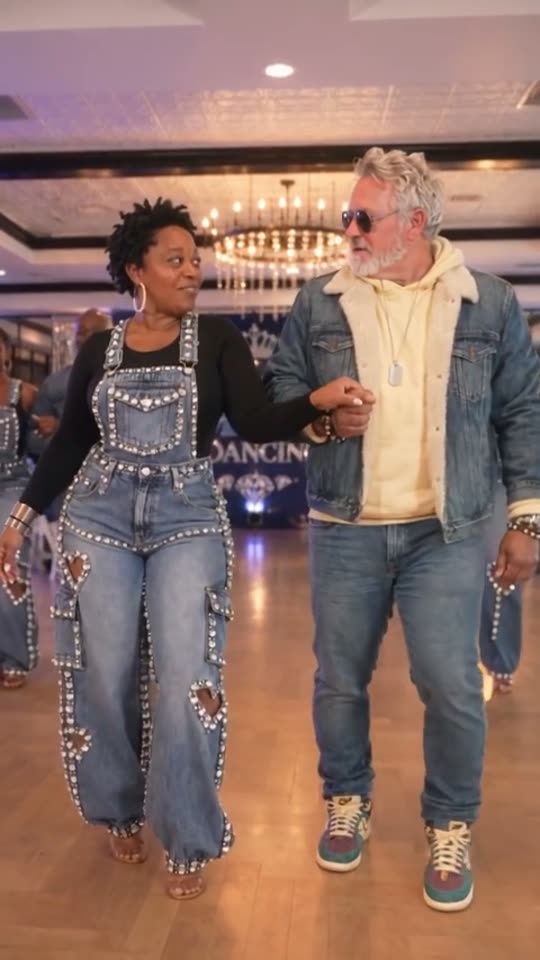
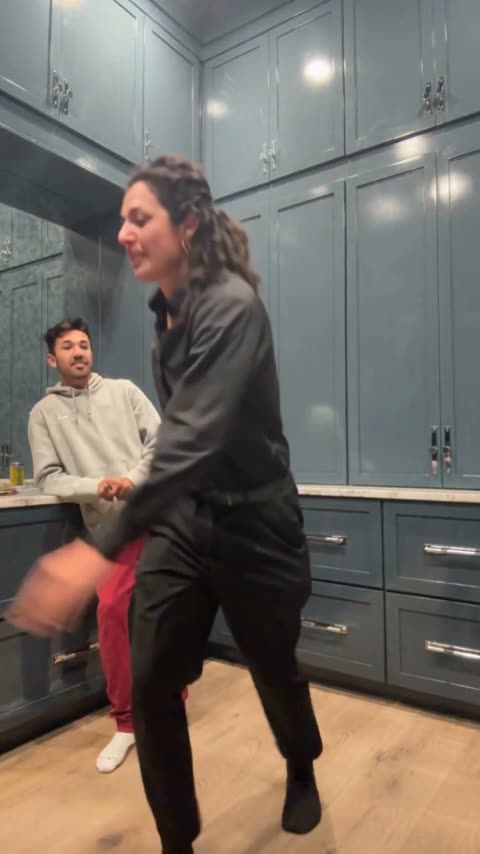
Christmas Pajama Dance · Reference clip: @everydaywithericksons on TikTok · original sound
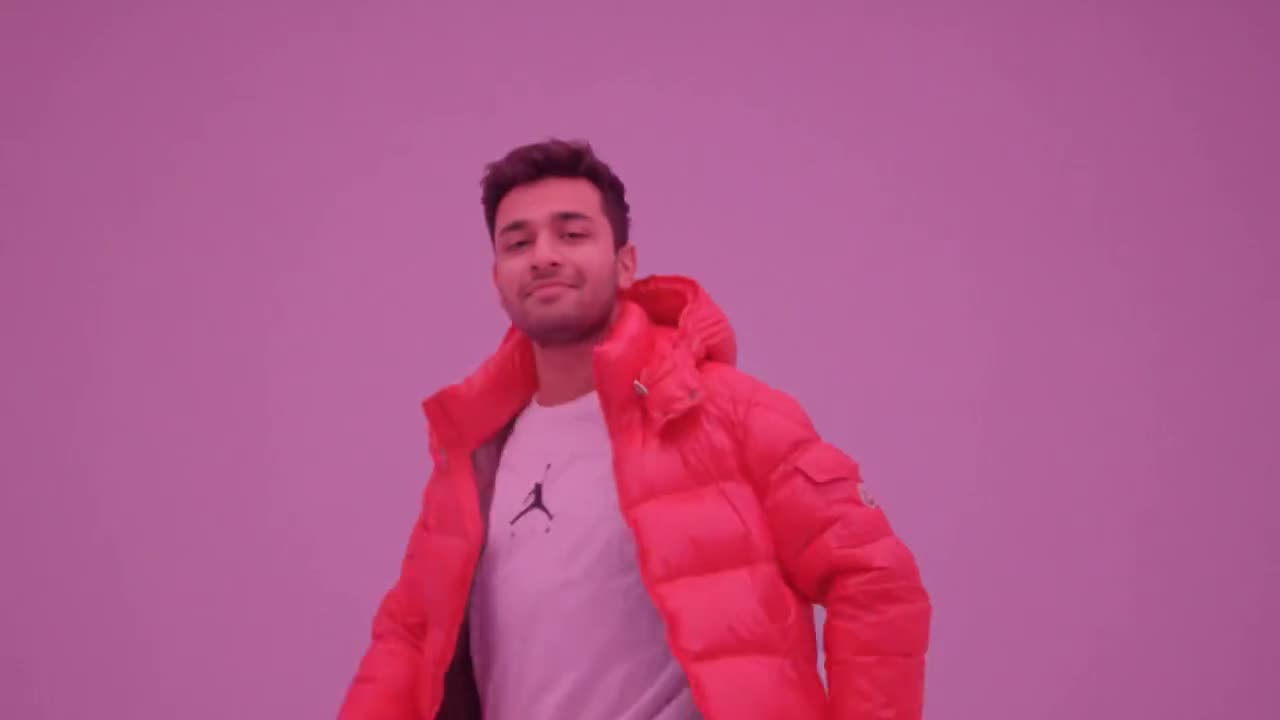
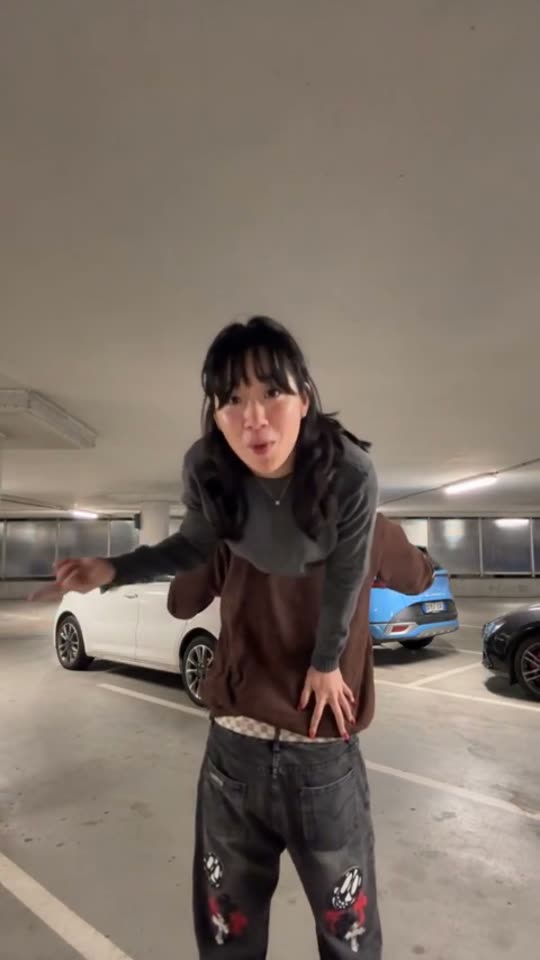
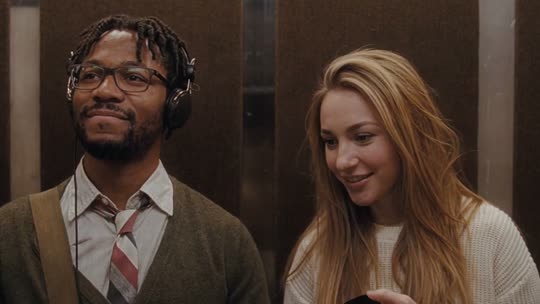
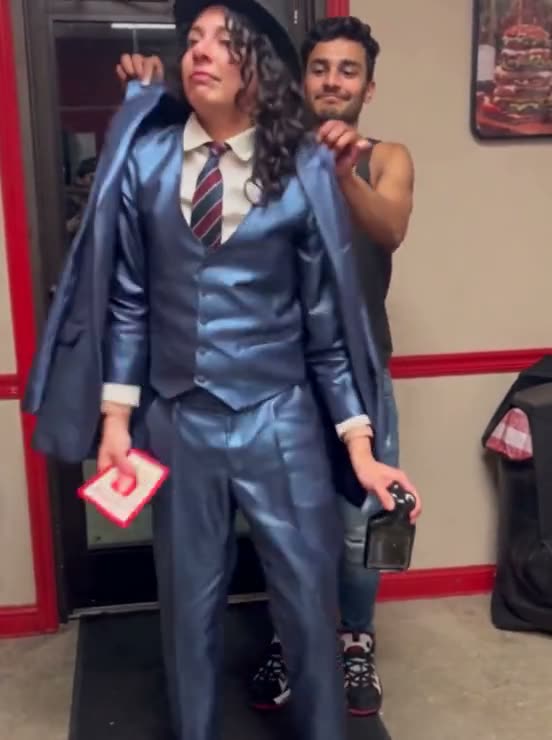
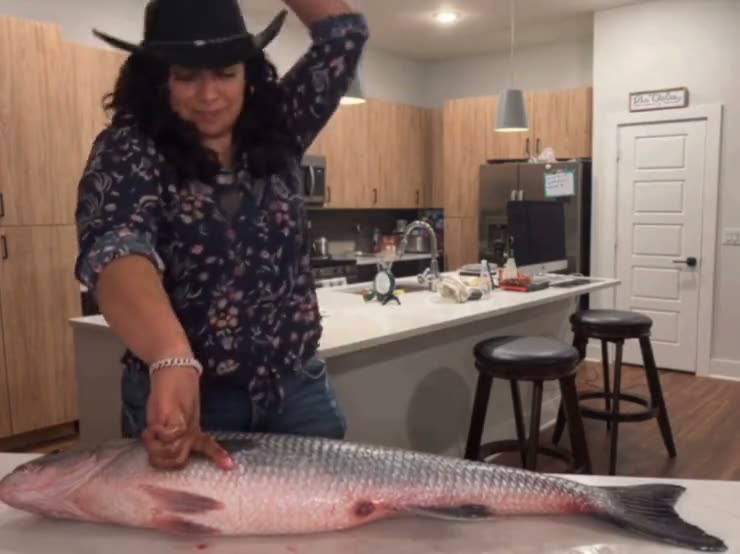
An AI Christmas video is a short holiday clip in which AI puts your own face, hair and skin tone on a dancing character, so it looks like you put on the costume and filmed it. People send them as video Christmas cards, in family group chats and as December posts.
This page has three Christmas templates. The Christmas pajama dance is the real TikTok clip that took off in November 2026, with its original sound: two people in matching plaid PJs in a white kitchen. The other two we made with AI, each with its own original music: a couple dance as Santa and Mrs. Claus in a snowy town square, and an elf dance for up to three people in a log cabin. Pick one above, or read how they differ below.
| Christmas pajama dance | Santa couple dance | Christmas elf dance | |
|---|---|---|---|
| People | 1 or 2 | 1 or 2 | 1 to 3 |
| Scene | Bright white kitchen with black cabinets, the real TikTok clip | Snowy town square at night, giant lit tree | Log cabin with a tree, fireplace and snow outside |
| Costumes | Matching pink and mint-green plaid pyjamas | Santa suit and Mrs. Claus dress, no fake beards | Green velvet elf suits, striped tights, curly shoes |
| Moves | Hip sways, arm rolls, a kick, a full spin, fist pumps | Sway, close-up, twirl, the twist, back to back, big finish | Kicks, spin, hands up, claps, jump, point at the camera |
| Lengths | 7 s for 5 credits, 14 s for 15 credits | 7 s for 5 credits, 15 s for 15 credits | 7 s for 5 credits, 15 s for 15 credits |
| Best for | Moms and daughters, sisters, best friends | Couples, best friends, parents | Families, roommates, groups of three |
What counts as an AI Christmas video
There are two common kinds. AI Christmas photos turn a picture into a festive portrait; in December 2025 that trend spread on social media with images made in Google Gemini and ChatGPT. AI Christmas videos go one step further: your face goes on a whole body that moves, here a dance with music.
The idea of putting your face on a dancing Christmas character is older than AI. ElfYourself, launched by OfficeMax in December 2006, pasted cut-out faces on cartoon elves and had about 36 million visits in its first season. AI video renders the face in every frame instead, so it turns, smiles and stays on through a spin.
How to make one
1. Pick the Christmas pajama dance, the Santa couple dance or the Christmas elf dance in the generator at the top.
2. Upload a clear, front-facing photo for each person: up to two for the pajama dance and Santa, up to three for the elves. Photo 1 takes the main role; roles follow the upload order, not gender.
3. Choose 7 seconds or the full version and press Generate. Most videos are ready in 8 to 15 minutes, since they are made in 720p, and you can close the page while it runs.
4. Download the vertical MP4 with the music already on it.
What you need
One chest-up photo per person, face toward the camera, even light, no sunglasses. You do not need Christmas photos; the costumes, the scene and the music come from the template.
Only use photos of yourself and of adults who agreed. Photos of children, celebrities and public figures are not allowed, and every video is marked as AI-generated on our player and share page.
Ideas
A video Christmas card for relatives who live far away. Your parents as Santa and Mrs. Claus in the family chat. The three roommates as elves. A team holiday message with coworkers who agreed to be in it. A post on 1 December or on Christmas Eve.
Price
There is no subscription and no app. Credit packs start at $4.99, and the 7-second version of every template costs 5 credits, so the smallest pack covers one video. If a render fails, the credits go back automatically.
Sample results
One photo in, one video out
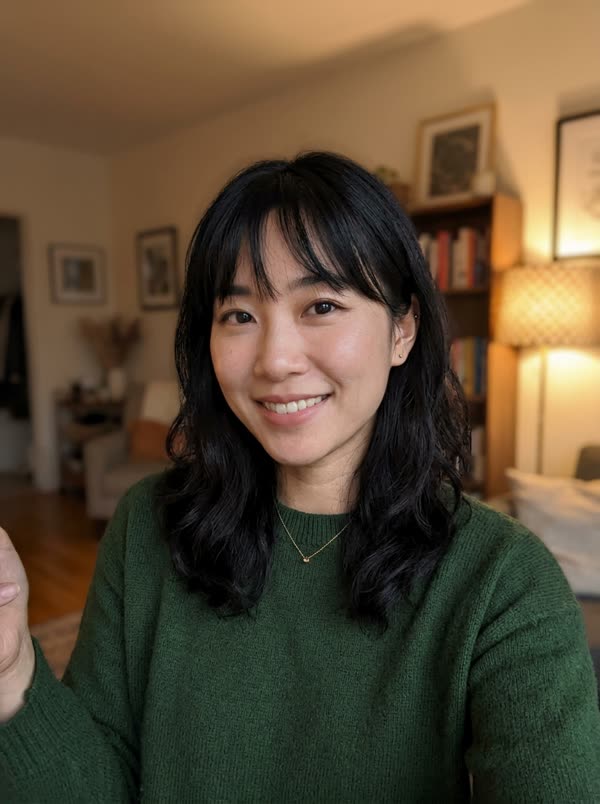
 PhotoChristmas Pajama Dance
 PhotoChristmas Pajama Dance
 PhotoChristmas Pajama Dance
 PhotoChristmas Pajama Dance
 PhotoSanta Couple Dance
 PhotoSanta Couple DancePhotoSanta Couple DancePhotoSanta Couple Dance
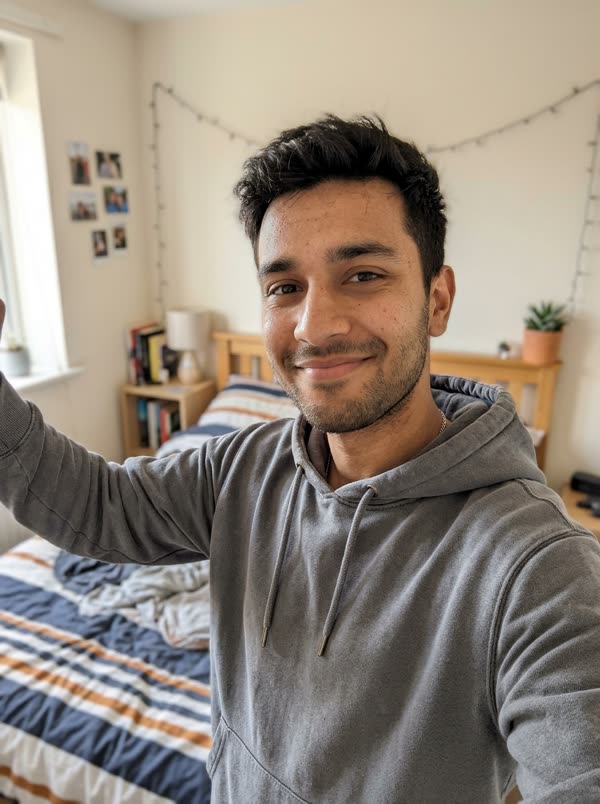
 PhotoSanta Couple Dance
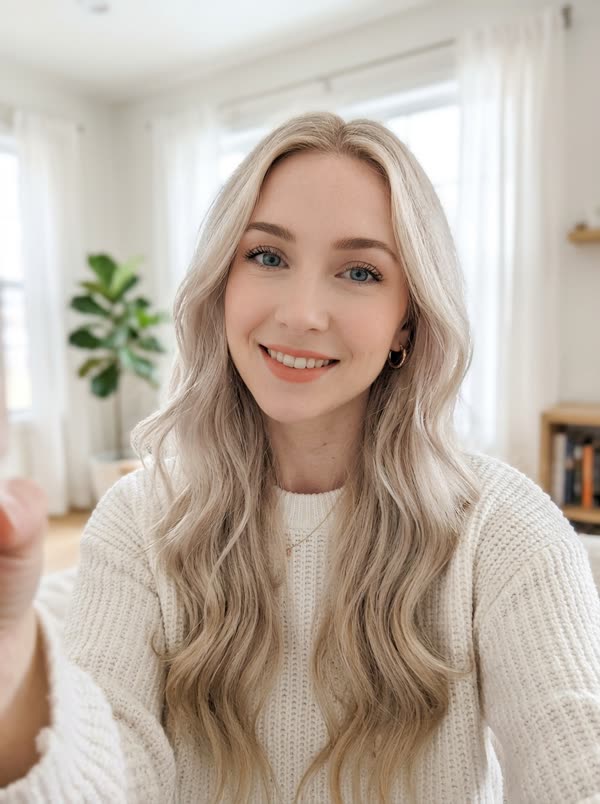
 PhotoElf Dance
 PhotoElf DancePhotoElf DancePhotoElf Dance
Photo tips
Which photos work best
The AI copies the face it can see. These are the photos that give the closest result, and the ones that usually go wrong.
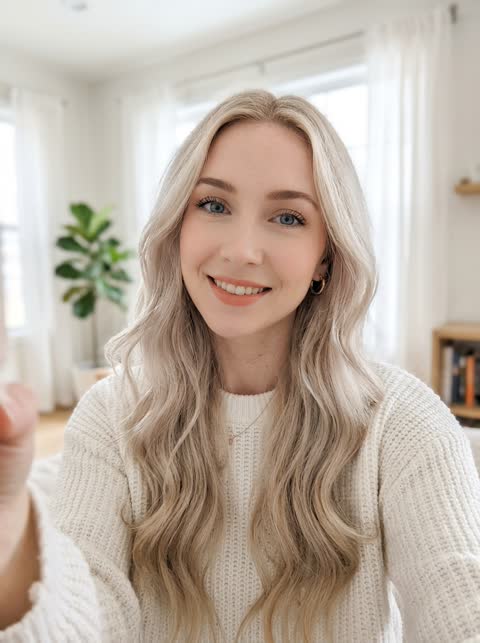 Works well
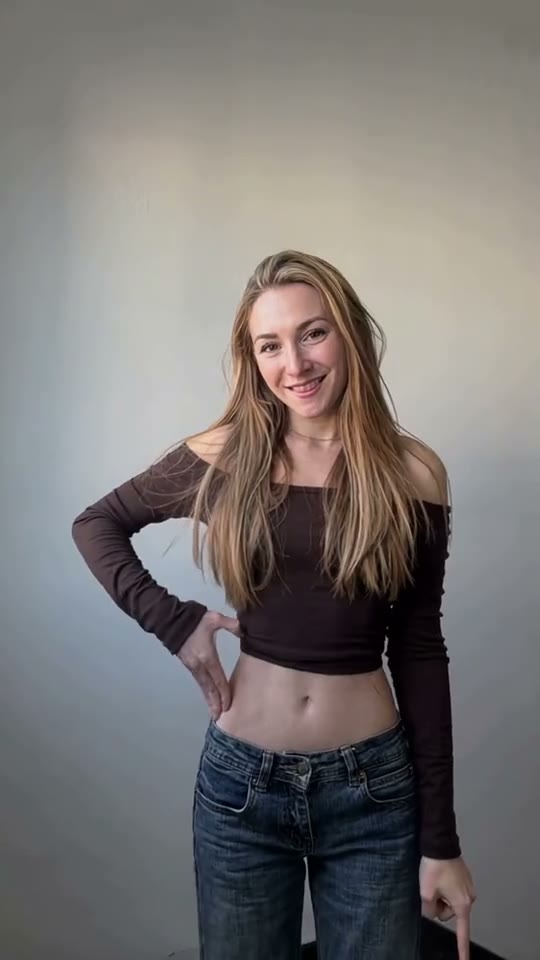
One person, facing the camera, even light
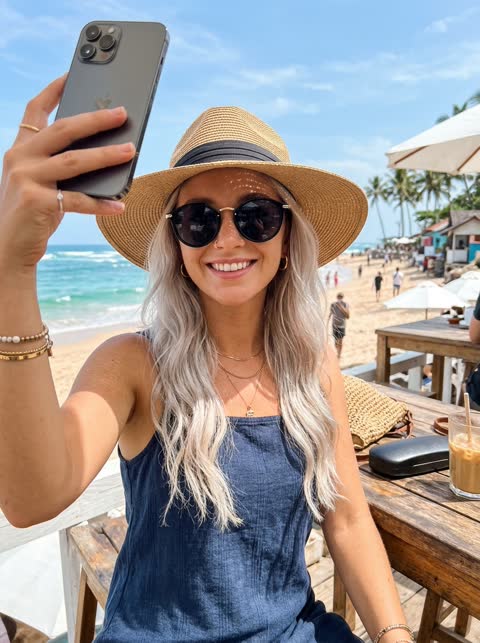 Avoid
Sunglasses or a hat hide the face
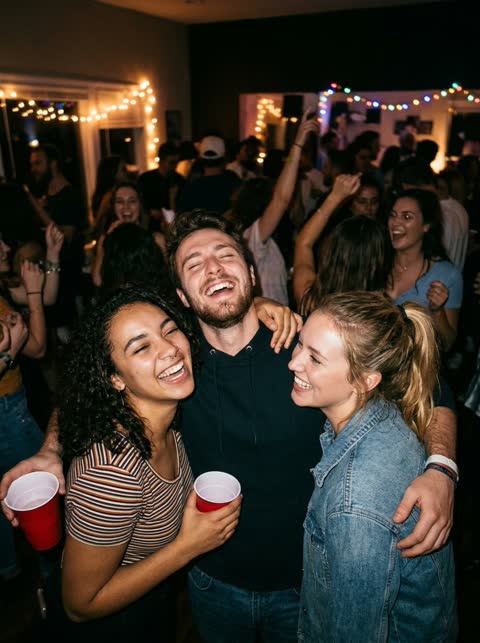 Avoid
Group photos: it cannot tell which face to use
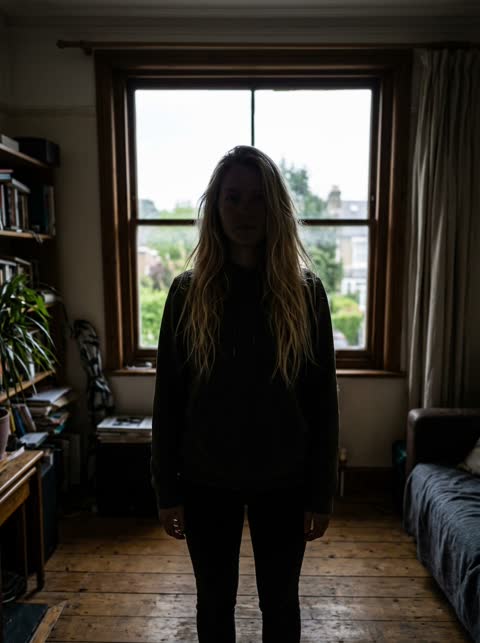 Avoid
Backlit or dark: the face is hard to read
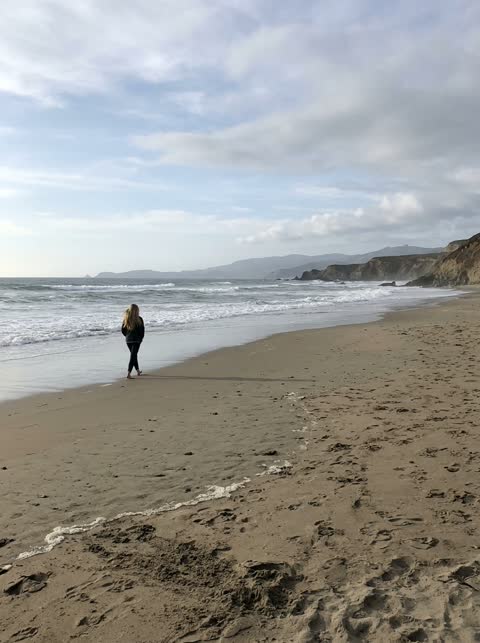 Avoid
Too far away: the face is too small
Questions, answered
How do I make an AI Christmas video of myself?
Pick a Christmas template above, upload a clear photo of your face, choose a length and press Generate. The video shows up in My videos a few minutes later.
Can I put my partner or family in it?
Yes. The pajama dance and the Santa couple dance take up to two photos and the elf dance up to three, one adult per photo.
Is there a free AI Christmas video?
Not here. Every video uses real GPU time, so there are no free credits. You can watch the samples before you pay.
Does it come with Christmas music?
Yes. The pajama dance keeps the original sound from the TikTok clip, and the Santa and elf dances each have their own original instrumental track. The music is already on the MP4.
Do I need an app?
No. It works in the browser on your phone or computer.