Santa Hug AI
Upload one photo and Santa Claus walks into a cozy Christmas living room, taps you on the shoulder and gives you a big warm hug. 7 or 12 seconds, with "We Wish You a Merry Christmas".
- 1 photo
- 7 s / 12 s
- One video from $4.99
- 720p MP4, original sound, no watermark
- Credits back if it fails
Create your video
1Your photo
Best results: one person or pet, facing the camera, even lighting, head and chest visible. Avoid sunglasses, masks, heavy filters and long screenshots.
2Length
Template: our own AI-made clip, no real footage. Music: "We Wish You a Merry Christmas", U.S. Air Force Band of Mid-America (public domain) · AI render · full 12 s · sample photo is AI-generated
Also called: Hug with Santa · AI Santa hug · Santa's warm hug · Santa Claus hug · Hugging Santa · Santa hug video
Santa Hug AI is a short AI Santa video made from one photo of you: Santa Claus walks up, taps you on the shoulder and gives you a big Christmas hug. It's an AI effect that video tools have offered since at least December 2024, not a viral TikTok dance. People send it to family, post it in December or keep it as a moving Christmas card.
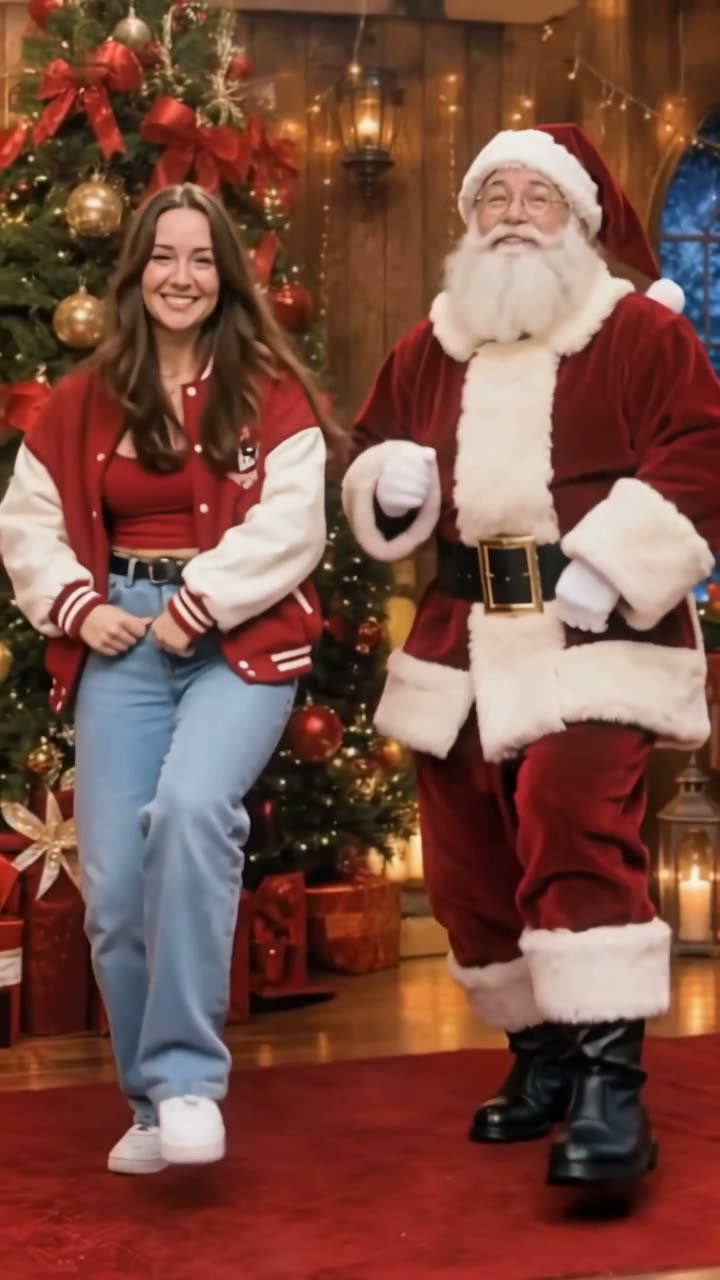
This Santa Hug is our own template, made with AI. There's no real footage in it, and it isn't a CapCut template. You upload one photo and take the place of the person by the tree, and Santa stays the same. The 7-second cut, where he walks in and hugs you, costs 5 credits. The full 12 seconds adds the sway, the let-go and a wave at the camera, and costs 15.
What is a Santa Hug AI video?
A Santa Hug AI video is a clip where Santa Claus comes into the frame and hugs the person from your photo. You don't film anything. The AI keeps your face and builds the rest: the room, Santa, the hug and the music.
The Santa hug effect has been around for a few holiday seasons. Pollo AI announced an "AI Santa Hug" template in December 2024, and its how-to page was online by January 2025. By the 2025 holidays, Flux1, Filmora, SeaArt, Dreamina and other AI video tools had their own Santa hug pages.
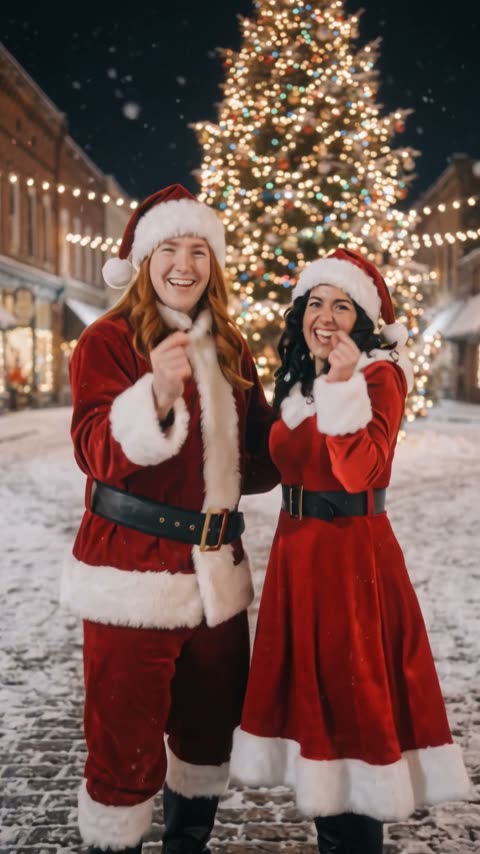
Most Santa hug videos follow the same idea. You stand in a Christmas living room with a lit tree and a fireplace, Santa walks in from the side, and the two of you hug and smile at the camera. Ours follows that idea too, shot as one continuous take.
The Santa Hug template, second by second
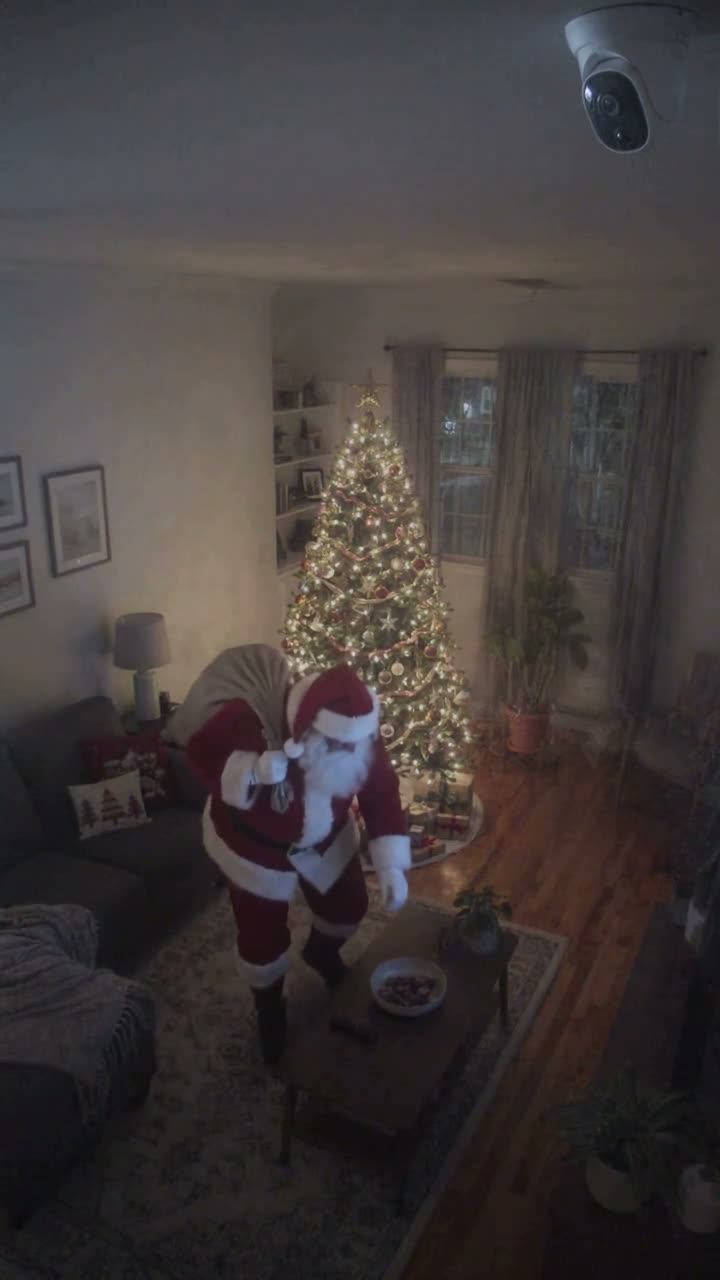
The Santa Hug template is one continuous shot with no cuts, 9:16 vertical at 720p. It's night in a Christmas living room. A big lit tree with gifts under it stands on the left, a brick fireplace with red stockings is on the right, and snow falls outside the tall windows. We went through it frame by frame on 18 November 2026:
0 to 0.5 seconds: you stand a little left of center in a cream cable-knit sweater and jeans, smiling at the camera.
0.5 to 1.5 seconds: Santa steps in from the right edge and taps you on the shoulder. He has a real white beard, a red velvet coat with white fur trim and a black belt.
1.5 to 3.5 seconds: you turn, see him and break into a surprised smile. You face each other and laugh, and he opens his arms.
3.5 to 9.5 seconds: a big bear hug. Your face rests on his shoulder, turned toward the camera, and you both sway gently to the music.
9.5 to 10.5 seconds: he lets go but keeps an arm around your shoulders, and you both turn to the camera.
10.5 to 12 seconds: Santa waves, then you wave too. The clip ends on the two of you waving.
The 7-second cut is seconds 0 to 7. It has the walk-in, the tap, the turn and the hug, and it stops a few seconds into the hug, with your face on his shoulder. The rest of the sway, the let-go and the wave are only in the full 12 seconds.
What comes from your photo and what comes from the clip
Your face and hair come from your photo. Everything else comes from our clip: the room, the tree, the snow, Santa and every move. Santa is a fixed AI character in the template, so you can't swap him for a friend or put your own face in the red suit.
Your clothes are meant to come from the clip too, so you'd wear the cream sweater and jeans. In practice your top may follow your photo, while the jeans and the room always come from the clip. In our tests, a man's grey hoodie from his photo came through instead of the sweater. A woman's pink top did not: she came out in the cream sweater.
In our tests on 17 November 2026, we ran a man's photo for the full 12 seconds and a woman's photo for the 7-second cut, both at 720p. Both faces stayed the person in the photo the whole way through: during the hug, with the face pressed against Santa's shoulder, and in the wave at the end. Santa stayed the template's Santa in both. If a render fails, the credits go back to your balance.
Santa Hug vs Selfie with Santa vs Self Hug Sketch
These three get mixed up because they all end in a hug. They're different templates made for different things.
Santa Hug, this page, is a full scene. You stand in a Christmas living room, Santa walks in from the side and hugs you, and you both wave at the end. You need one photo, and Santa is part of the template.
Selfie with Santa is a template on other sites, such as Jump on the Trend. It starts as a selfie: you're holding the phone, and Santa leans into your shot and hugs you. Pick that one if you want the phone-camera look.
Self Hug Sketch is the hug meme taking off in November 2026, and Santa isn't in it. You lean on a gray wall, and a huge pencil drawing of you on the wall hugs you from behind. The first one we found was posted by @charzkie7 on 1 November 2026, and by 14 November its CapCut template had passed 118,000 uses. Some people have already made a Christmas version where a pencil Santa hugs you from the wall.
Is Santa Hug a TikTok trend?
Not really, and we'd rather say so. In the 30 days before 17 November 2026 we could only confirm about 12 TikTok accounts posting AI Santa hug videos. The six CapCut templates called Santa hug that we found had between 1 and 33 uses each.
Santa Hug is a December idea, not a dance everyone copies. People look for a Christmas hug video to send to family or post around the holidays, and that's what this template is for.
Picking your photo
Use a clear photo of one person, facing the camera, with even light. A selfie or a waist-up photo works. Your face is small during the walk-in and pressed to Santa's shoulder during the hug, so the AI needs a sharp face to work from.
Skip sunglasses, hats that hide your hair, heavy filters, dark photos and group photos. If there are two people in the photo, the AI may not know who to use.
Use your own photo, or a photo of an adult who said yes. We don't accept photos of kids or famous people. It's a one-person template, so there's no spot for a second photo.
Price, length and how long it takes
The 7-second Santa Hug costs 5 credits, and the Try pack (USD 4.99) covers it. You get the walk-in, the tap and the start of the hug.
The full 12 seconds costs 15 credits, the Single pack (USD 9.99). It adds the sway, the let-go and the wave. Pick it if you want the video to have a proper ending.
Both come out at 720p. The 12-second video takes about 10 minutes and the 7-second one about 5, because it's made at 720p. You can close the page: the video shows up in My videos, and we email you when it's ready. If it fails, your credits come back automatically.
Posting and sending your Santa Hug video
You download a 9:16 vertical MP4 at 720p, with the music already on it. It fits TikTok, Instagram Reels and YouTube Shorts as is, and it plays fine in WhatsApp and family group chats.
Don't count on the "santa hug" tag on TikTok. On 17 November 2026, most of the top posts under it were fan edits of the Thai actor Santa Pongsapak, a Santa figurine that hugs a fridge handle, and mall Santas with kids. A plain caption like "Got my Christmas hug" works better.
Say it's AI when you post. Our player and share pages already mark it as AI-generated.
Our Santa Hug vs other Santa hug effects
Plenty of AI video tools have a Santa hug effect. Here's what their own pages said when we read them on 17 November 2026. Prices change, so check before you pay.
Flux1 AI has a Santa Claus hug effect for 12 credits. It takes one photo, works with one person or a group, and says a video takes 2 to 3 minutes. You describe the scene with a prompt, and its page warns it may make more than one Santa.
VdoBloom has no separate hug-Santa template. You write a prompt, and a 5-second 720p clip costs 10 credits, with credit packs from $10.39 for 200. Its free version adds a watermark, and it's for adults only. Dreamina, which is part of CapCut, gives you Santa hug prompts on its paid plans. Chroma Studio's Santa hug video takes one photo in three steps and gives free credits when you sign up.
If you want to write your own prompt, pick your own scene or put a whole group in, those tools fit better. Ours is one fixed scene with nothing to write: Santa walks in, hugs you and waves, with music on it. The 7-second cut is 5 credits and the full 12 seconds is 15.
The music: "We Wish You a Merry Christmas"
The music in the Santa Hug template is "We Wish You a Merry Christmas", recorded in 2020 by the U.S. Air Force Band of Mid-America (Starlifter and Roots in Blue). It's a U.S. government work, so it's in the public domain. We got it from Wikimedia Commons.
The template uses the first 12 seconds of that recording, and the 7-second cut uses the first 7. There are no voices or sound effects on top. If you'd rather use a TikTok sound, mute it or swap it when you post.
How much does a Santa Hug video cost?
A 7-second Santa Hug video costs 5 credits. The cheapest way to make one is the Try pack: $4.99 for 5 credits.
| Length | Credits | Cheapest pack that covers it |
|---|---|---|
| 7 s | 5 | Try · $4.99 (5 credits) |
| 12 s | 15 | Single · $9.99 (15 credits) |
No subscription. Credits never expire, and a failed render gives your credits back automatically.
Photo tips
Which photos work best
The AI copies the face it can see. These are the photos that give the closest result, and the ones that usually go wrong.
 Works well
One person, facing the camera, even light
 Avoid
Sunglasses or a hat hide the face
 Avoid
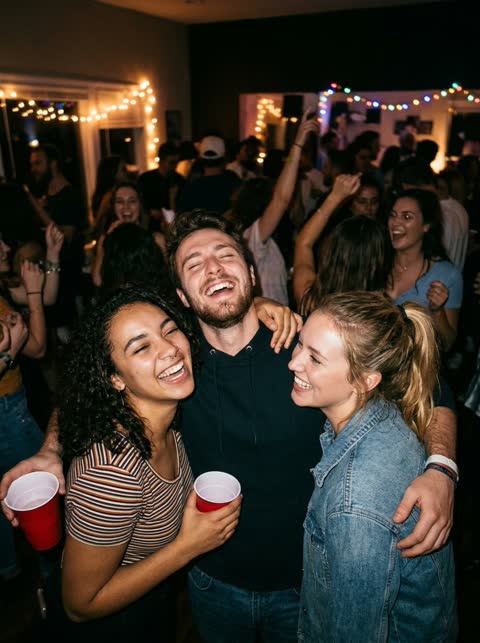
Group photos: it cannot tell which face to use
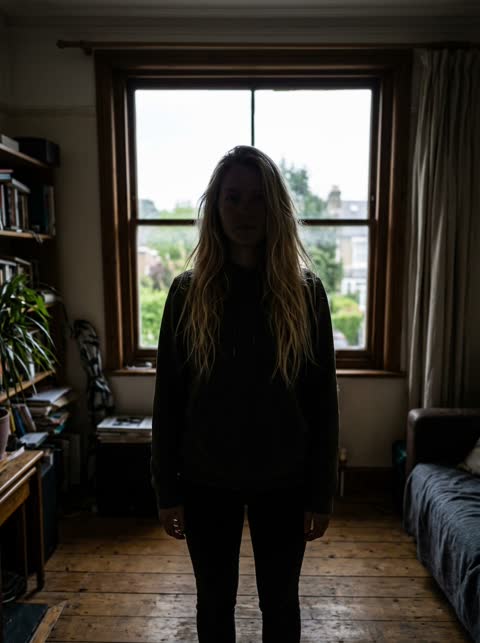 Avoid
Backlit or dark: the face is hard to read
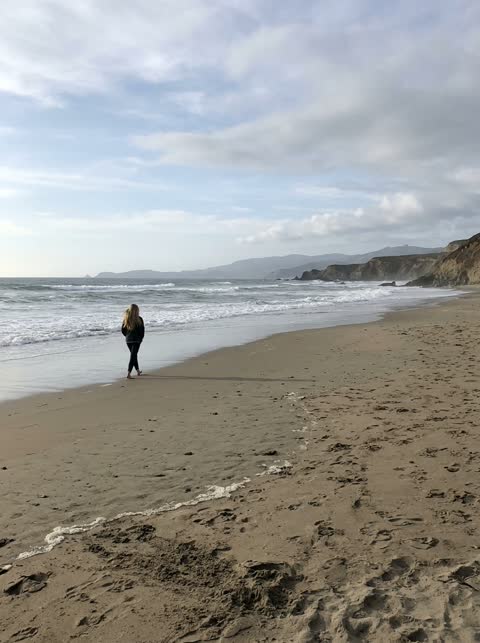 Avoid
Too far away: the face is too small
Sample results
One photo in, one video out
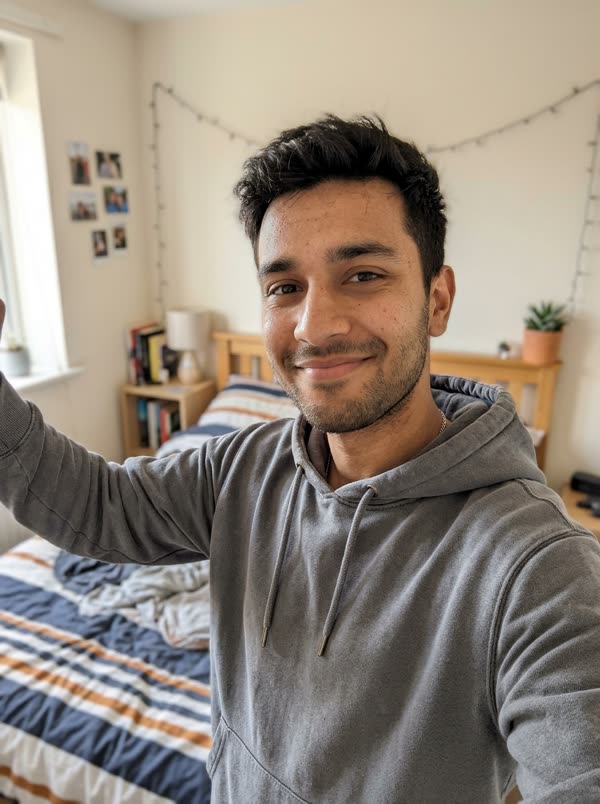 PhotoSanta Hug
 PhotoSanta Hug
Questions, answered
How to do an AI hug for free?
Not here: we don't have free renders. The cheapest Santa Hug is the 7-second cut for 5 credits, which the USD 4.99 Try pack covers, and if a render fails the credits go back automatically. Some other tools have a free option. On 17 November 2026, Chroma Studio gave free credits at sign-up, and VdoBloom's free version added a watermark.
Is there an AI Santa app?
You don't need one for this. Santa Hug runs in your phone's browser: upload a photo, pick 7 or 12 seconds and download the video. There's nothing to install.
How to create an AI Santa video?
Upload one clear photo of yourself on this page, pick the 7-second cut or the full 12 seconds and press generate. About 5 or 10 minutes later the video is in My videos, with Santa hugging you and the music on it.
How can I add Santa Claus to a photo using AI?
With this template you don't put Santa into your photo. You go into our Christmas scene instead: the AI takes your face from the photo and puts you in the living room where Santa walks in and hugs you.
Can I hug Santa with my kid, my dog or my late mom in it?
No. Santa Hug takes one photo, of you or of an adult who said yes. We don't accept photos of kids, and this template doesn't do pets. Videos where you hug someone you've lost are a different kind of AI hug that needs two photos, and this template doesn't make them.
What music is in the Santa hug video?
"We Wish You a Merry Christmas", recorded in 2020 by the U.S. Air Force Band of Mid-America. It's a U.S. government work in the public domain.
Whose photos can I use?
Yours, or adults who said yes. Photos of kids, celebrities or public figures are not allowed. Videos are marked as AI-generated on our player and share pages; say it is AI when you post.
Is this affiliated with Pollo AI, CapCut or the U.S. Air Force Band?
No. TrendTemplate is independent and not affiliated with Pollo AI, CapCut, Jump on the Trend, the U.S. Air Force Band of Mid-America or any other Santa hug tool. The template is our own AI-made clip, and the music is a public domain recording.
Guides and tips
- How to Make a Santa Hug AI Video From One PhotoHow to make a Santa Hug AI video: pick one clear photo, choose 7 or 12 seconds, wait about 5 to 10 minutes, then download it and send it to family.
- What Is the Santa Hug AI Trend? Where It Came FromThe Santa Hug AI trend is an AI effect where Santa walks in and hugs you, around since December 2024. Its timeline, the AI hug waves and the TikTok noise.
- Santa Hug Video as a Christmas Card: Ways to Send ItUse a Santa Hug AI video as a moving Christmas card: send it to the family chat or WhatsApp, print the final wave, post it on first snow or Christmas Eve.