Christmas Elf Dance AI Video
Upload one to three photos and you, your partner or your friends become the dancing elves in a cozy Christmas cabin: kicks, a spin, jazz hands and a final point at the camera.
Create your video
1Your photos
One photo swaps in one subject. Add up to 3 photos to replace every role in the clip.
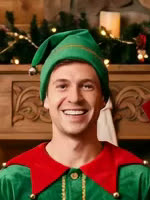 Replaces: Middle elf
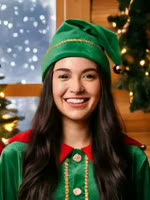 Replaces: Left elfOptional
 Replaces: Right elfOptional
Best results: one person or pet, facing the camera, even lighting, head and chest visible. Avoid sunglasses, masks and heavy filters.
2Length
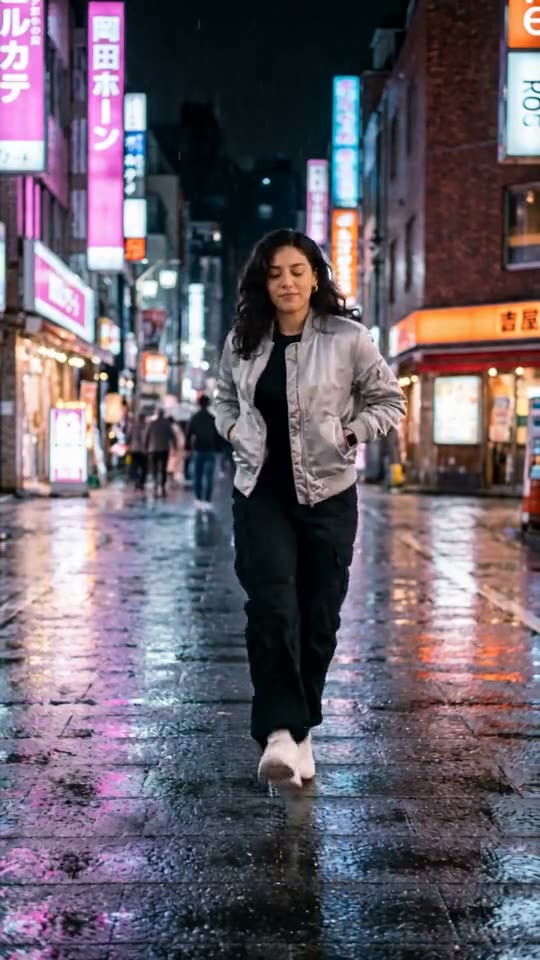
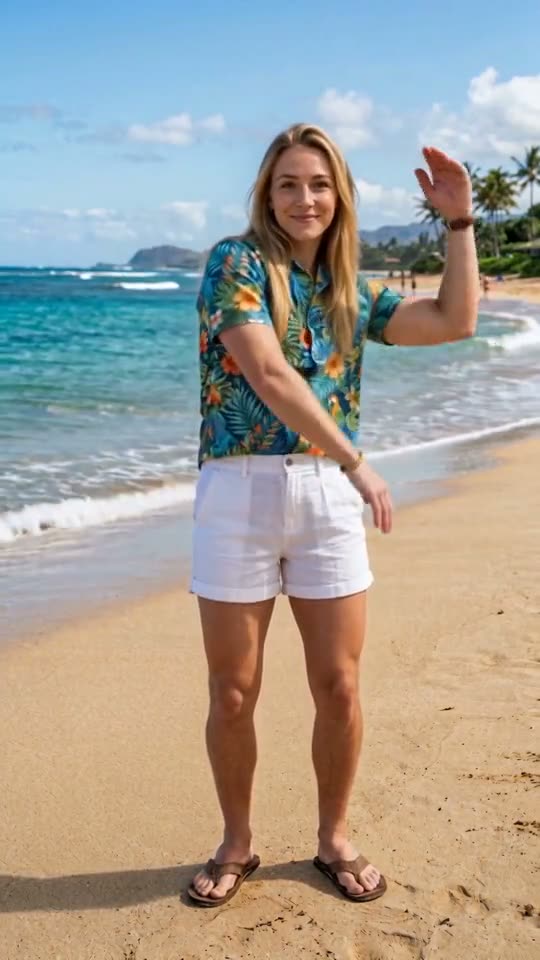
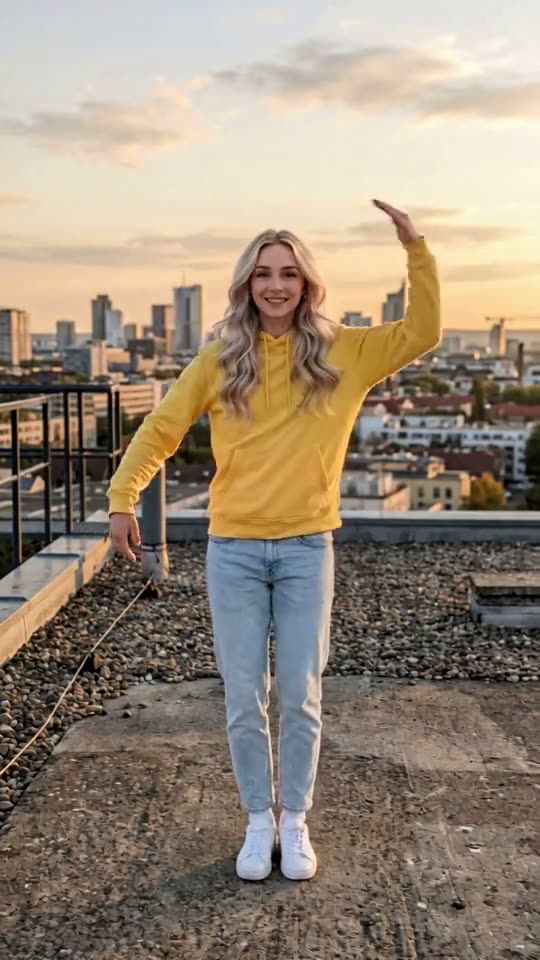
Original template · made by TrendTemplate with AI · original music · AI render · three sample photos, all AI-generated
An elf dance video is the Christmas classic where your face ends up on a dancing elf. The idea goes back to ElfYourself, the OfficeMax holiday site from December 2006, which pasted cut-out faces onto cartoon elf bodies and drew about 36 million visits in its first season.
Our template is the AI version. Three elves in green velvet suits, striped tights and curly shoes dance in a log cabin by the tree and the fireplace, and the AI puts your face, hair and skin tone on the whole moving body, not a cut-out head. Upload one photo and you dance in the middle; add a second and a third and your family or friends take the elves on the left and right.
What is an elf dance video?
It is a short, silly Christmas clip in which you or your family appear as Santa's elves and dance to an upbeat holiday track. People send it in the family group chat, use it as a video Christmas card or post it on TikTok, Reels and Facebook in December.
The original web version swapped a flat photo of your face onto an animated elf, which is part of the charm: the head bobs, the body does not match. AI video changes that. The face turns, smiles and stays in place through a spin, and the elf body moves like a real dancer, so the result looks like you actually put on the costume.
From "a right jolly old elf" to AI: a short timeline
1823: the poem "A Visit from St. Nicholas", better known as "The Night Before Christmas", describes Santa himself as "a right jolly old elf".
1873: the Christmas cover of Godey's Lady's Book shows elves at work in Santa's workshop, the picture that made elf helpers a fixed part of Christmas.
December 2006: OfficeMax launches ElfYourself as a holiday campaign, made by the agencies EVB in San Francisco and Toy in New York. Between 1 December 2006 and 7 January 2007 it gets about 36 million visits.
2007 season: about 193 million visits, one of the most shared things on the web that Christmas.
2008: JibJab starts running the site for OfficeMax. Sharing needs an account that year and visits drop to about 55 million; in 2009 the registration requirement is removed.
2012 onwards: Oddcast runs ElfYourself under the Office Depot and OfficeMax brand, and it moves to iPhone and Android apps.
2017: Office Depot reports more than a billion elves made. By 2020 the count is close to 2 billion.
13 August 2025: an old ElfYourself clip reposted on TikTok by @amandatovar, captioned as "the AI of our time", passes 23 million plays. The comparison between the old cut-out elves and today's AI video is the joke.
December 2025: AI Christmas photos made with Google Gemini and ChatGPT spread on social media, turning family photos into festive portraits.
November 2026: ElfYourself is still updated every season, and AI video sites, us included, offer elf dance templates where the whole body is rendered with your face.
The template, shot by shot
The full version is 15 seconds, filmed as one continuous take. Times below are from that version.
0 to 1 s: the three elves stand side by side in front of the fireplace, smiling at the camera.
1.5 to 4.5 s: knee kicks and arm swings in time with the beat, left and right.
5 to 6 s: all three spin around together. For about a second you see the backs of the elf suits.
6.5 to 7 s: back to the camera, hands up above the head, waving. The 7-second version ends here.
7.5 to 9 s: hand claps and side steps, faces toward the camera.
9.5 to 10.5 s: jazz hands and a jump.
11 to 12 s: a side shuffle while the camera starts to move in.
12.5 to 15 s: closer framing, everyone points at the camera, one hand on the hip, and holds the pose.
Pick 7 seconds if you want the kicks and the spin for a quick message. Pick 15 seconds if you want the close-up ending, which is where faces are biggest and easiest to recognise.
Who plays which elf
Photo 1 is the elf in the middle, the tallest one, who is closest to the camera at the end. Photo 2 replaces the elf on the left, and photo 3 the elf on the right. Elves without a photo stay as they are in the template.
Roles follow the upload order, not gender. A woman can take the middle elf, two dads can take the sides; in our tests the faces stayed with their positions through the spin and the close-up.
Everyone wears the same costume: green velvet tunic with a red collar and cuffs, gold trim, black belt, pointy green hat, red-and-white striped tights and curly green shoes. Your clothes from the photo are not used.
Elf dance AI vs. ElfYourself
ElfYourself is still around and still fun. It is free to download, a few dances are free, most dances have to be unlocked, and a 12-month Season Pass unlocks them all and removes ads. It takes up to five faces and puts each one on an animated elf.
This template does something different: one cabin scene with real-looking elves, where the AI renders your face on a moving body, including when you turn your head or spin. There is no subscription and no free version. You buy credits once and the 7-second video costs 5 credits, so the smallest pack is enough.
If you want a cartoon look with up to five people, ElfYourself is the better fit. If you want something that looks like a real video of you in an elf costume, use this one.
Ideas for your elf video
A video Christmas card: post it instead of a photo card, or send it to relatives who live far away.
The family group chat: put your parents in the middle and yourself on the side, and wait for the replies.
Couples and roommates: two photos, two elves, one shared post.
Office party or team channel: three coworkers who agreed to it, with the boss in the middle if the boss agreed too.
A December countdown: post it on the first day of December or on Christmas Eve.
Photos that work
Use a clear, front-facing photo of one person per upload, with even light and no sunglasses. A chest-up selfie is enough; the AI builds the rest of the body.
Hats, hoods and heavy filters in your photo make the face harder to read. The elf hat is added by the template, so you do not need a Christmas photo.
Only use photos of yourself or of adults who said yes. Photos of children, celebrities or public figures are not allowed.
The music
The track is an original upbeat swing instrumental at about 115 beats per minute, with sleigh bells, upright bass and brass, made for this template. It is not a recording of a Christmas song, so the MP4 is ready to post without adding a sound.
Size and where to post
The video is vertical, 9:16, so it fills the screen on TikTok, Instagram Reels, YouTube Shorts and Facebook Stories. It also plays inline in WhatsApp and iMessage.
Post it as AI-generated. Our player and share page say so, and TikTok and Instagram both have an AI label you can switch on when you upload.
How much does an Elf Dance video cost?
A 7-second Elf Dance video costs 5 credits. The cheapest way to make one is the Try pack: $4.99 for 5 credits.
| Length | Credits | Cheapest pack that covers it |
|---|---|---|
| 7 s | 5 | Try · $4.99 (5 credits) |
| 15 s | 15 | Single · $9.99 (15 credits) |
No subscription. Credits never expire, and a failed render gives your credits back automatically.
Photo tips
Which photos work best
The AI copies the face it can see. These are the photos that give the closest result, and the ones that usually go wrong.
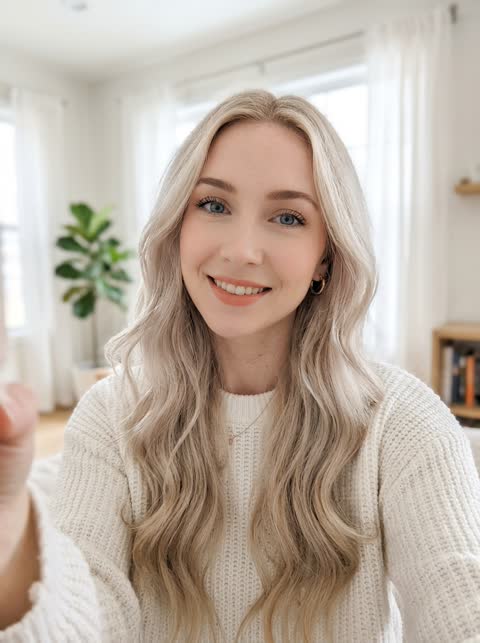 Works well
One person, facing the camera, even light
 Avoid
Sunglasses or a hat hide the face
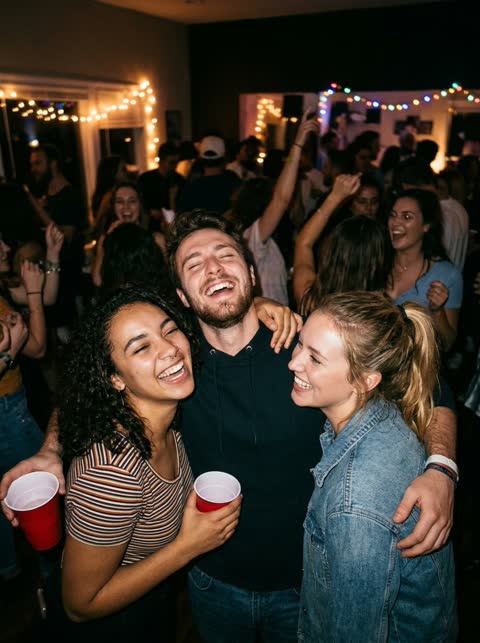 Avoid
Group photos: it cannot tell which face to use
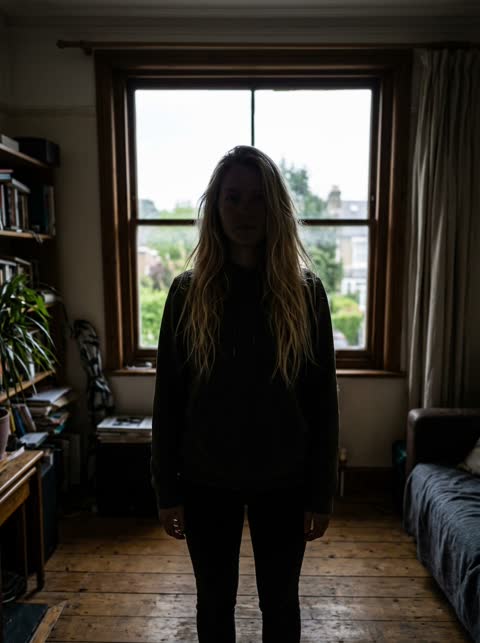 Avoid
Backlit or dark: the face is hard to read
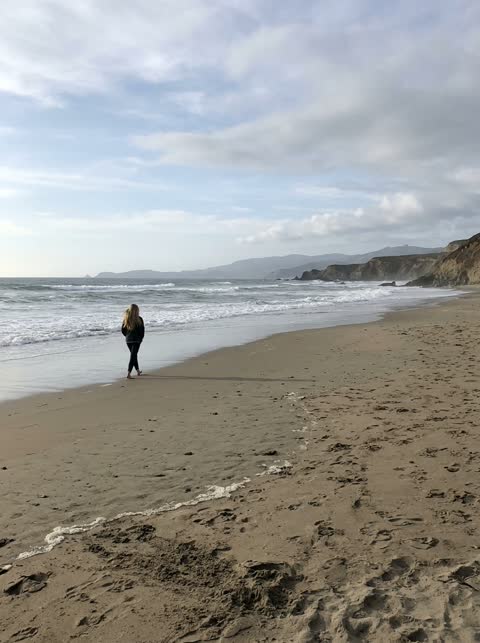 Avoid
Too far away: the face is too small
Sample results
One photo in, one video out

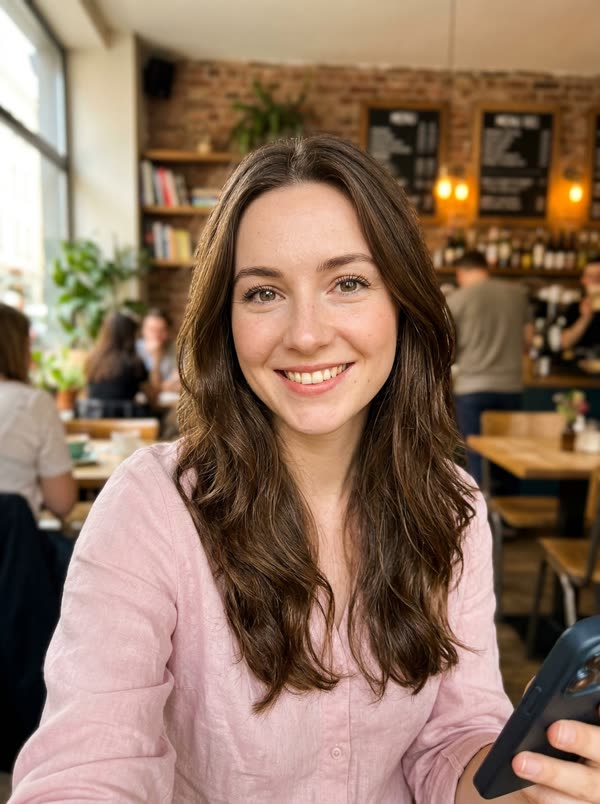
 PhotoElf Dance

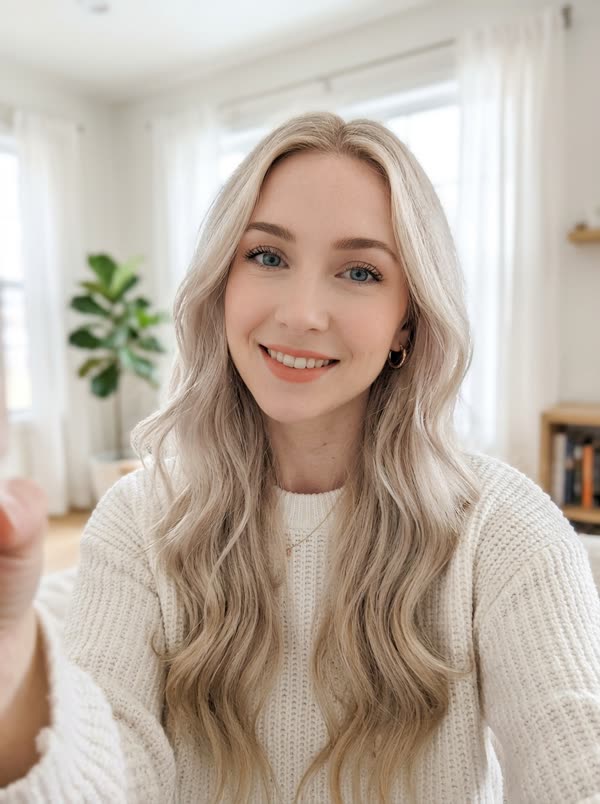 PhotoElf Dance
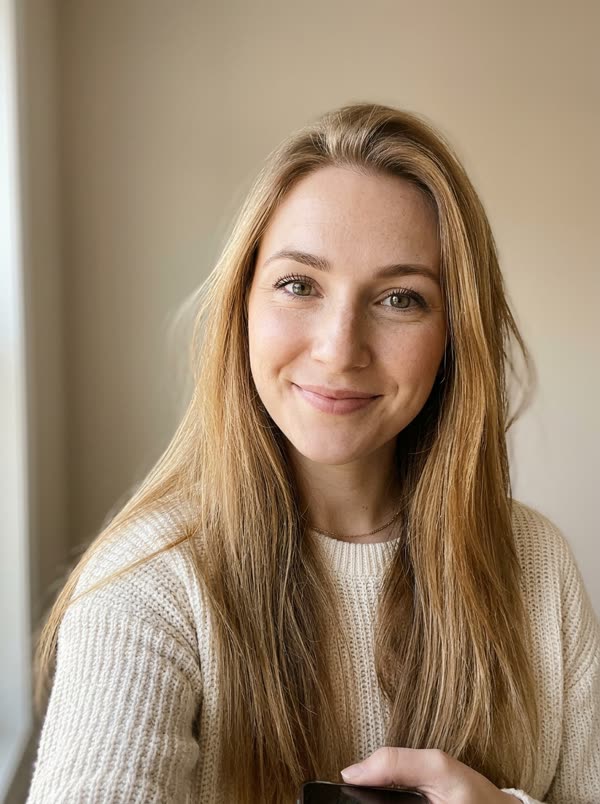 PhotoElf Dance
 PhotoElf Dance
Questions, answered
How do I make an elf dance video with my face?
Upload one clear photo of your face, choose 7 or 15 seconds and press Generate. The video is ready in a few minutes in My videos. Add a second and third photo to put more people in it.
How many people can be in the video?
Up to three: photo 1 is the middle elf, photo 2 the left elf, photo 3 the right elf. With one or two photos, the other elves stay as they are in the template.
Is this ElfYourself?
No. ElfYourself is a separate app run under the Office Depot and OfficeMax brand. TrendTemplate is independent and not affiliated with it, OfficeMax, Office Depot, Oddcast or JibJab. Our elves, cabin and music were made by us with AI.
Is ElfYourself still free?
The ElfYourself app is free to download and some dances are free, but most dances must be bought or unlocked with its 12-month Season Pass, according to its App Store and Google Play pages.
Who made the original Elf Yourself?
OfficeMax launched it for Christmas 2006. It was made by the agencies EVB and Toy, not by JibJab; JibJab ran it for OfficeMax from 2008.
Does this use AI?
Yes. The AI renders your face and hair onto the moving elf in every frame, using the dance from our template video. The template itself was also made with AI.
Which length should I pick?
7 seconds is the kicks, the spin and the hands-up wave, for 5 credits. 15 seconds adds claps, a jump and a close-up ending where everyone points at the camera, for 15 credits.
Can I use it for something other than Christmas?
The scene is clearly Christmas: tree, fireplace, snow and elf costumes. For birthdays or any time of year, the other dance templates on the site work with the same credits.
Whose photo can I use?
Yours, or an adult who said yes. Photos of kids, celebrities or public figures are not allowed. Videos are marked as AI-generated on our player and share pages; say it is AI when you post.