Christmas Photobooth AI
Upload one or two photos and get the TikTok Christmas photo booth trend: a slow phone shot down a sepia photo strip of you and your best friend, partner or mom, with a new pose in every shot. 7 or 15 seconds, no booth needed.
- 1–2 photos
- 7 s / 15 s
- One video from $4.99
- 720p MP4, original sound, no watermark
- Credits back if it fails
Create your video
1Your photos
One photo swaps in one subject. Add up to 2 photos to replace every role in the clip. You can pick them all at once.
 Replaces: Left, dark turtleneck
 Replaces: Right, snowflake sweaterOptional
Best results: one person or pet, facing the camera, even lighting, head and chest visible. Avoid sunglasses, masks, heavy filters and long screenshots.
2Length
Template: our own AI-made photo strip, no real footage. Music: "Silent Night", U.S. Air Force Band of Mid-America (public domain) · AI render · full 15 s · two sample photos, both AI-generated
Also called: Christmas photo booth trend · Last Christmas photobooth trend · Photobooth trend · Photobooth trend couple · Christmas photo booth strip · AI photo booth · Christmas AI photo booth
The Christmas photobooth trend is a TikTok video where two people go into a photo booth, strike a new pose for every shot, and then film the printed strip slowly from top to bottom while Wham!'s "Last Christmas" plays. The version everyone is copying this year was posted by @fromliayoon on 7 November 2026 and had about 4.1 million plays by 19 November. The format first went around last year, in October to December 2025.
Christmas Photobooth AI is our own take on it, made with AI. You don't need a booth or to be in the same city: upload one photo each, and you and your best friend, partner or mom show up in all four shots of a sepia photo booth strip, a new pose in each one, while the camera slides down it. With one photo, you take the left seat next to our AI-made friend. The 7-second cut costs 5 credits and the full 15 seconds costs 15.
What is the Christmas photobooth trend?
The Christmas photobooth trend is a short TikTok clip of a real photo booth strip. Two friends (or a couple, sisters, twins) sit in the booth and change their pose with every line of the song: a finger on the lips, hands over the face, a heart made with their hands, a whisper, chins on their hands. Then they lay the strips on a table and film them up close, one photo at a time, with the lyrics typed on screen.
The 2026 post that kicked it off is @fromliayoon's, from 7 November 2026: two warm black-and-white strips, eight photos and eight poses in 17.3 seconds. By 19 November it had 4,149,353 plays, 754,858 likes and 136,962 shares. A day later she posted a second take filmed inside the booth, which had 1.45 million plays. Other people now write that their version was inspired by her.
Almost all of it is real footage. In a TikTok check on 19 November 2026, only one of 110 recent photobooth posts carried an AI label, and none of the 55 posts using the trend's sounds did. That's why there's room for an AI version: plenty of people want the look, but not everyone has a booth nearby, or their best friend in the same city.
Christmas photobooth trend timeline
12 October 2025: the earliest post we could find, by @itsgraycehere, a black-and-white strip with one pose per line of "Last Christmas" (about 162,000 plays).
November and December 2025: the format takes off. @katelym's "cutest photobooth trend" on 18 November reaches about 4.9 million plays, @1lyvi_'s on 22 November about 4.4 million, @paige_go's strip from an event photo booth on 7 December about 2.9 million, and a couple's strip by @username252748843 on 14 December about 6.6 million, the biggest one of last year.
7 November 2026: @fromliayoon posts two sepia-toned strips and the trend comes back for this Christmas. On 8 November she posts the inside-the-booth version, and @lameloxdd posts a couple's color strip that passes 1.1 million plays.
19 November 2026: the sound from @fromliayoon's post, "original sound - fromliayoon", has been used in 1,945 videos. We put this AI template up the same day.
Our Christmas Photobooth template, second by second
Our template is one continuous shot with no cuts, 9:16 vertical at 720p. A single photo booth strip lies on a warm wooden table, with fairy lights and a pine sprig at the edges. The strip has a thin white border, four sepia photos and a blank margin at the bottom, and it fills the screen from side to side, so the faces are big. There's no text, no date stamp and no logo on it.
The four photos, top to bottom: 1, cheek to cheek and smiling at the camera; 2, both making big surprised faces with their mouths wide open; 3, the one on the right kisses the cheek of the one on the left, who laughs with her eyes closed; 4, both laughing with their heads tilted together, making a heart with their hands. Behind them is a pleated booth curtain with a strand of tinsel.
In the full 15 seconds, the camera holds on photos 1 and 2 for the first 4 seconds, slides slowly past photo 2 into the kiss between 4 and 10 seconds, and settles on photos 3 and 4 for the last 5. It moves a little, like a phone in your hand.
The 7-second cut is the same strip, scanned faster: all four poses are in it, and the last photo is fully on screen from about 4.5 seconds. Pick it if you just want the look. Pick the full one if you want time to see each face.
Who sits where: left and right
The strip has two seats, and you pick who goes in which. Photo 1 goes on the left, in the dark turtleneck sweater. Photo 2 goes on the right, in the light snowflake Christmas sweater. That's the one who leans in for the cheek kiss in photo 3.
The AI goes by position, not by gender. Both people in our template are women, because a man's photo goes into a woman's seat cleanly in our tests, while the other way around tends to go wrong. So couples, best friends, sisters and mom-and-daughter all work, in any order.
Your face and hair come from your photo. The sweaters, the poses, the booth curtain, the strip and the table come from the template, and every photo stays a still sepia print.
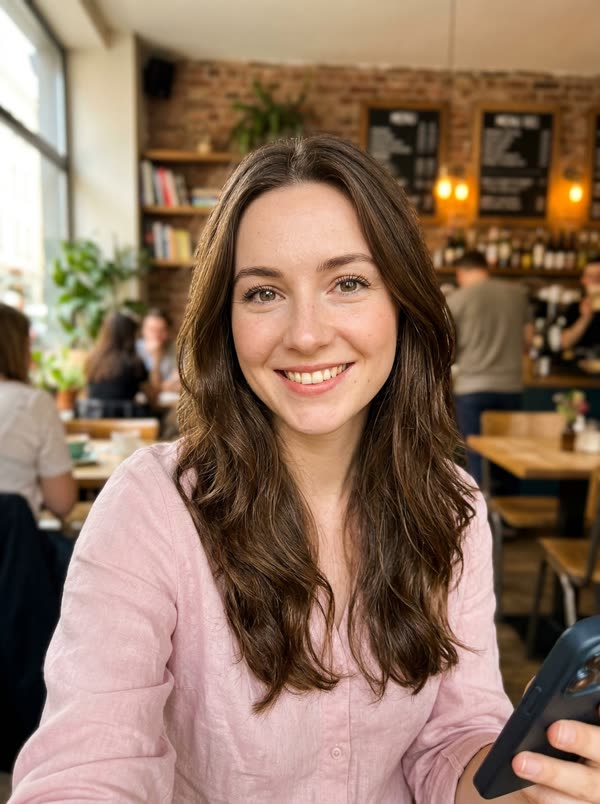
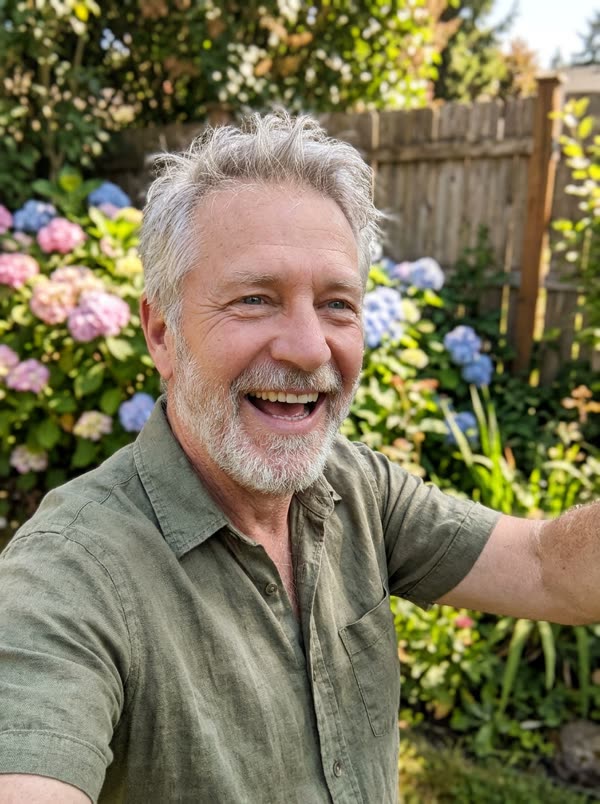
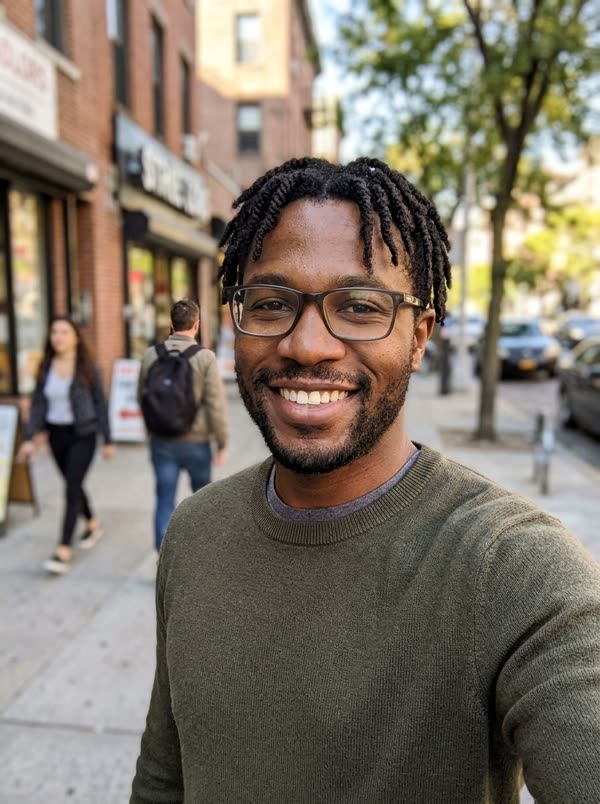
What we saw in our tests on 19 November 2026, at 720p: a woman's photo on the left and an older man's on the right, full 15 seconds, came out with both faces right in all four photos and all four poses kept. A man on the left and a woman on the right, 7 seconds, also came out right. One woman's photo, 7 seconds: her face on the left in all four photos, and our AI friend unchanged on the right. Two small things: while the strip slides, a photo's expression can change for a moment (the surprised photo can start as a smile), and the top from your own photo doesn't come in, so you wear the template's sweater. If a render fails, the credits go back to your balance.
One photo or two
With two photos, each of you gets a seat: photo 1 on the left, photo 2 on the right. That's the trend as people know it, you and your person in the same booth.
With one photo, you take the left seat and the right seat keeps the AI-made friend from our template. We first tried putting you in both seats, like twins, but in our 720p tests the AI often left the original face in one seat, so we don't offer it. If you want a strip that's only you and your people, upload two photos.
One photo per person, one face per photo. Don't upload a picture of the two of you together; crop it into two photos instead.
Picking your photos
Use clear, front-facing photos with even light, from the chest up. A recent selfie works well, because the strip shows you from the shoulders up and the faces are the main thing.
Skip sunglasses, hats that hide your hair, heavy filters, dark photos and group shots. Color photos are fine: the template turns everything sepia.
Only use photos of yourself and of adults who said yes, like your best friend, your partner or your mom. Photos of kids, celebrities and public figures aren't allowed.
Price, length and how long it takes
The 7-second Christmas Photobooth costs 5 credits, and the Try pack (USD 4.99) covers it. It has all four poses, scanned quickly.
The full 15 seconds costs 15 credits, the Single pack (USD 9.99). It's the slow scan, closer to the TikTok original, which runs 17.3 seconds. 15 seconds is the longest our video model makes with a reference clip.
Both come out at 720p. Because it's made at 720p, the full video takes about 10 to 15 minutes and the 7-second one about 5 to 7. You can close the page: the video shows up in My videos, and we email you when it's ready. If a render fails, your credits come back automatically.
The music: "Silent Night", not "Last Christmas"
The TikTok trend uses "Last Christmas" by Wham!. That recording is under copyright, so we can't put it in a template we sell. Our template plays "Silent Night" instead, in a laid-back, lo-fi instrumental version recorded in 2020 by Starlifter and Roots in Blue of the U.S. Air Force Band of Mid-America. It's a U.S. government work, so it's in the public domain, and we got it from Wikimedia Commons.
The template uses the part where the tune comes in, 15 seconds for the full version and the first 7 for the short one, with no singing. If you want "Last Christmas" on yours, add it from TikTok's sound library when you post.
Our template vs a real photo booth vs a CapCut edit
A real photo booth gives you a real print to keep. People do the trend in mall booths, event booths and Korean self-photo studios like Life4Cuts, then film the strip with their phone. Pick it if you can get there together and want the paper strip.
A CapCut edit is how a lot of people put the video together after the booth: you film or scan your own strip and add the pan, the text and the song. It's free, but you still need the photos.
Ours is for when you can't get to a booth, or you live in different cities. It's one fixed strip with four poses, made from your photos, with music on it, in the browser, and you don't need to edit anything. Other AI video sites have added this trend too. TrendTemplate isn't connected to Wham!, CapCut, any photo booth company or any TikTok creator.
Sending and posting your Christmas photo booth video
You download a 9:16 vertical MP4 at 720p with the music on it. It plays fine in WhatsApp and group chats and fits TikTok, Instagram Reels and YouTube Shorts as is.
Ideas: make one with your best friend who moved away and send it on 1 December. Put you and your partner in a strip for your first Christmas together. Make one with your mom for the family chat. If your bestie is busy, do it with one photo and sit next to our AI-made friend.
If you post it on TikTok, tags like #christmasphotobooth or #photoboothtrend match what people already search, and you can add the lyrics as text. Say it's AI. Our player and share pages already mark it as AI-generated.
How much does a Christmas Photobooth video cost?
A 7-second Christmas Photobooth video costs 5 credits. The cheapest way to make one is the Try pack: $4.99 for 5 credits.
| Length | Credits | Cheapest pack that covers it |
|---|---|---|
| 7 s | 5 | Try · $4.99 (5 credits) |
| 15 s | 15 | Single · $9.99 (15 credits) |
No subscription. Credits never expire, and a failed render gives your credits back automatically.
Photo tips
Which photos work best
The AI copies the face it can see. These are the photos that give the closest result, and the ones that usually go wrong.
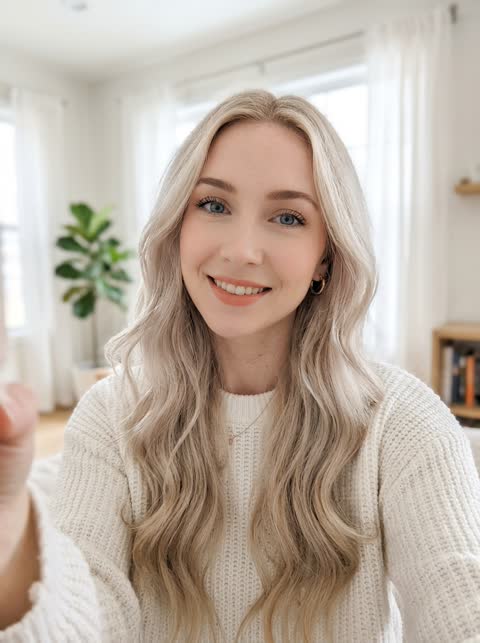 Works well
One person, facing the camera, even light
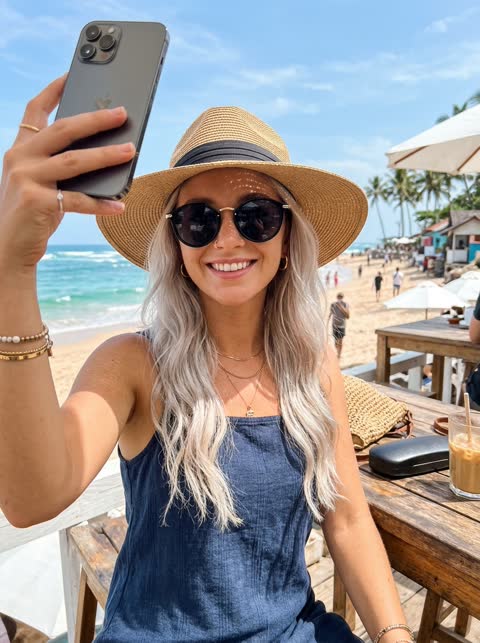 Avoid
Sunglasses or a hat hide the face
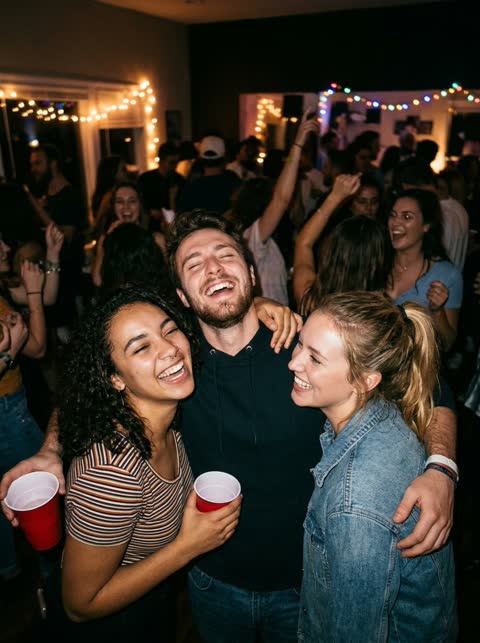 Avoid
Group photos: it cannot tell which face to use
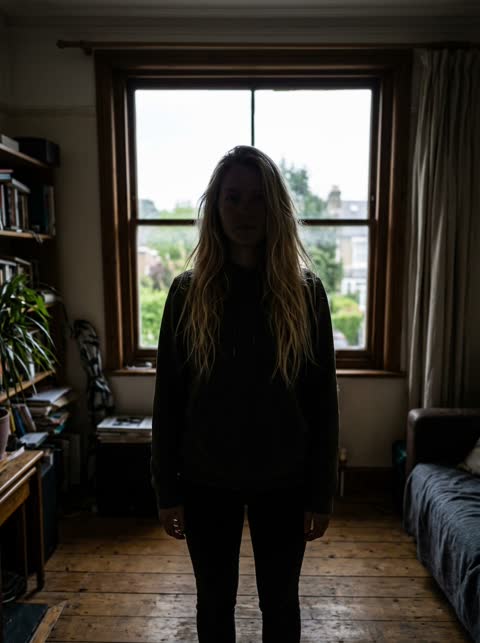 Avoid
Backlit or dark: the face is hard to read
 Avoid
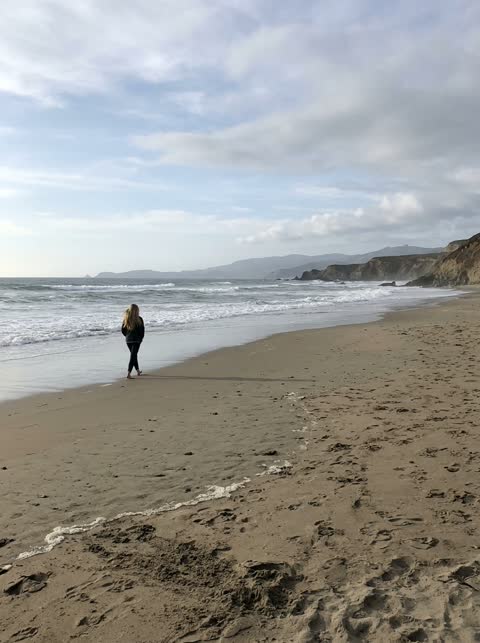
Too far away: the face is too small
Sample results
One photo in, one video out
 PhotoChristmas Photobooth
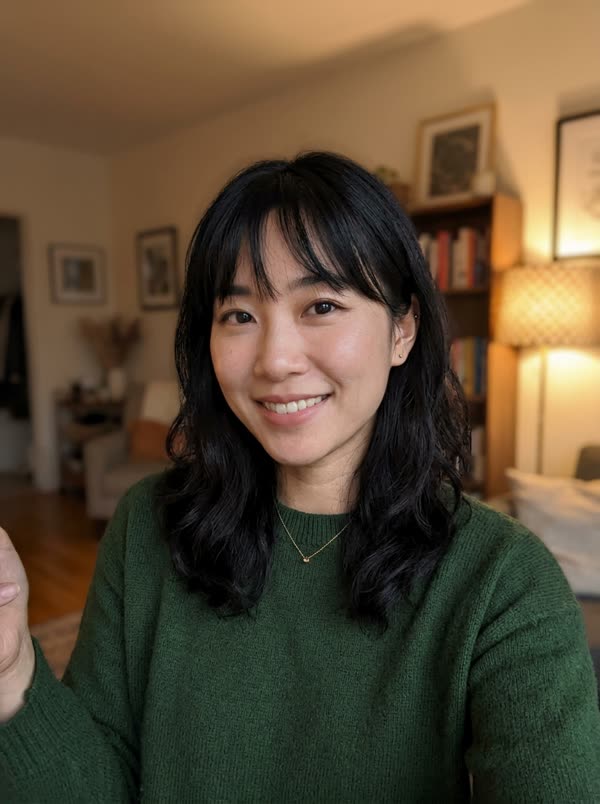 PhotoChristmas PhotoboothPhotoChristmas Photobooth
Questions, answered
How do I do the Christmas photobooth trend without a photo booth?
Upload one clear photo of each of you on this page, pick 7 or 15 seconds and press generate. You get a vertical video of a sepia photo booth strip with the two of you in four poses, the camera sliding down it, music on.
What song is the Christmas photobooth trend?
"Last Christmas" by Wham!, from December 1984. Our template plays a public domain "Silent Night" instead, because "Last Christmas" is under copyright; you can add it from TikTok's sounds when you post.
Can I do the photobooth trend alone?
Yes. Upload one photo and you take the left seat; the right seat keeps the AI-made friend from our template. We don't put the same face in both seats, because it didn't come out reliably in our tests.
Can I use a photo of my boyfriend or husband?
Yes. The AI goes by seat, not gender: photo 1 is on the left, photo 2 on the right. Both work for a man or a woman.
Is the Christmas photobooth AI video free?
Not here: every render costs real GPU time. The cheapest is the 7-second cut for 5 credits, which the USD 4.99 Try pack covers. Failed renders are refunded automatically.
Can I add the lyrics or our names on the strip?
Not in the template: there's no text on it. Add the lyrics, names or a date in TikTok, Instagram or any video app when you post.
Whose photos can I use?
Yours and those of adults who said yes, like your best friend, partner or mom. Photos of kids, celebrities or public figures are not allowed. Videos are marked as AI-generated on our player and share pages; say it is AI when you post.
Is this affiliated with Wham!, TikTok or the creators of the trend?
No. TrendTemplate is independent and not affiliated with Wham!, George Michael's estate, TikTok, CapCut, @fromliayoon or any other creator, photo booth company or the U.S. Air Force Band. The template is our own AI-made strip, and the music is a public domain recording.
Guides and tips
- How to Do the Christmas Photobooth Trend Without a BoothHow to make the Christmas photo booth trend video from one or two photos: who sits where, 7 or 15 seconds, wait time, and adding the song when you post.
- Christmas Photobooth Trend: Who Started It and WhenWhere the Christmas photobooth trend came from: the first posts in October 2025, last year's biggest strips, and @fromliayoon's 2026 post with 4.1M plays.
- What Song Is the Christmas Photobooth Trend? Last ChristmasThe Christmas photobooth trend uses "Last Christmas" by Wham! (1984), by George Michael: its chart history, the TikTok sounds, and why we use "Silent Night".
- AI Christmas Video Generator: 7 Holiday TemplatesMake an AI Christmas video from your photos: dance with Santa, the pajama dance, Santa on your own home camera, a nutcracker march or a snowman. From $4.99.
More trending templates
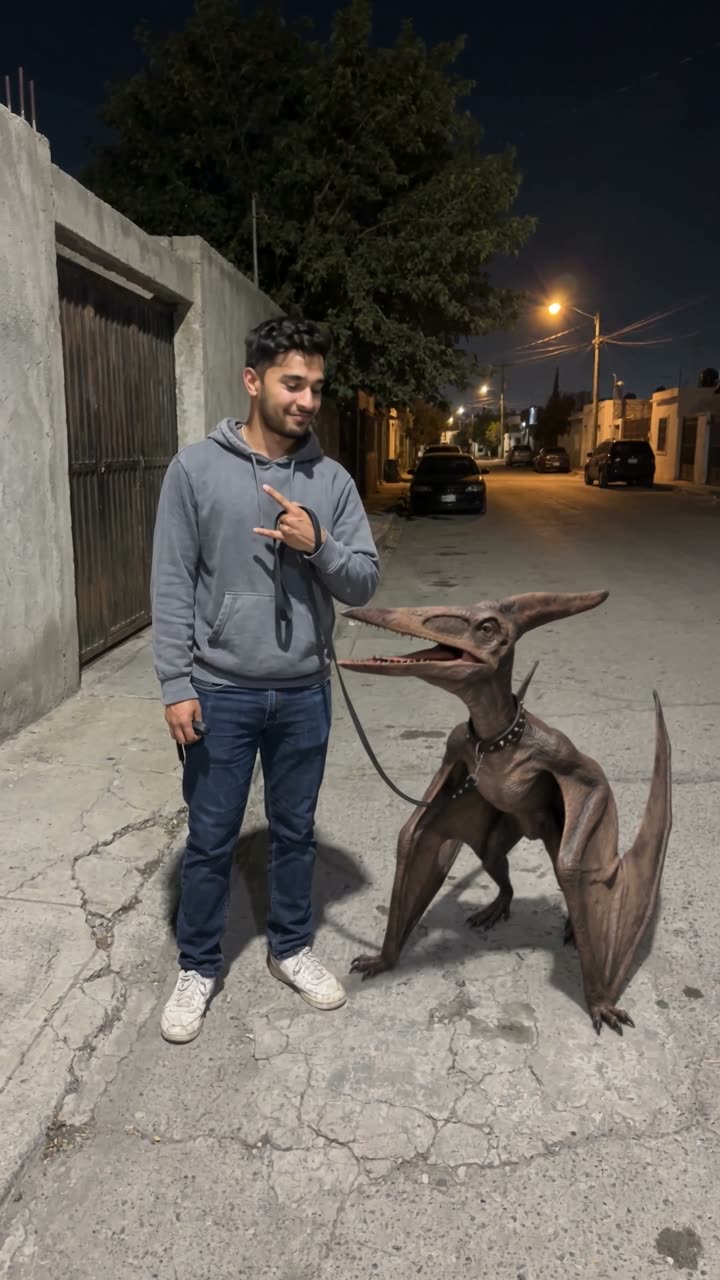 🔥 HotPterodactyl Juárez1 photo → you walk the Juárez pterodactyl on a leash like it's your pet · 10s
 No I Ain't Crazy YB1 photo → the family hugs you and fans cash in your face, "38 Baby" playing · 12s