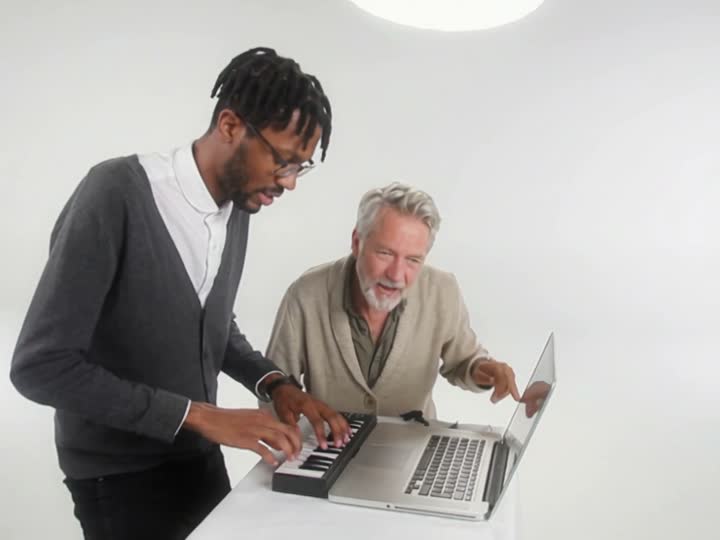
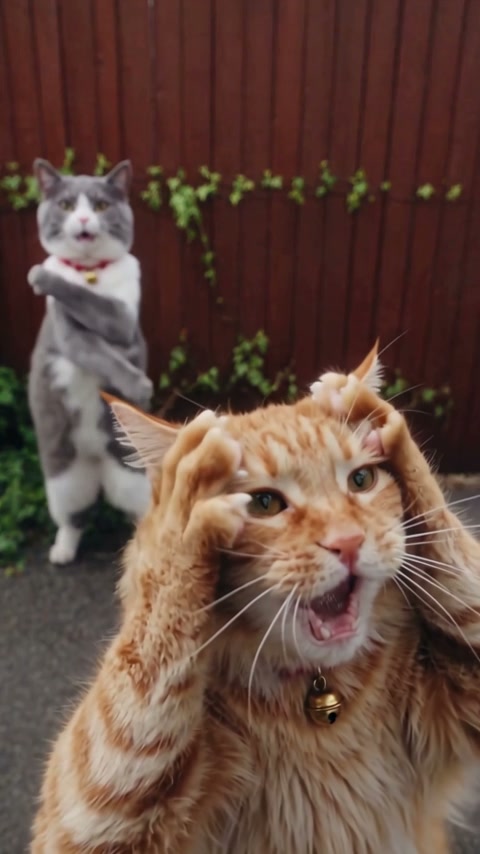
Waiting On My Fries AI Trend
Upload one or two photos and play the taco-shop skit: your coworker forgot the fries, so you send him to the fryer and stall the customer with a slow, dead-serious dance. 10 or 23 seconds.
- 1–2 photos
- 10 s / 23 s
- One video from $4.99
- 720p MP4, original sound, no watermark
- Credits back if it fails
Create your video
1Your photos
One photo swaps in one subject. Add up to 2 photos to replace every role in the clip. You can pick them all at once.
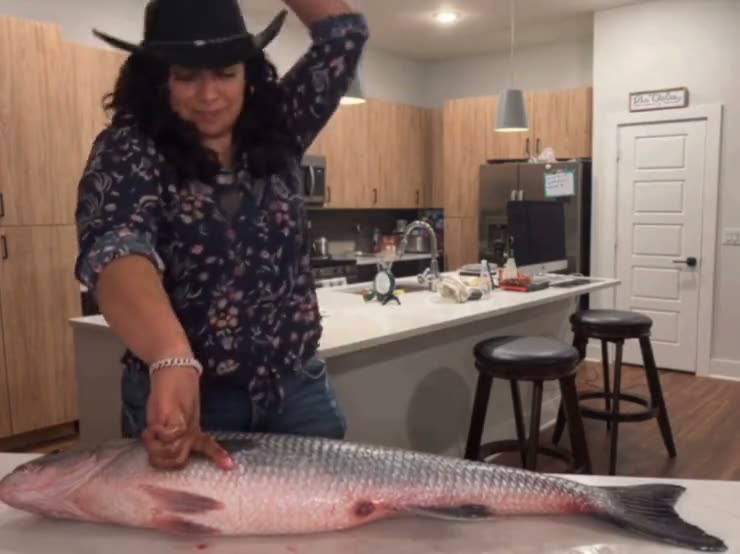
 Replaces: The one who dances
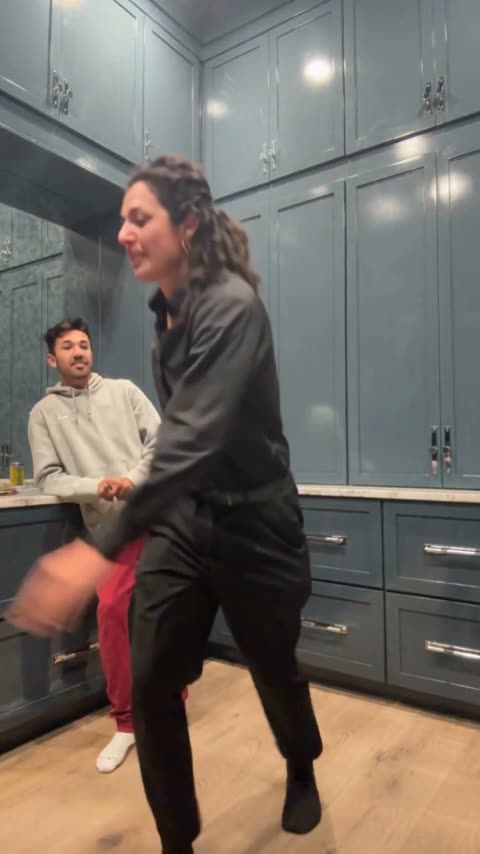
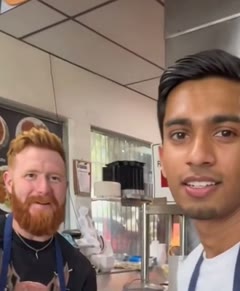 Replaces: Coworker who forgot the friesOptional
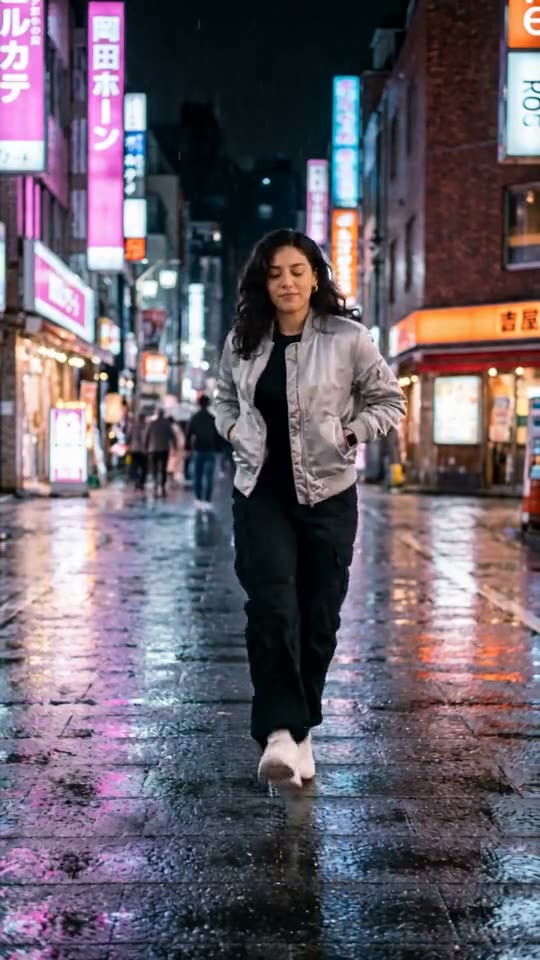
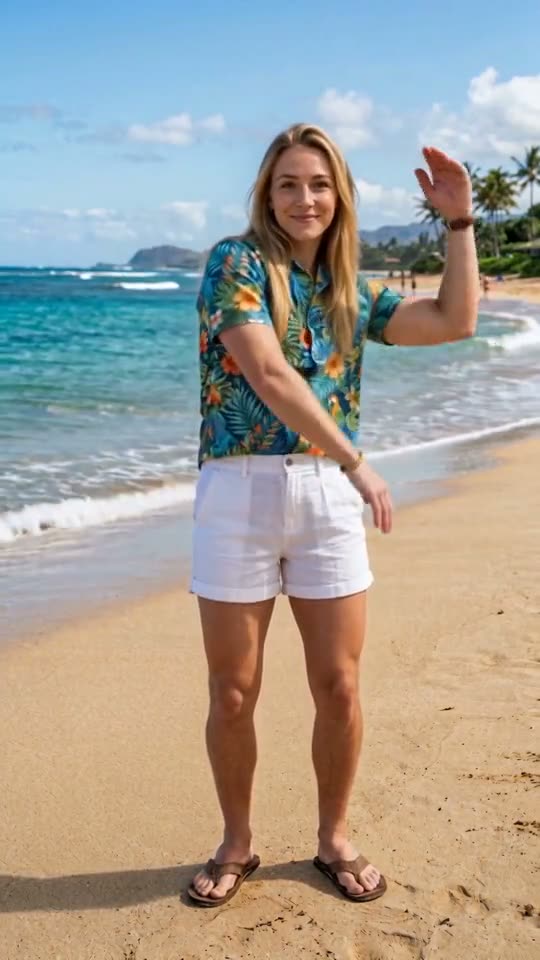
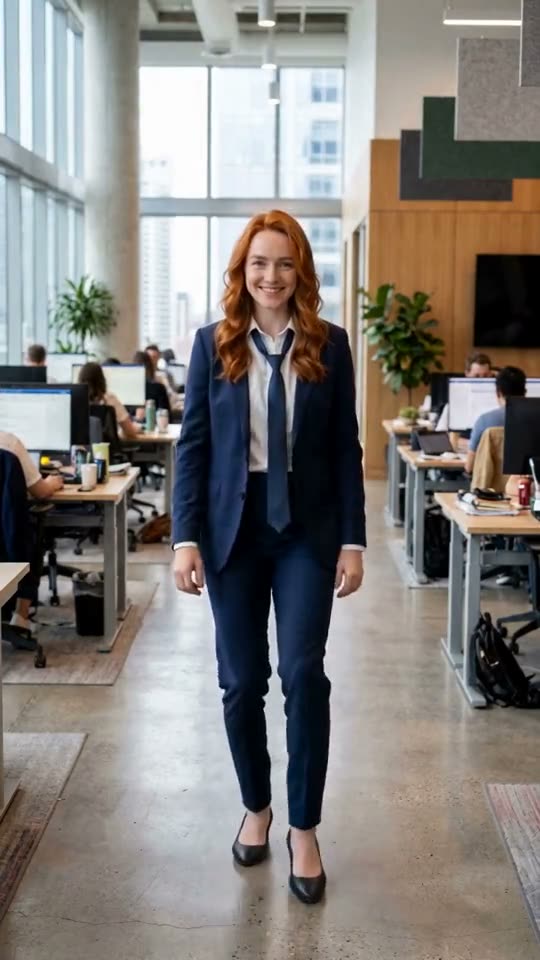
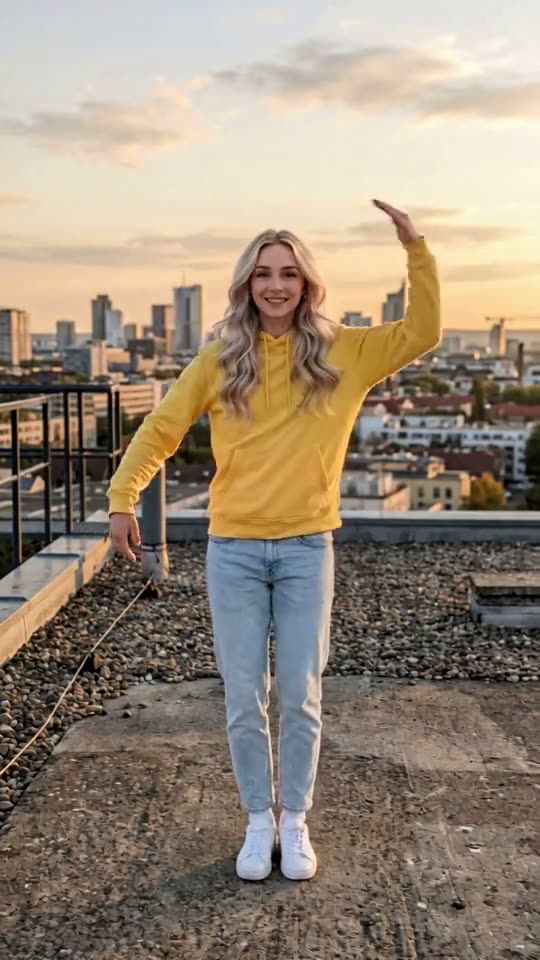
Best results: one person per photo, facing the camera, head and chest clearly visible, good light. Photo 1 dances, photo 2 (optional) is the coworker who forgot the fries; a woman's photo works best as photo 1. No sunglasses, hats, filters or group shots.
2Length
Template: our AI-made recreation of the taco-shop skit with AI-generated people, not @f.r3n or his coworker · sound: the original audio of the skit (contains swearing) · AI render · full 23 s, made in two parts and joined · sample photo is AI-generated
Also called: Still Waiting On My Fries · He's Hitting That · Oh You Hitting That For Real · funny french fry shop · taco shop fries skit
The Waiting On My Fries trend is a TikTok trend from November 2026 built on a 22-second Instagram skit that @f.r3n posted in early October 2026. In the skit, a customer at a taco shop says "Excuse me, I'm still waiting on my fries." The coworker forgot them. So the worker at the counter sends him to the fryer and stalls the customer with a slow, dead-serious dance, until the customer says "Oh, you hitting that for real."
The Waiting On My Fries AI wave started on TikTok on 17 November 2026, mostly with cat versions. It grew fast. In our TikTok check on 22 November 2026, 21 creators had posted 35 AI versions in the past 24 hours, with 415,341 plays between them. The day before, it was about 42,000.
Waiting On My Fries AI is our own AI recreation of that skit, with your face in it. Upload one photo and you're the dancer. Upload two and a friend plays the coworker who forgot the fries. The 10-second cut is 5 credits, which the USD 4.99 Try pack covers. The full 23 seconds is 15 credits, one Single pack. You get a 720p MP4 with sound, no watermark and no app. The original audio has swearing in it, so it's not one for a kids' account.
What is the Waiting On My Fries trend?
The Waiting On My Fries trend comes from one skit. @f.r3n, an Instagram creator with about 581,000 followers, posted it as a Reel in early October 2026 (8 October in US time, 9 October in UTC). It runs 22.6 seconds and is shot in one take, with no cuts. By 22 November 2026 it had more than 10 million views and over 1 million likes.
The Waiting On My Fries skit happens in the kitchen of a small taco shop, filmed from the customer's side of the counter. The customer is never on camera. You only hear their voice from behind the phone. Two workers are on screen: one in a white t-shirt, one in a black t-shirt, both in bright blue aprons.
The Waiting On My Fries joke goes like this. The customer asks where the fries are. The coworker in black says "Oh, I forgot to make them." The worker in white swears at him and sends him to the fryer. Then he faces the customer and does a slow, flirty dance with a totally straight face to buy time. The customer goes from "very unprofessional" to "Oh, you hitting that for real."
The Waiting On My Fries trend has a few names. On TikTok many people say Still Waiting On My Fries, and the hashtag is #stillwaitingonmyfries. Others call it He's Hitting That or Oh You Hitting That For Real, after the lines in the skit. A lot of CapCut tutorial captions call it the funny french fry shop video.
Waiting On My Fries trend timeline
Early October 2026: @f.r3n posts the taco shop skit on Instagram, tagged #reels #relatable #comedy #mexican. Instagram dates it 8 October; in UTC it's 9 October.
15 November 2026: @f.r3n posts the same video on Instagram again, with a different cover frame. It's a repost of the October skit, not a new video.
17 November 2026: @clippedbymerc posts the earliest AI version we could find on TikTok. A white cat dances and a black cat plays the coworker who forgot the fries.
18 November 2026: @elonmuzk posts a version where Mei Mei, a snow leopard, does the dance and a human plays the coworker. The #stillwaitingonmyfries hashtag starts with this post. By 22 November it had about 4.2 million plays.
19 November 2026: @merkurianin posts a cat version where the white cat forgets the fries and the black cat dances. With about 5.4 million plays by 22 November, it's the most-played AI version we found.
21 November 2026: CapCut template tutorials start showing up on TikTok. They come with a "Try this template" link, and the template takes one photo.
22 November 2026: in our TikTok check at 01:20 Beijing time, 21 creators had posted 35 AI versions in 24 hours, with 415,341 plays. Over 7 days, 43 of the 48 posts we found were AI versions, and 33 of them used a CapCut template.
The Waiting On My Fries trend hasn't reached Google yet. When we typed "waiting on my fries", "still waiting on my fries" or "oh you're hitting that for real" on 22 November, Google had no suggestions for any of them. For now it lives on TikTok and Instagram.
The template, second by second
Our Waiting On My Fries template is our own AI recreation of the skit. The two workers in it are AI-generated people, not @f.r3n or anyone from the original video, and we don't show his footage on this page. It keeps the taco-shop kitchen look and the one continuous handheld shot from the customer's side of the counter. The customer is never on camera, same as the original. It's vertical and 23 seconds long.
0 to 1 second: the counter and the kitchen, seen from where the customer stands.
1 to 6 seconds: the dancer turns to his coworker and sends him off to the fryer.
6 to 16 seconds: the slow, serious dance, straight to the camera.
16 to 18 seconds: the camera swings over to the coworker at the fryer.
18 to 23 seconds: back to the dance, and the "Oh, you hitting that for real" line.
The 10-second cut is the "go make the fries" setup plus the start of the dance. It stops before the punchline. The full 23 seconds is the whole skit, line for line.
The sound is the skit's original audio, and it has swearing in it. One small difference from the original: the aprons in our template are navy, while the original ones are bright blue.
Who plays who
Waiting On My Fries AI has two roles, and the order you upload decides who plays which. It doesn't go by gender. Photo 1 is the worker in the white t-shirt and navy apron: he stands closest to the camera, talks to the customer and does the dance. Photo 2 is the coworker in the black t-shirt who forgot the fries and gets sent to the fryer.
With one photo, you're the dancer, and the coworker stays as our template's AI coworker, a man with a ginger beard. With two photos, both workers are swapped.
What we saw in our own tests on 22 November 2026: with one photo, a man's or a woman's, that person was the dancer in every second, from the front, the side and the back. With two photos, a woman first and an older man second, both were swapped correctly.
What didn't work well: a woman's photo as the second photo, the coworker. In his shots, the coworker often stayed as our bearded AI coworker. So if a woman wants in, put her photo first and let her be the dancer.
One more thing we saw with two photos in the full 23 seconds: around 16 to 18 seconds the camera swings to the fryer and the dancer has their back to it. In those two seconds, the person seen from behind sometimes turned back into our template's worker, and the one at the fryer into someone else. With one photo that shot came out fine, and the 10-second cut ends before it.
We tell the AI to put the dancer in the white tee and navy apron, and the coworker in the black tee. Sometimes the top from your photo still comes through. Each render looks a little different, even from the same photos.
The 10-second cut takes about 7 minutes. The full 23 seconds takes about 10 minutes, because we make it in two parts, join them and lay the sound back over the whole thing. You can close the page while it runs; we email you when it's ready.
How people make it
Most Waiting On My Fries AI posts on TikTok star animals, not people. The first ones were cats: @clippedbymerc's white and black cats, then @merkurianin's version with the roles flipped. In @elonmuzk's version a snow leopard dances and a human is the coworker.
The CapCut template is the other big way to make it. In the tutorials, you copy the link of a TikTok post, open the template in CapCut, upload one photo and tap next. In our 7-day check, 33 of the 48 posts used a CapCut template.
Versions with two real people are still rare in this trend. That's what our page is for: you as the dancer and a friend as the coworker, both in the same skit.
This page swaps people only, not pets. Please only use photos of yourself or of adults who said yes. Photos of kids, celebrities and public figures are not allowed on our site.
How to pick your photos
For Waiting On My Fries AI, use a clear photo of one person facing the camera, from the chest up, in good light. The dancer is close to the camera for most of the clip, so a sharp face matters more than a full-body shot.
Decide who dances before you upload. Photo 1 is always the dancer. If one of you is a woman, put her photo first; in our tests, a woman as photo 2 often didn't show up in the coworker's shots.
A plain top in the photo helps, since the shirt from your photo sometimes shows. Skip sunglasses, hats, heavy filters and group photos.
Waiting On My Fries AI vs the CapCut template
The CapCut template is the better pick if you want a quick version from one photo on your phone. It's what most TikTok tutorials use, and it runs inside an app you may already have. If you want the cat version that took off, that's also a CapCut or pet-app job, not this page.
Waiting On My Fries AI on our page is for when you want two real people in the skit: you dancing and a friend as the coworker who forgot the fries. You upload in the browser, there's no app to install, and you get a 720p MP4 with the original sound and no watermark.
Waiting On My Fries AI isn't free. The 10-second cut is 5 credits (the Try pack, USD 4.99, covers it) and the full 23 seconds is 15 credits (one Single pack). If a render fails, the credits go back on their own. TrendTemplate has nothing to do with CapCut; we only name it to compare.
How to post it
Your Waiting On My Fries video already has the original audio in it, so you can post it as it is. If you want your post to sit with the rest of the trend, pick "original sound - elonmuzk" on TikTok and turn the video's own sound down. That's the sound most CapCut tutorial and template posts reuse. Add #stillwaitingonmyfries.
If a friend plays the coworker, tag them. The punchline lands better when people know who forgot the fries.
The original audio has swearing in it, so it's not one for a kids' account. Say it's AI when you post; our player and share pages already label the video as AI-generated. If you want to credit the original, the skit is by @f.r3n on Instagram.
How much does a Waiting On My Fries video cost?
A 10-second Waiting On My Fries video costs 5 credits. The cheapest way to make one is the Try pack: $4.99 for 5 credits.
| Length | Credits | Cheapest pack that covers it |
|---|---|---|
| 10 s | 5 | Try · $4.99 (5 credits) |
| 23 s | 15 | Single · $9.99 (15 credits) |
No subscription. Credits never expire, and a failed render gives your credits back automatically.
Sample results
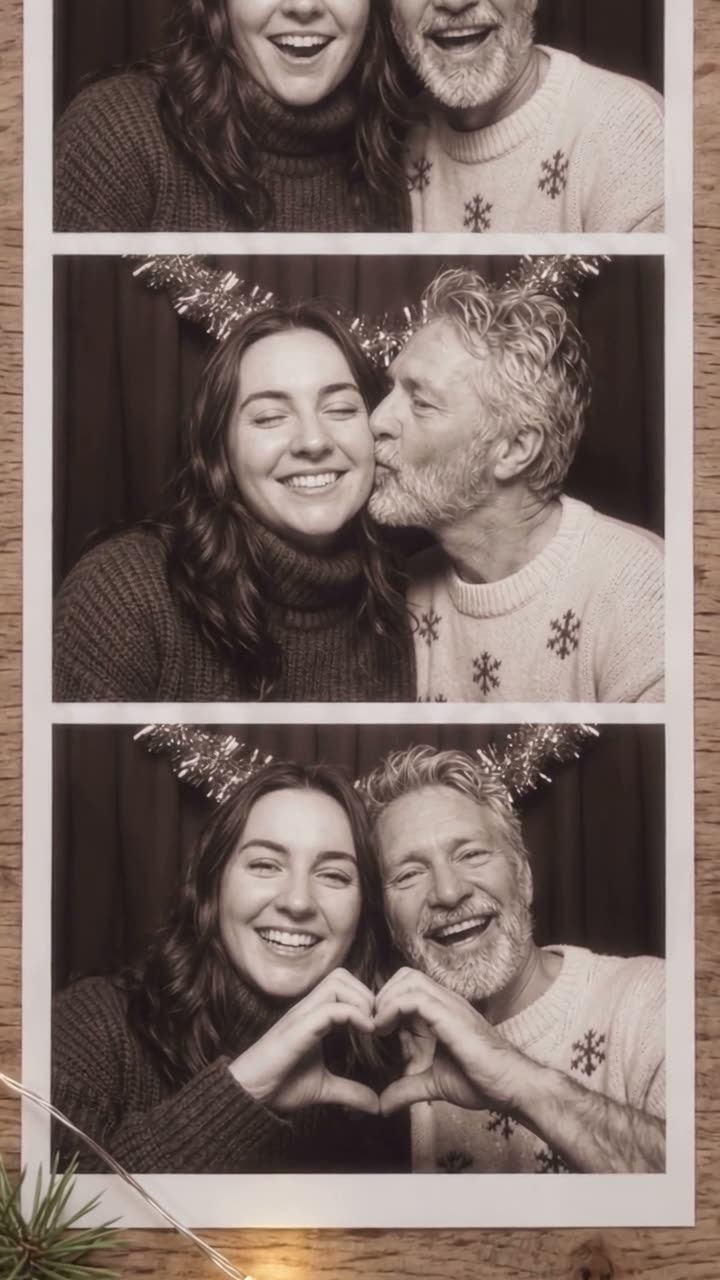
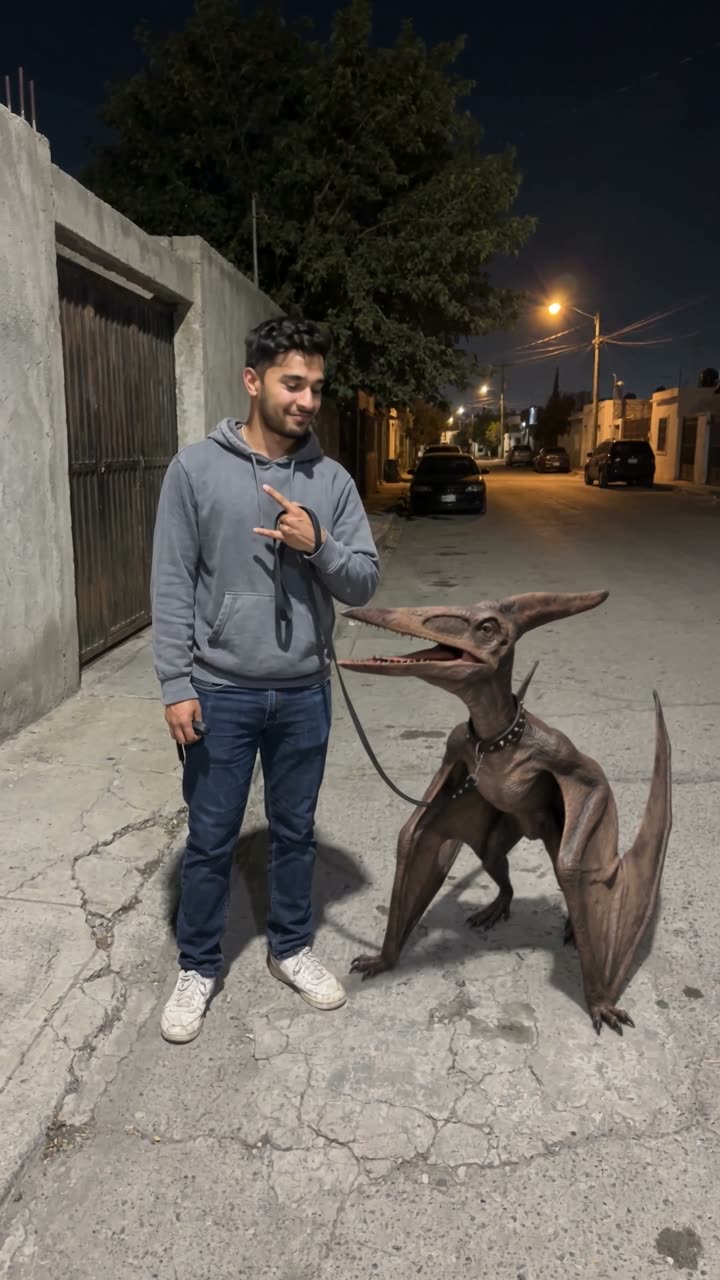
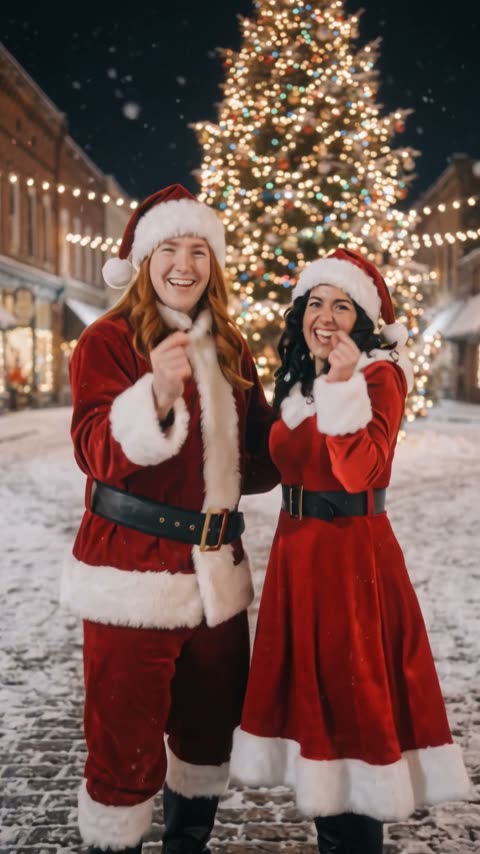
One photo in, one video out
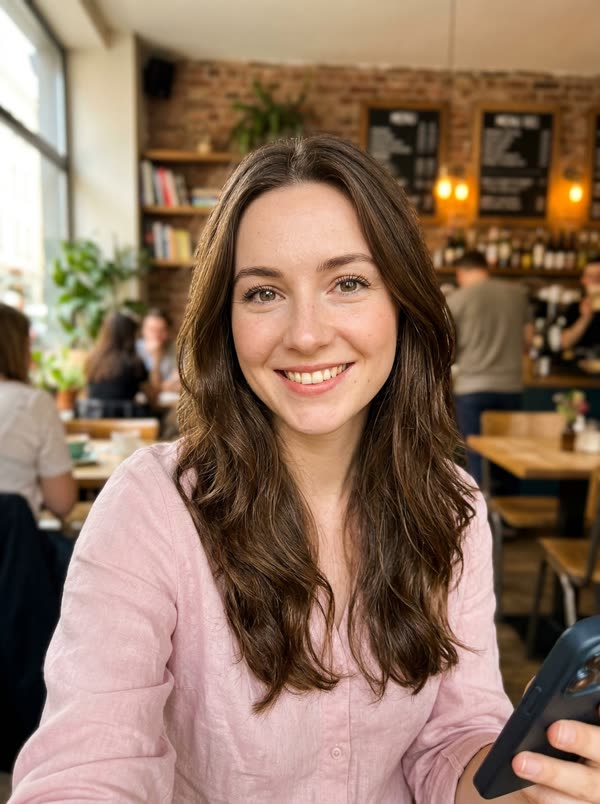
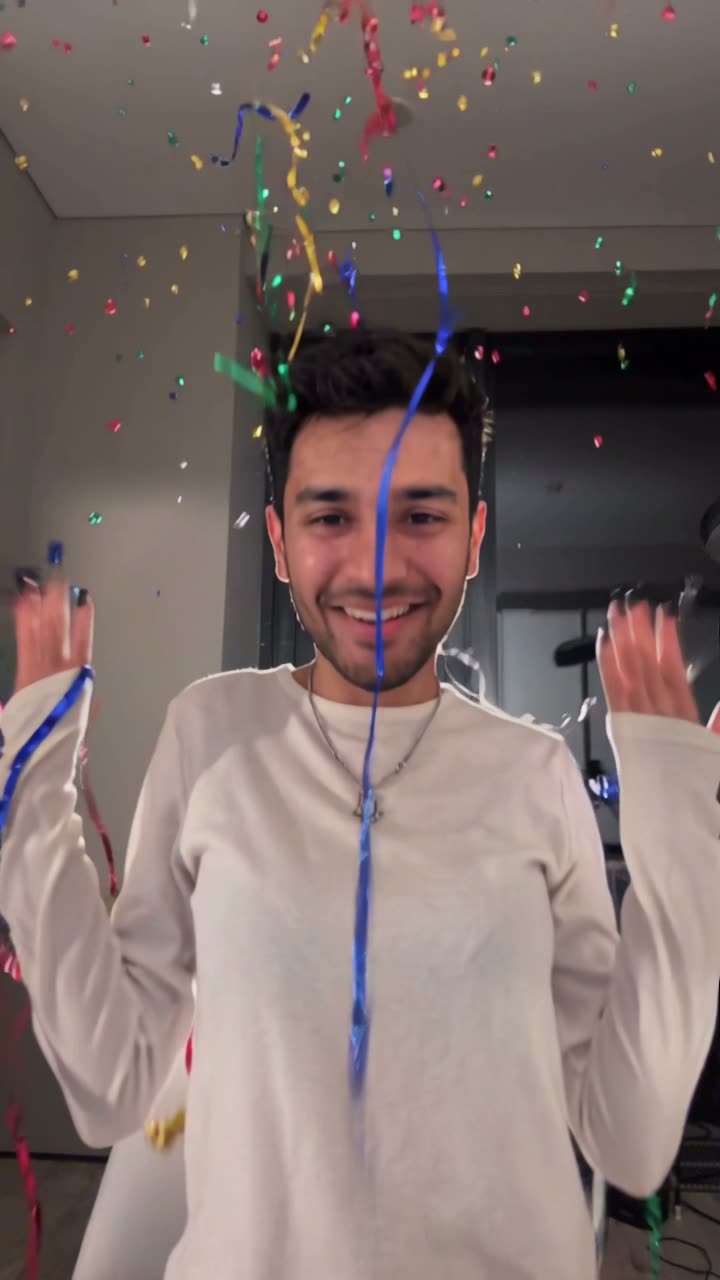
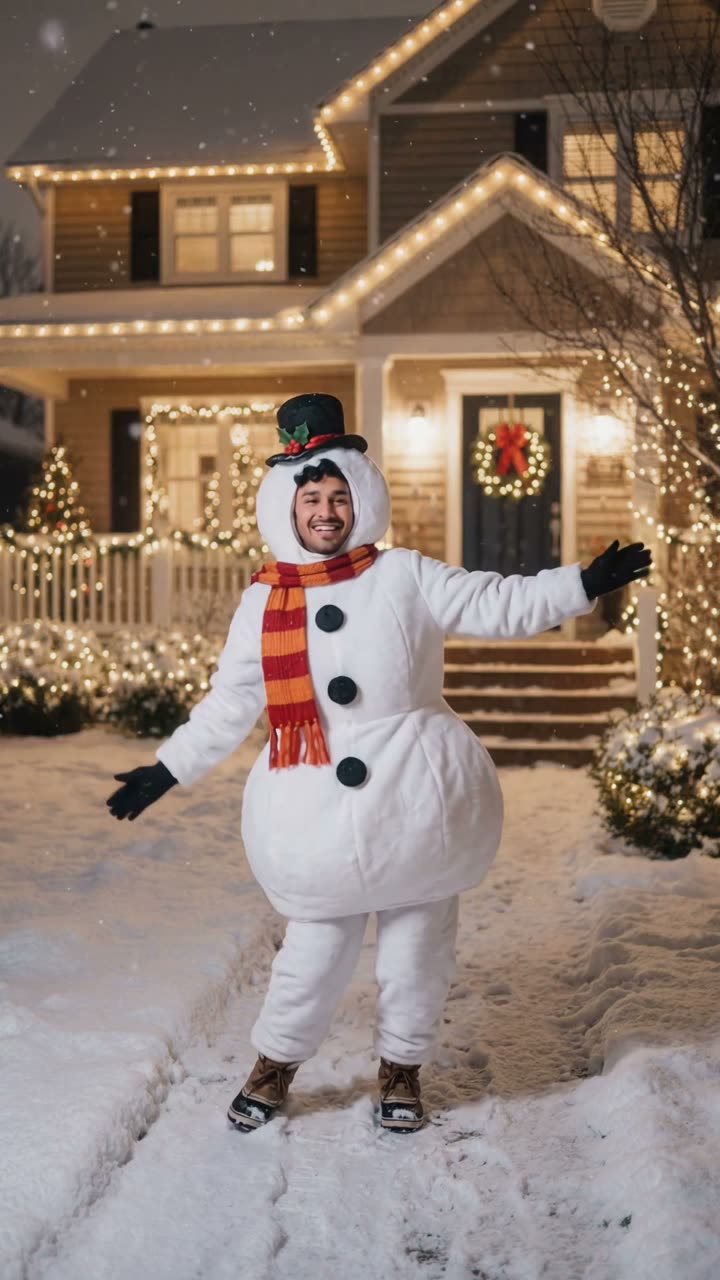
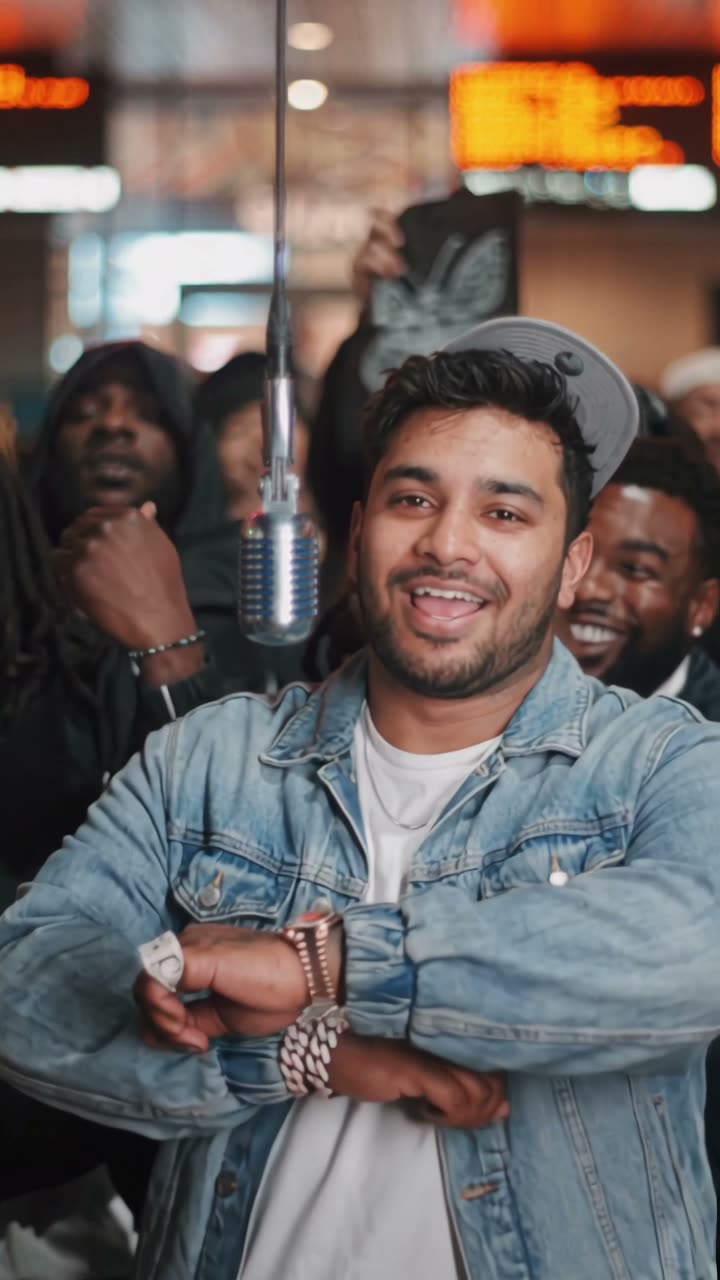
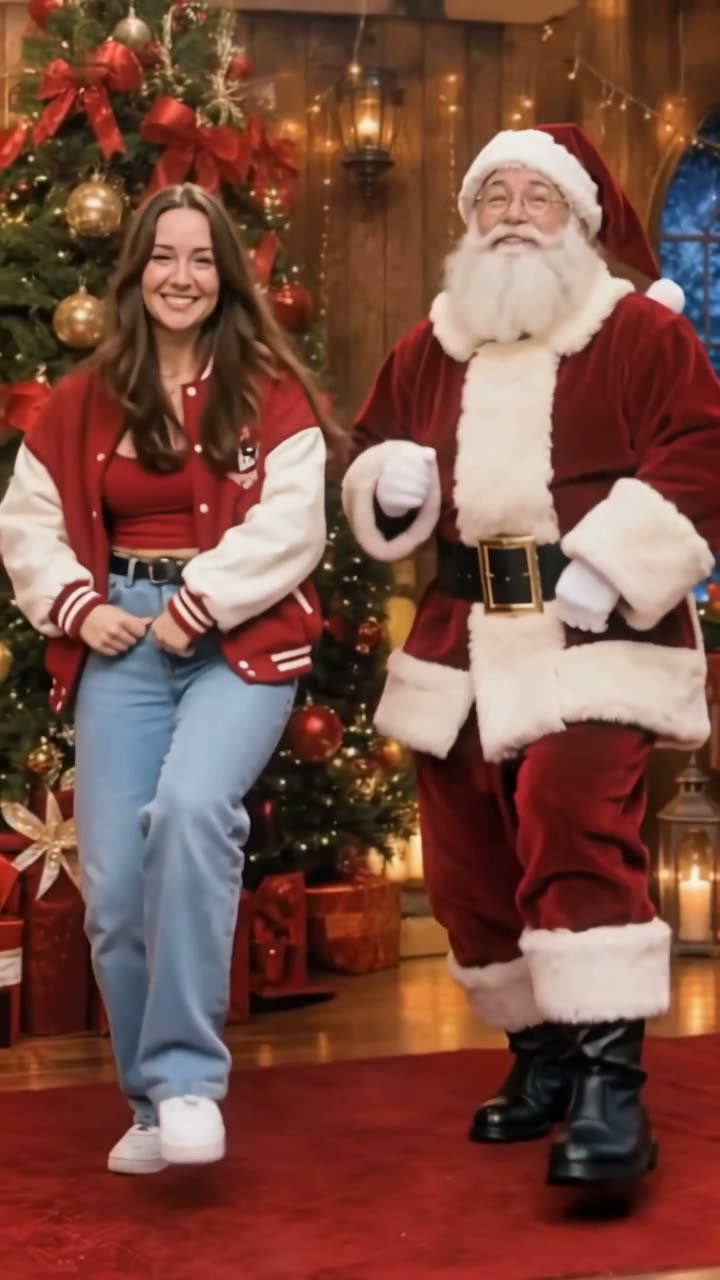
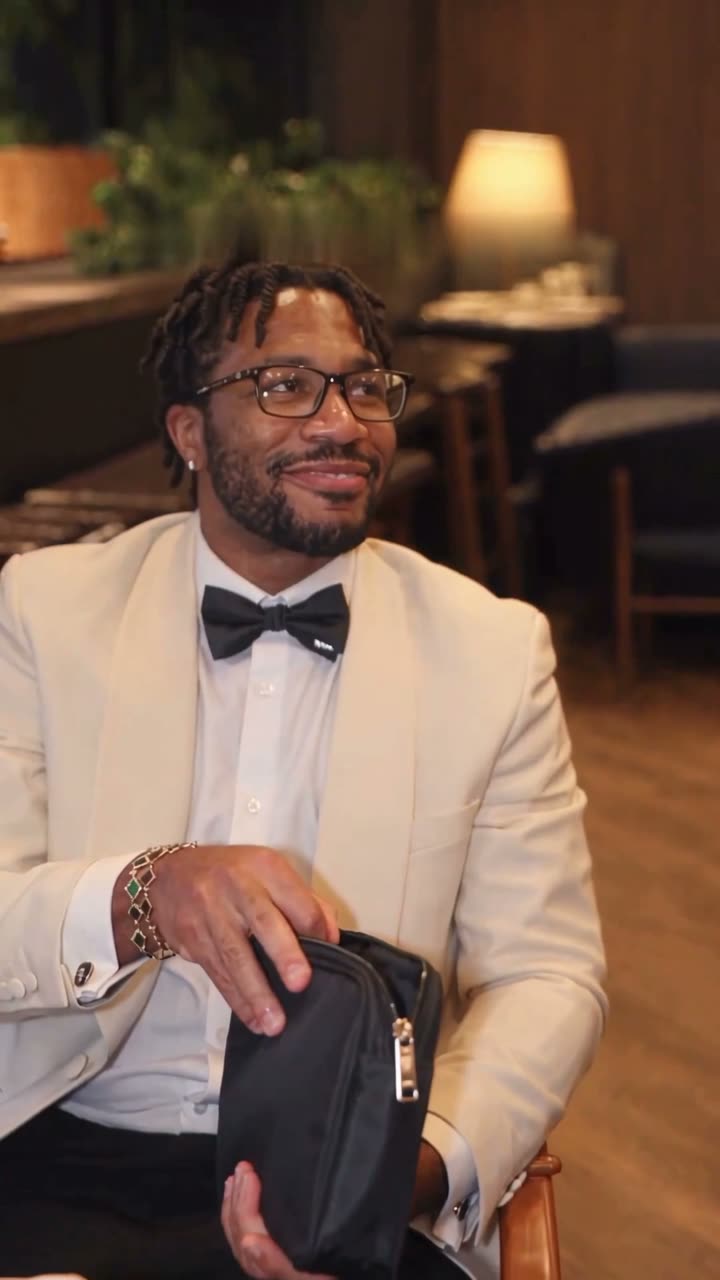
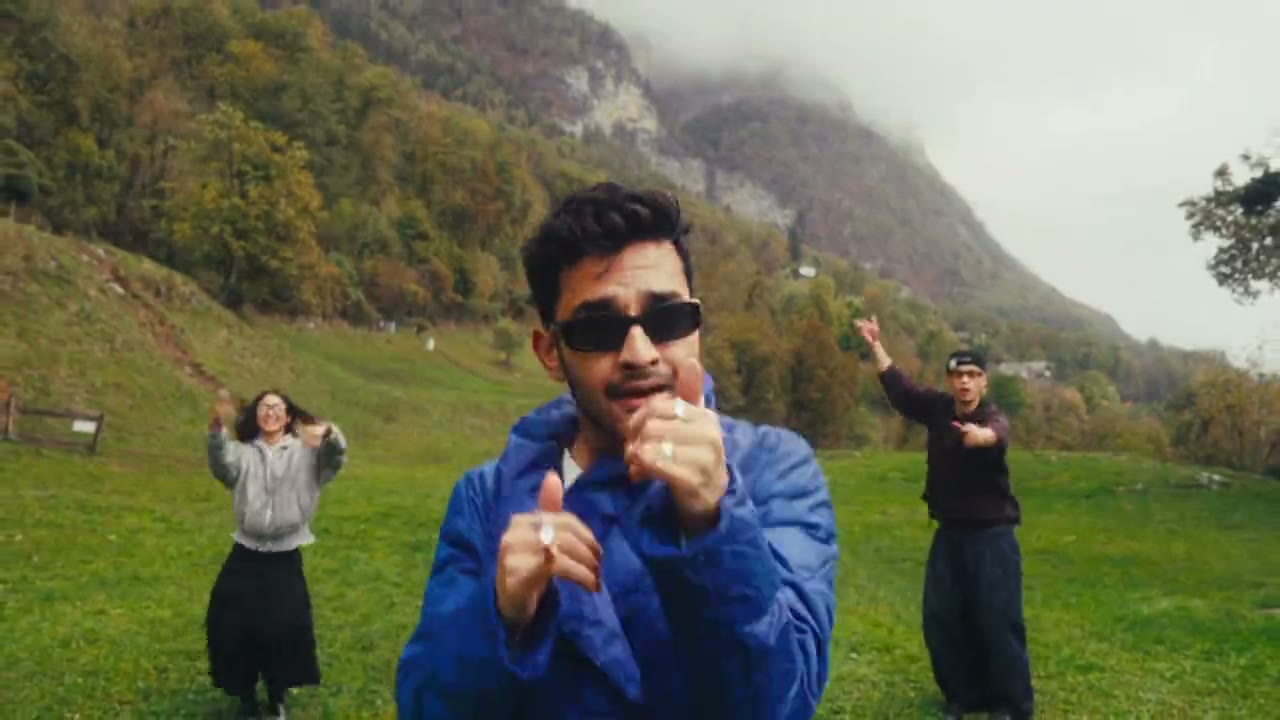
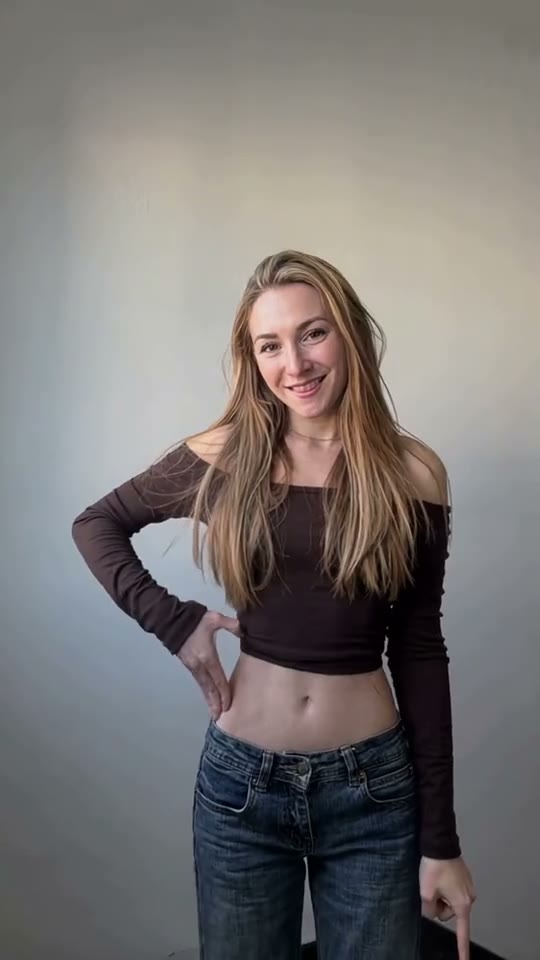
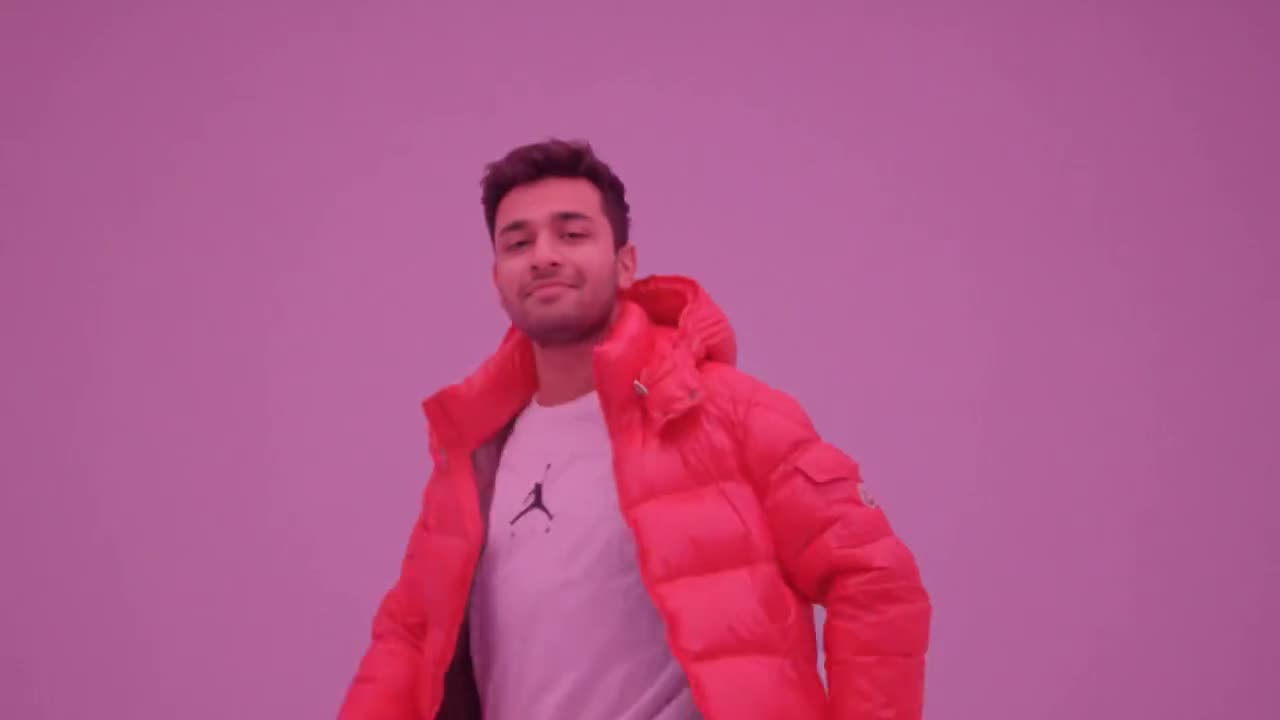
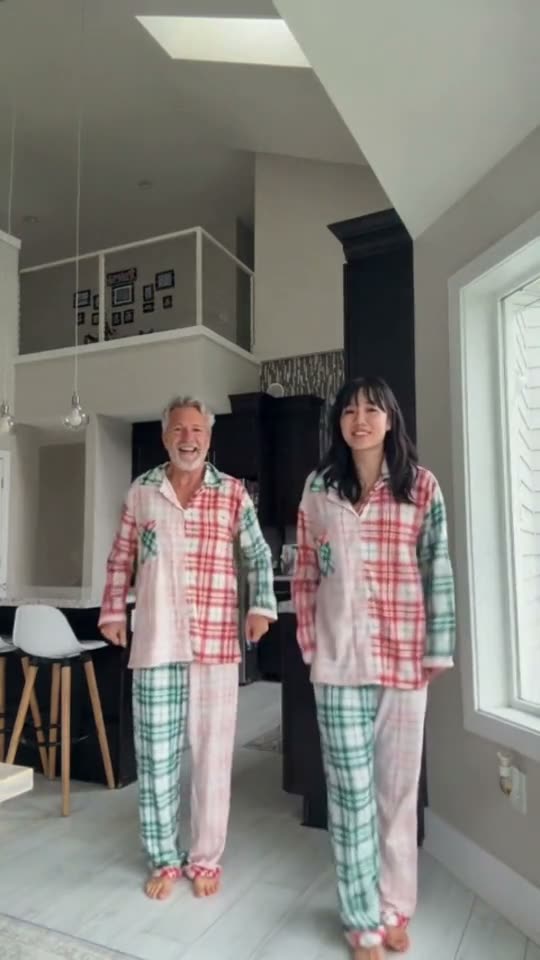
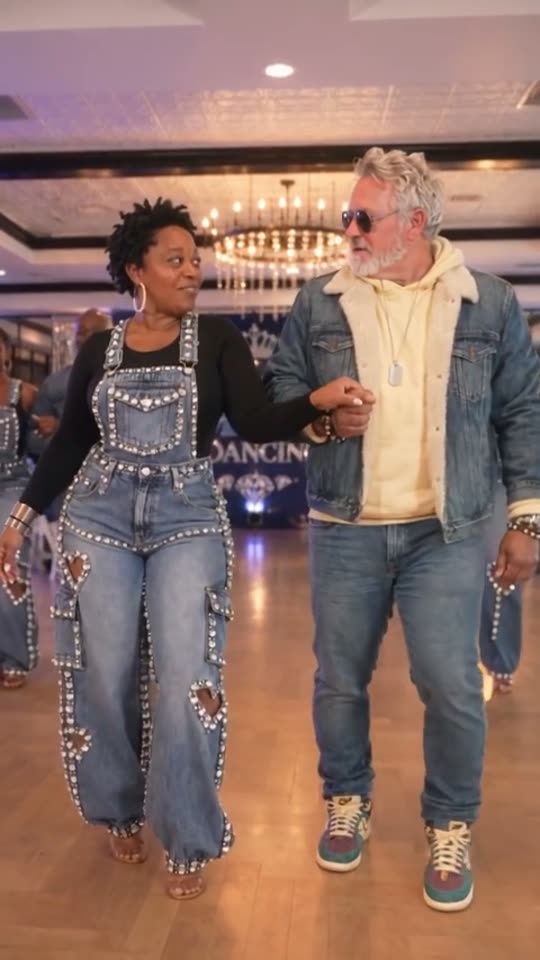
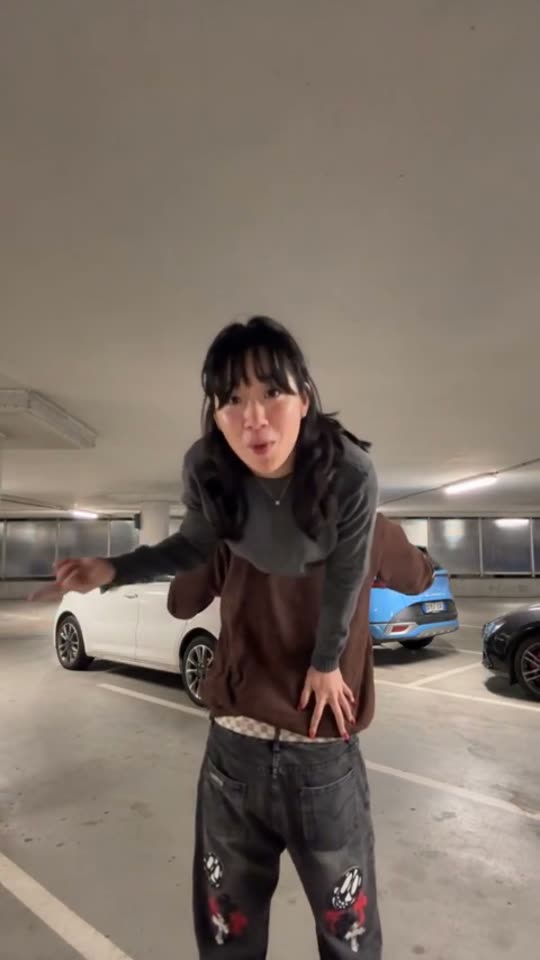
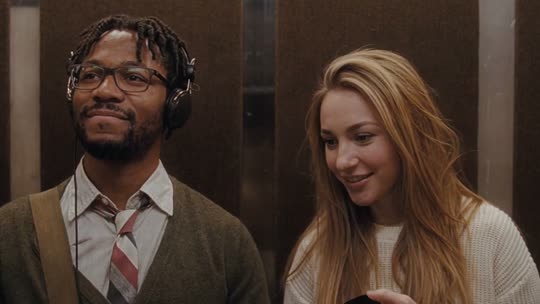
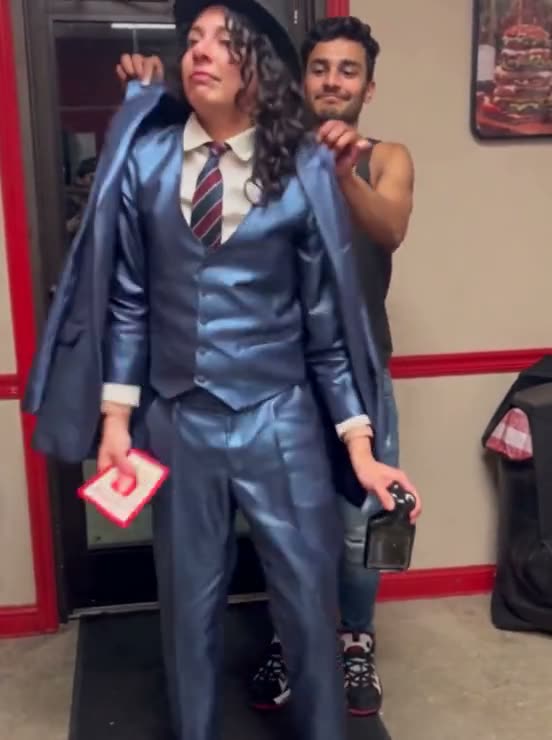
 PhotoWaiting On My Fries
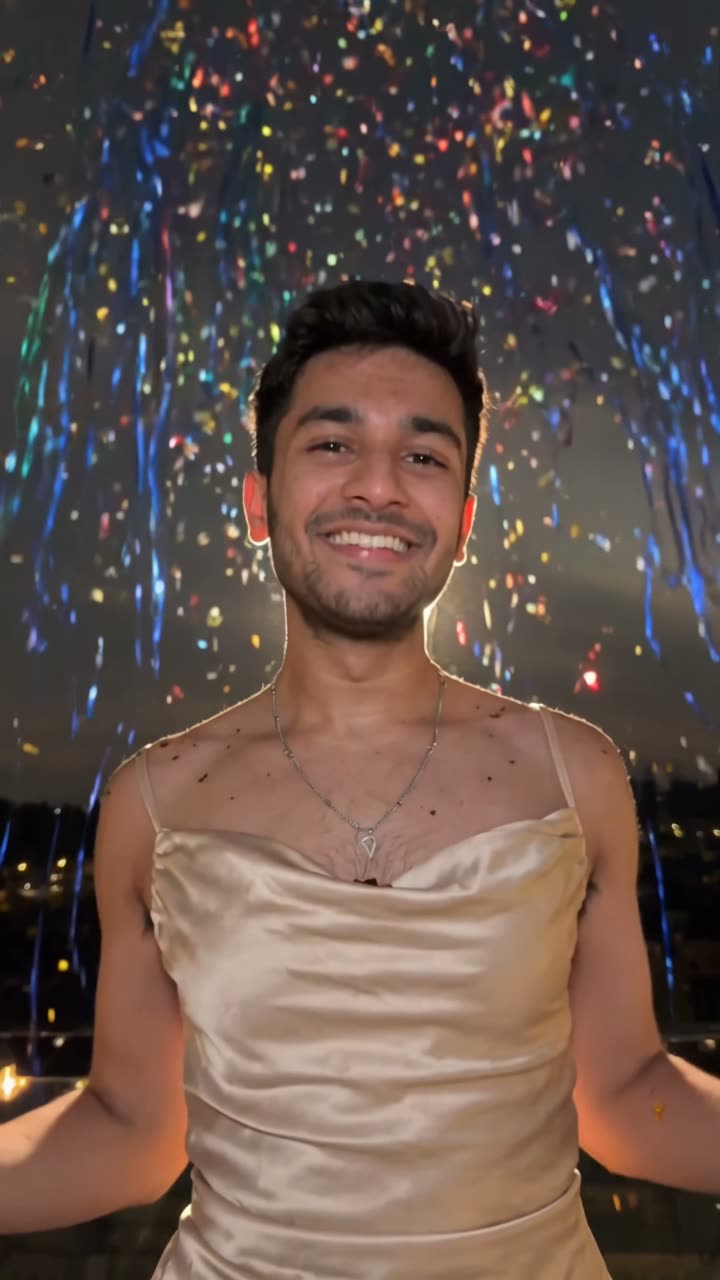
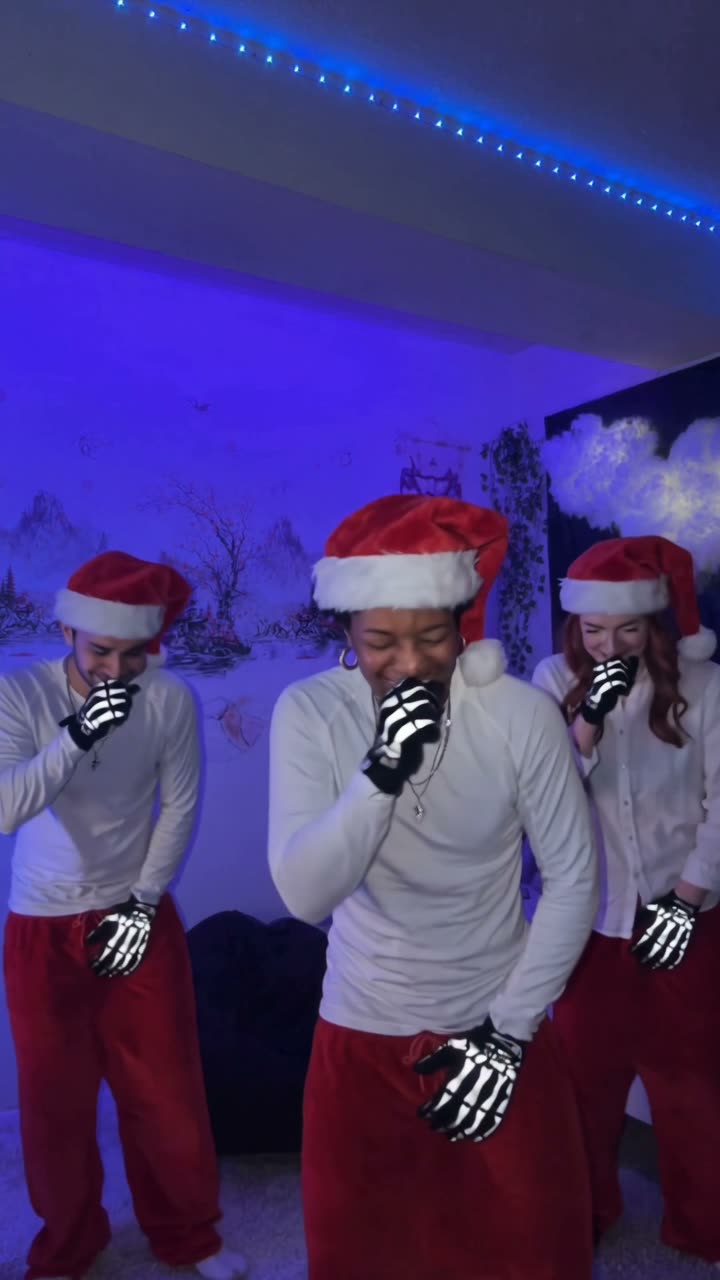
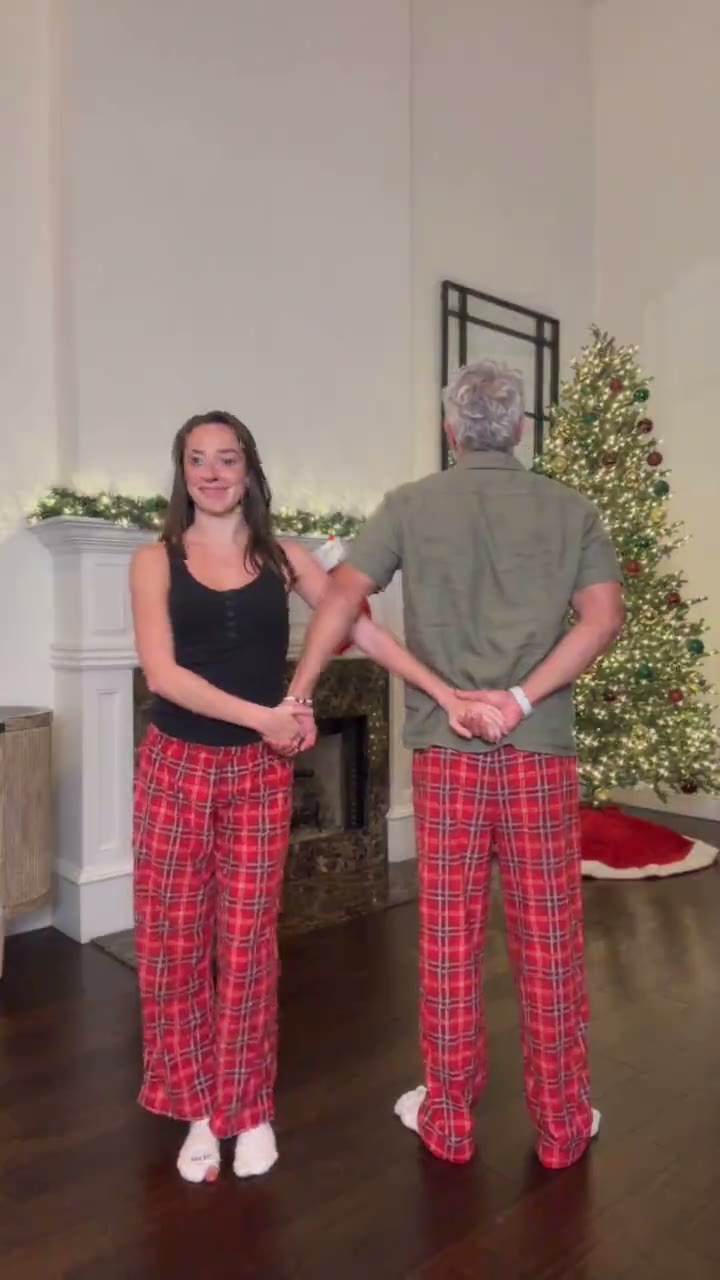
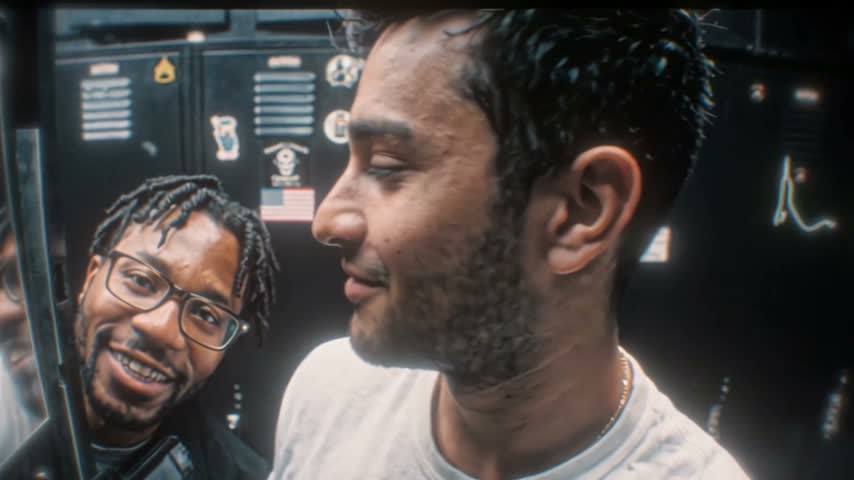
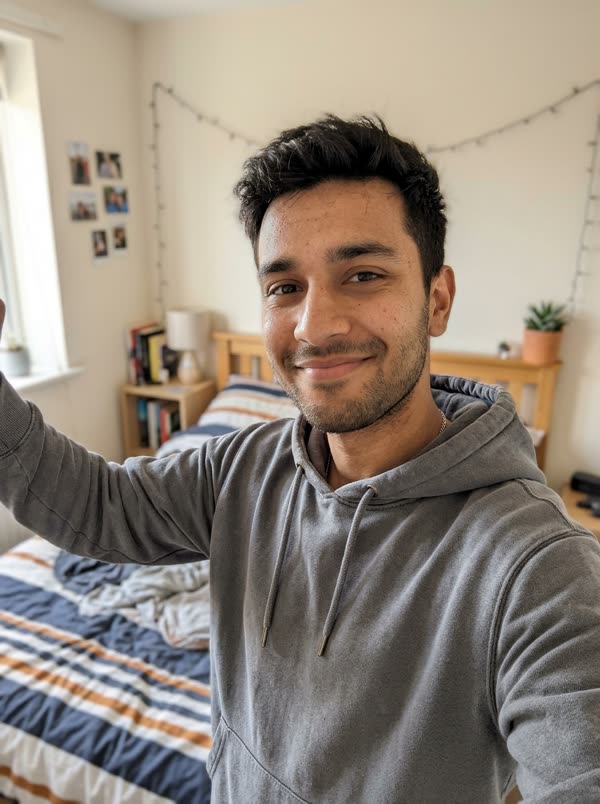 PhotoWaiting On My FriesPhotoWaiting On My Fries
Questions, answered
What is the waiting on my fries trend?
It's a TikTok trend from November 2026 based on a 22-second Instagram skit by @f.r3n. A customer at a taco shop is still waiting on their fries, the coworker forgot them, and the worker at the counter stalls with a slow, dead-serious dance. Most versions are made with AI, often with cats.
Who made the original Waiting On My Fries video?
Instagram creator @f.r3n, who has about 581,000 followers. He posted the Reel in early October 2026 (8 October US time, 9 October UTC). The post from 15 November is the same video reposted, not a sequel.
What does "you hitting that for real" mean?
It's the customer's line in the skit, said once the dance wins them over. In context it's a compliment: the moves are working. The exact words are "Oh, you hitting that for real", without "you're".
Can I do the Waiting On My Fries trend with one photo?
Yes. With one photo you're the dancer in every second, and the coworker stays as our template's AI coworker. Add a second photo if you want a friend to play the coworker who forgot the fries.
Can a girl be the dancer?
Yes. Roles go by upload order, not gender, so put her photo first. In our tests a woman as photo 1 was the dancer in every second. A woman as photo 2, the coworker, didn't work as well.
Is there swearing in the Waiting On My Fries video?
Yes. Our video uses the skit's original audio, and it has swearing in it. It's not one for a kids' account.
Is Waiting On My Fries AI free?
Not here: each video uses real GPU time. The 10-second cut is 5 credits, which the USD 4.99 Try pack covers, and the full 23 seconds is 15 credits. If a render fails, the credits go back automatically.
Should I use the CapCut template or this?
Use the CapCut template if you want a quick one-photo version on your phone. Use this page if you want your own face as the dancer and a friend as the coworker, with no app, in the browser.
Whose photos can I use?
Yours and those of adults who said yes. Photos of kids, celebrities or public figures are not allowed. Videos are marked as AI-generated on our player and share pages; please say it's AI when you post.
Is this made by @f.r3n, TikTok or CapCut?
TrendTemplate is not affiliated with or endorsed by @f.r3n, Instagram, TikTok, CapCut, Starrd, MakeViral or any creator of the trend. Our template is our own AI recreation of the taco-shop skit: the two workers in it are AI-generated people, not @f.r3n or anyone from the original video, and we don't show his footage. The sound is the skit's original audio, which has swearing in it.
Guides and tips
- How to Make the Waiting On My Fries AI Video (1–2 Photos)How to make the Waiting On My Fries AI video: which photo goes first, 10 or 23 seconds, how long it takes, and how to post it with the trend's sound.
- Waiting On My Fries Trend: Original Video, AI Cats, SoundWhere the Waiting On My Fries trend came from: @f.r3n's October 2026 Instagram skit, the AI cat and snow leopard versions, and the sound people use.