AI photo creator: turn your photo into a video
Upload one photo, pick a ready-made template and get a short vertical video with sound. It does not draw new pictures.
Create your video
1Pick a template
2Your photo
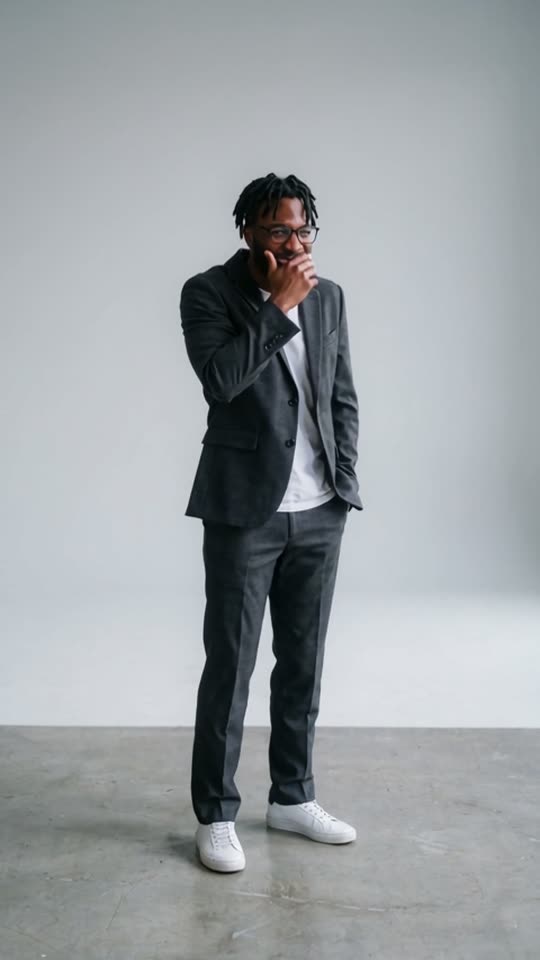
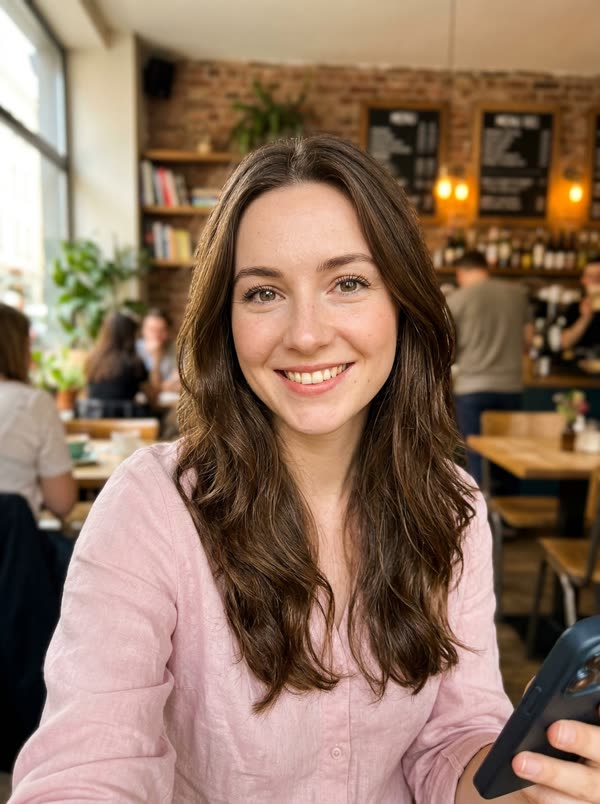
Best results: one person or pet, facing the camera, even lighting, head and chest visible. Avoid sunglasses, masks and heavy filters.
3Length
Dime Dime Baby · Original: @bigbowee on TikTok · sound: BbY WOW (Karol G)
This site does not create new photos. It takes the photo you upload and puts the person in it into a video template, like a dance or a TikTok trend.
If you want a tool that draws images from a text prompt, this is the wrong one. If you want to turn a photo into a video you can post, read on.
What you get
A vertical MP4 with sound, 5 to 30 seconds depending on the template. Your face, hair and build come from your photo. The moves, the scene and the music come from the template.
There are seven templates. Three are viral TikTok trends made from the original clips: Dime Dime Baby, Bulin 47 and Hotel Lobby. Four are our own dances: Rooftop Groove, Neon Shuffle, Beach Wave and Office Moonwalk.
How to use a photo template
1. Pick a template. 2. Upload a recent, well-lit photo of one person with the face visible. A half-body shot works best. 3. Choose a length and press Generate.
A render usually takes 5 to 10 minutes. The video lands in My videos, and you can download it for TikTok, Reels or Shorts. We keep videos for 30 days and delete photos after 7 days.
What it cannot do
It cannot make a new image from text, edit or retouch a photo, or use your own video clip or song. You also can't use photos of children, celebrities or anyone who has not agreed. Every video is marked as AI-generated.
Is it free?
No. Each video uses real GPU time, so there are no free credits. One credit is one second of video, and packs start at $4.99. If a render fails, the credits go back to you.
Same face, every template
One photo, a different video for each template
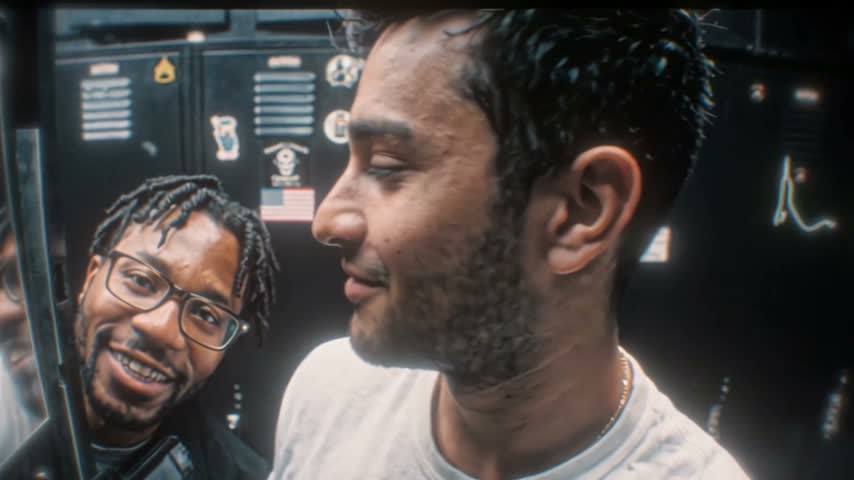
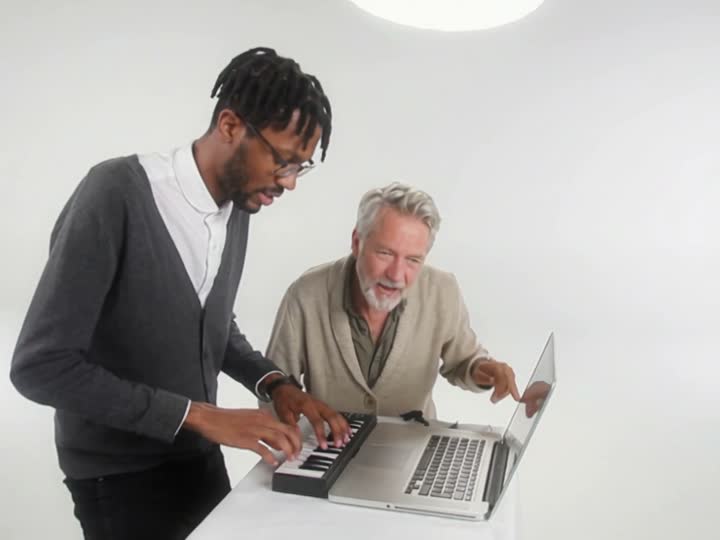
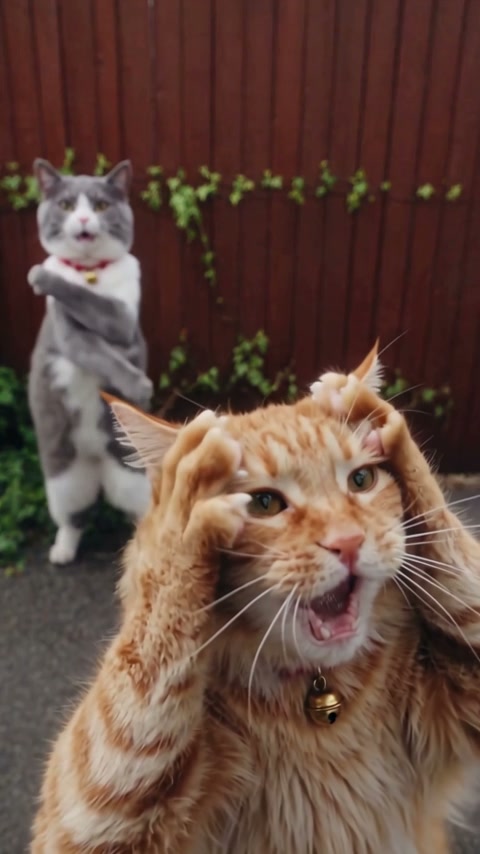
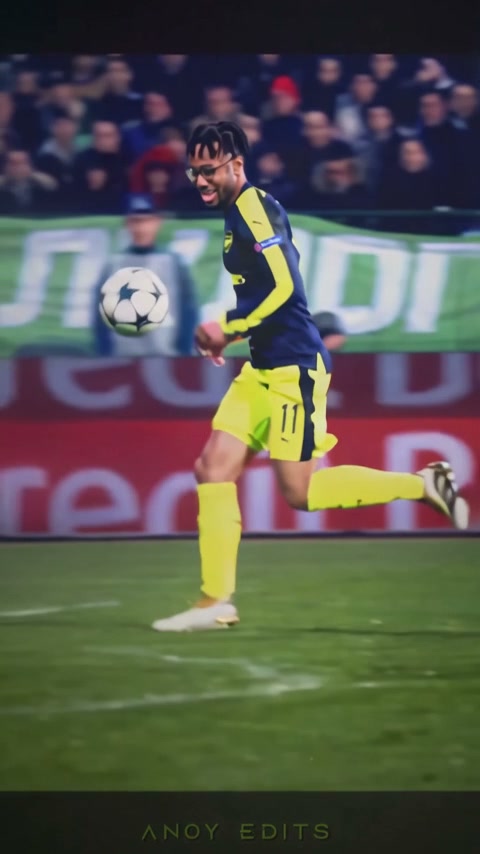
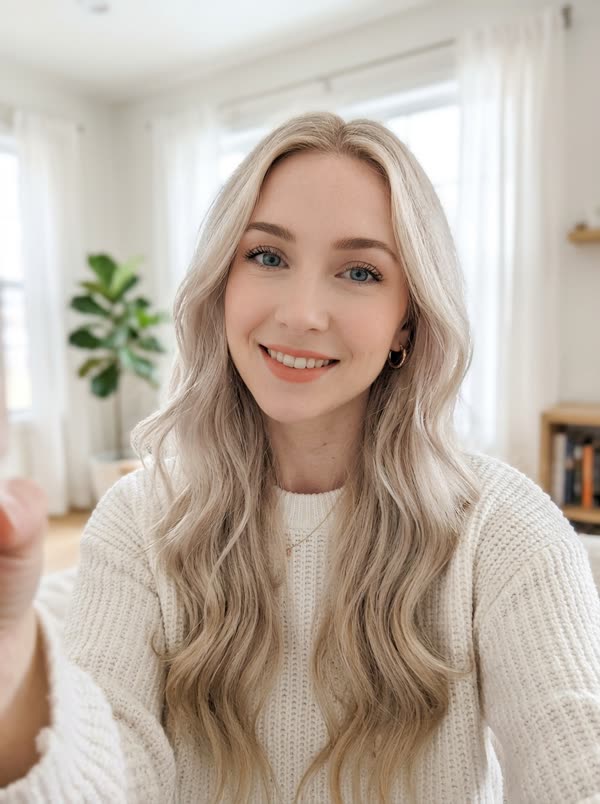
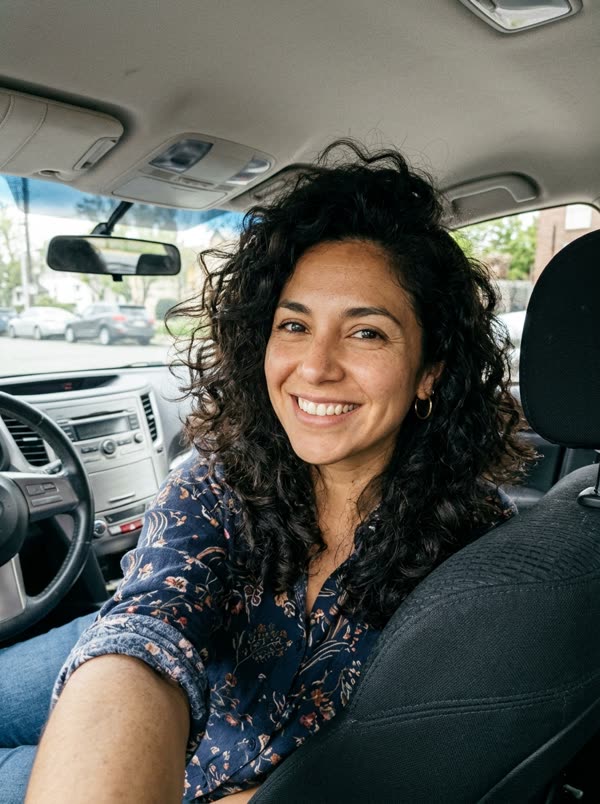
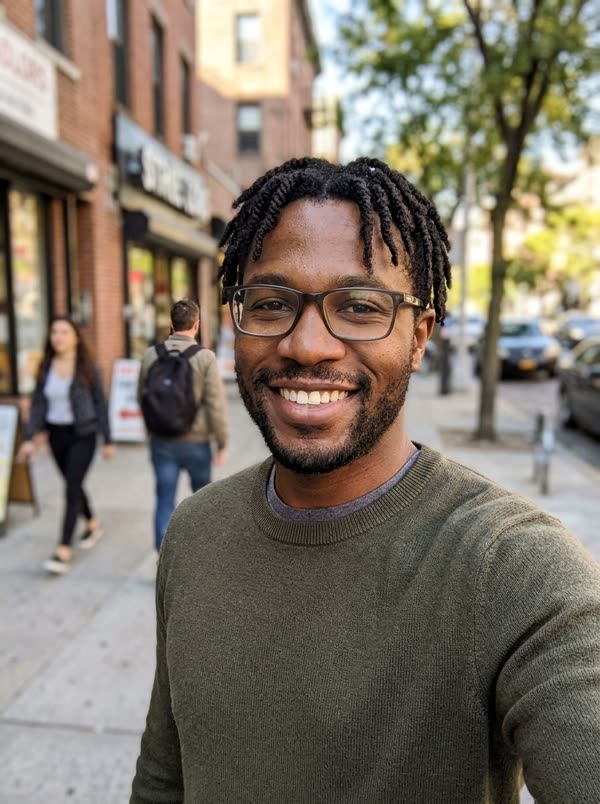
The same photo went into every template. The face stays the same; the moves, the outfit and the scene come from each template.
Sample results
One photo in, one video out
 PhotoDime Dime Baby
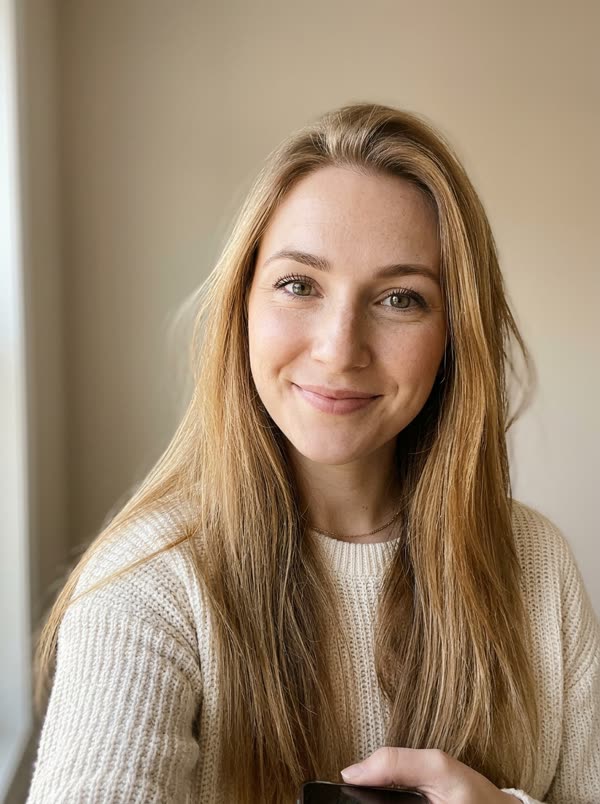 PhotoDime Dime Baby
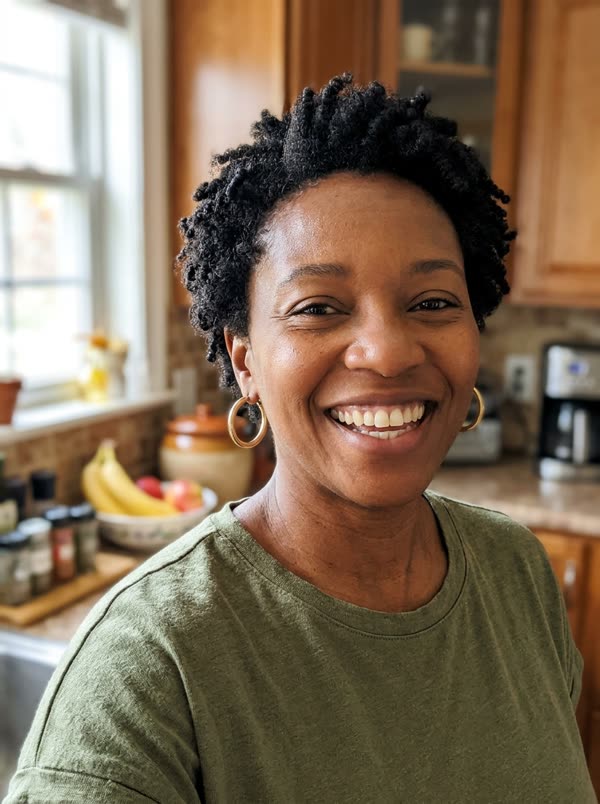 PhotoDime Dime Baby
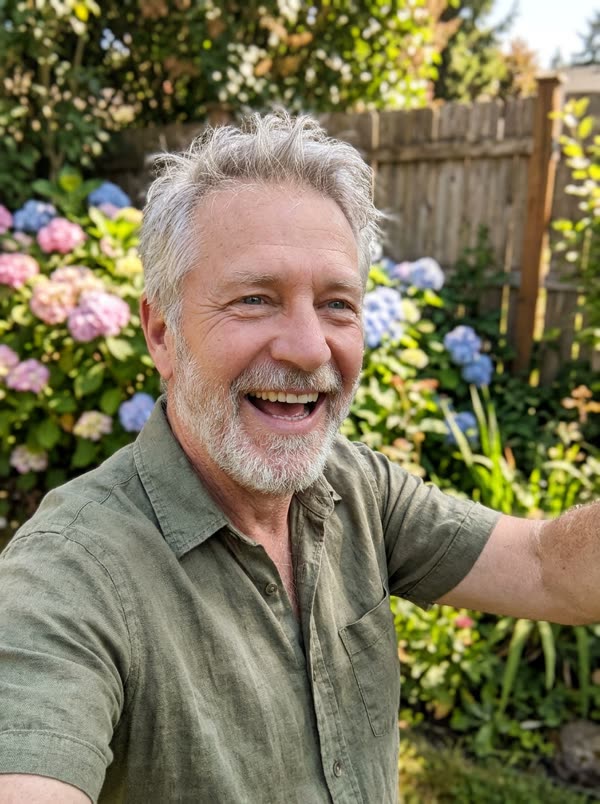 PhotoDime Dime Baby
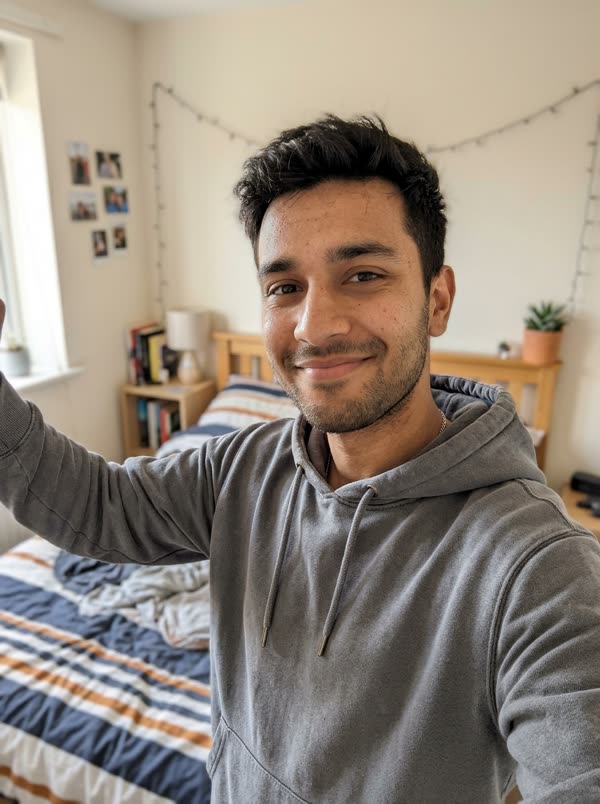 PhotoBulin 47
 PhotoBulin 47PhotoBulin 47
 PhotoBulin 47PhotoHotel LobbyPhotoHotel LobbyPhotoHotel Lobby
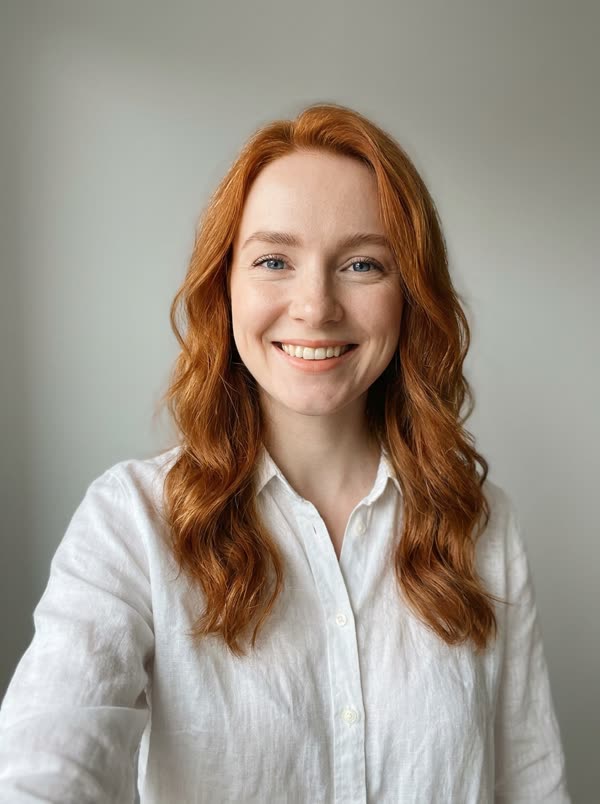 PhotoHotel LobbyPhotoNeon ShufflePhotoNeon ShufflePhotoNeon Shuffle
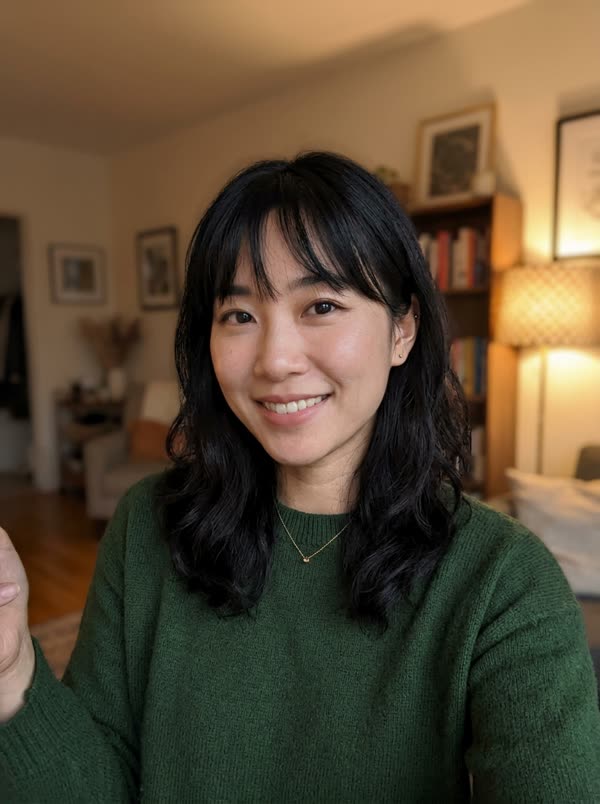 PhotoNeon ShufflePhotoBeach WavePhotoBeach WavePhotoBeach WavePhotoOffice MoonwalkPhotoOffice MoonwalkPhotoOffice MoonwalkPhotoRooftop GroovePhotoRooftop GroovePhotoRooftop GroovePhotoRooftop Groove
Photo tips
Which photos work best
The AI copies the face it can see. These are the photos that give the closest result, and the ones that usually go wrong.
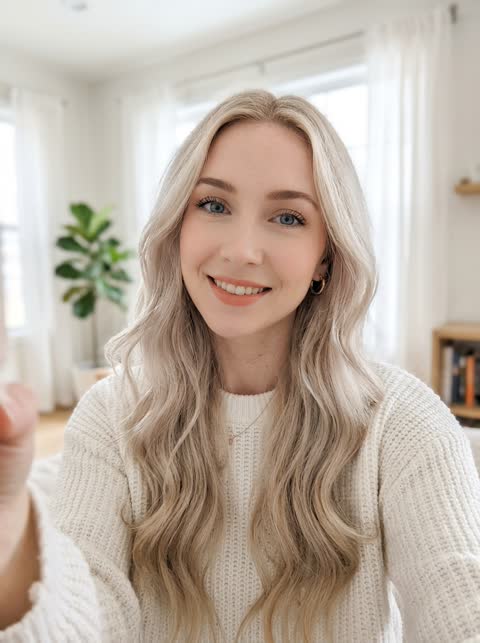 Works well
One person, facing the camera, even light
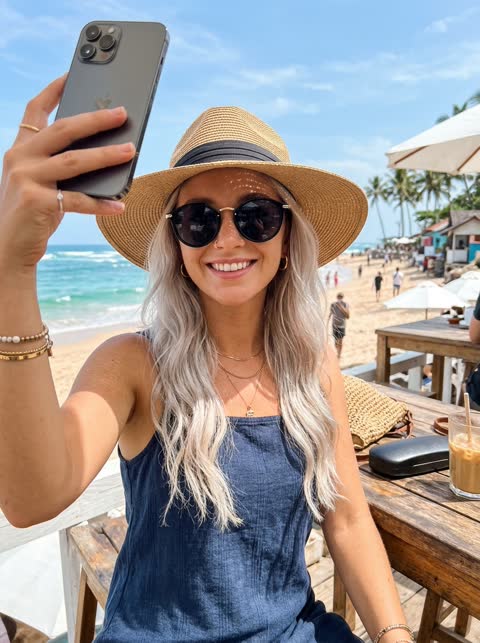 Avoid
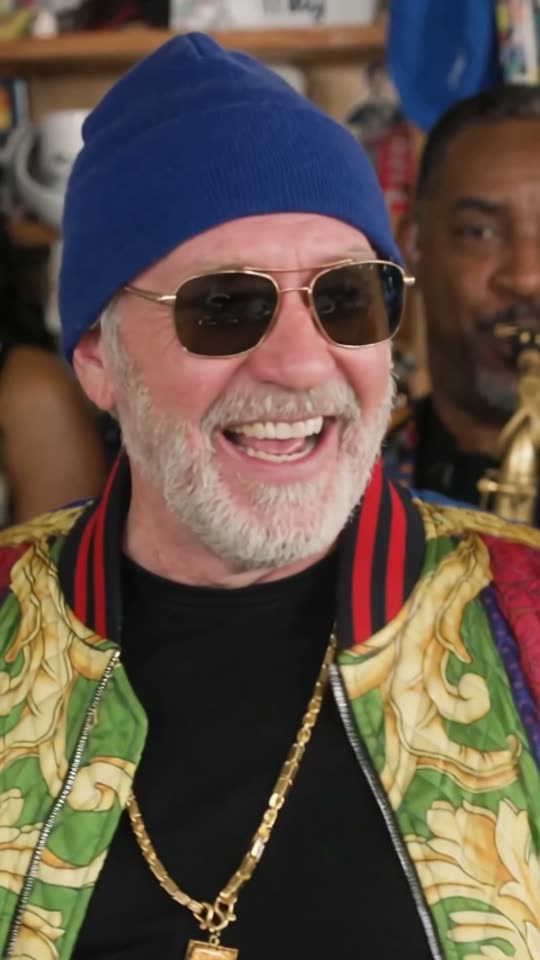
Sunglasses or a hat hide the face
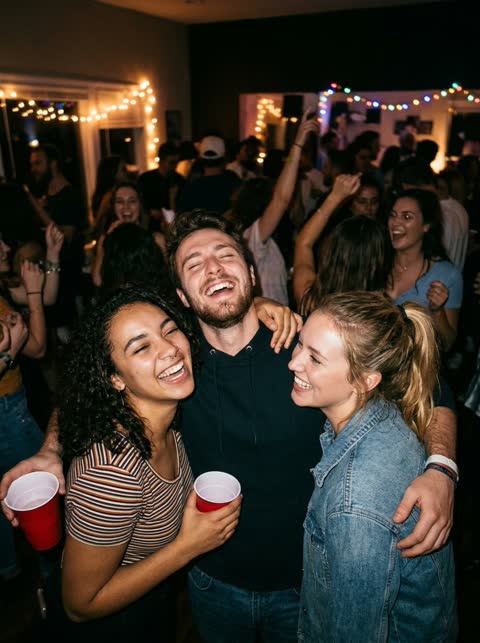 Avoid
Group photos: it cannot tell which face to use
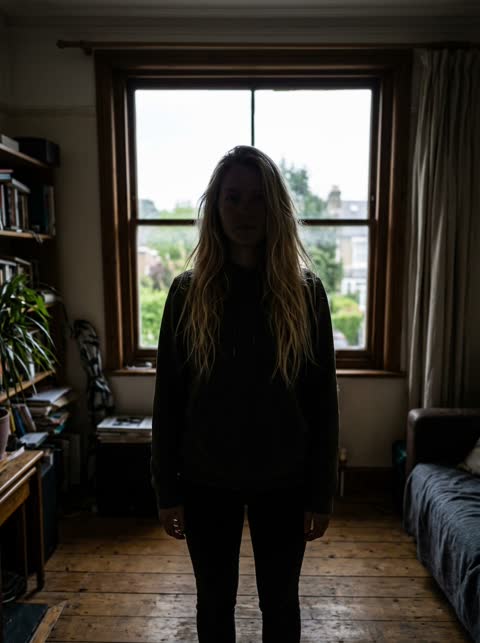 Avoid
Backlit or dark: the face is hard to read
 Avoid
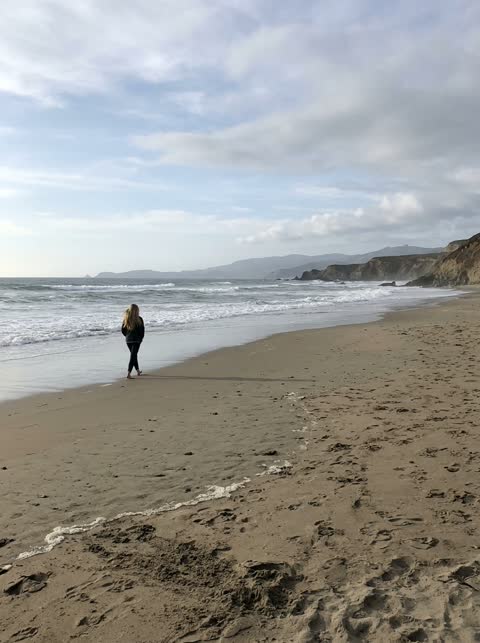
Too far away: the face is too small
Questions, answered
Can it make a picture from a text prompt?
No. It only makes videos from a photo you upload and a template you pick.
Can I use a photo template to edit my photo?
No. The templates are video templates. Your photo is not retouched or returned as an image.
What kind of photo works best?
A sharp, evenly lit photo of one adult, with the face visible. A half-body shot is best because the AI also rebuilds your arms.
Does the video have sound?
Yes. Trend templates keep the original sound and our own templates come with their own music.