AI Trend Video Generator
Pick a template, upload one selfie and get a vertical video where you do the moves. Ready for TikTok, Reels and Shorts in a few minutes.
Create your video
1Pick a template
2Your photos
One photo swaps in one subject. Add up to 2 photos to replace every role in the clip.
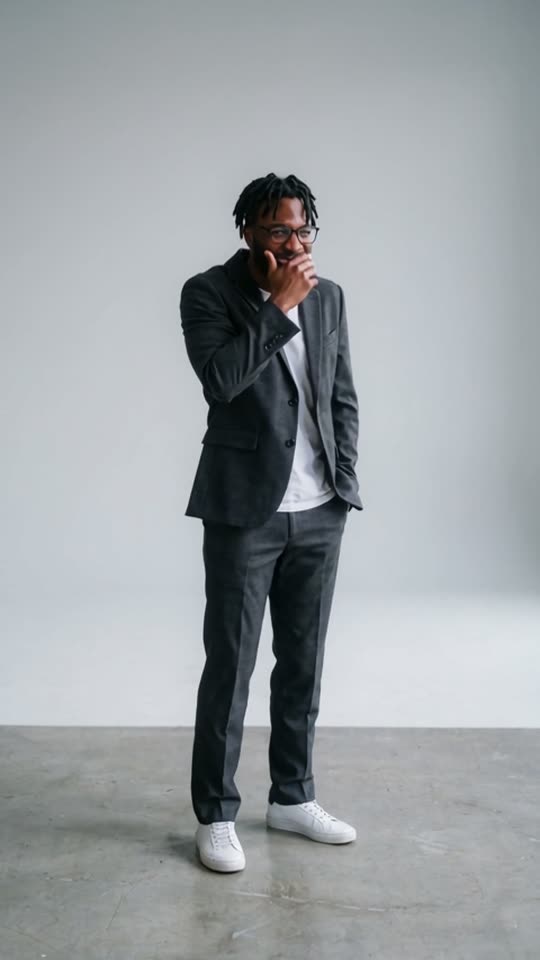
 Replaces: Guy in the suit
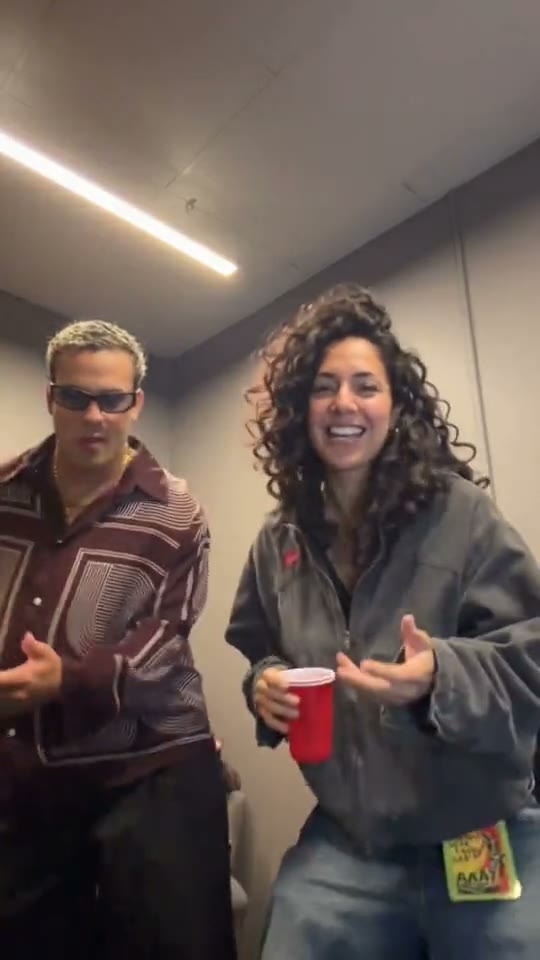
 Replaces: Woman in jeansOptional
Best results: one person or pet, facing the camera, even lighting, head and chest visible. Avoid sunglasses, masks and heavy filters.
3Length
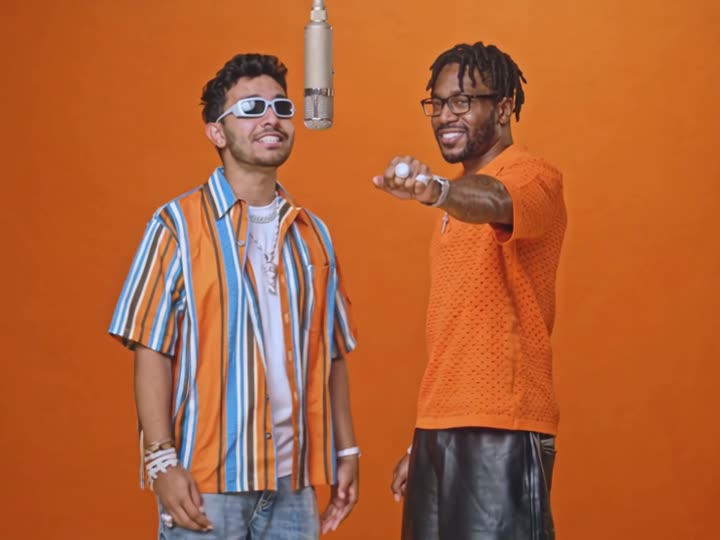
Make It Cap · Template: our AI re-shoot of the moment · sound from "20 vs 1". Sample faces are AI-generated. Trend templates use the original clip and its sound; our own templates were made with AI. We are not affiliated with the artists or creators.
Trending now
Viral AI video templates
Pick a trend, upload one photo and get your video in minutes. Your credits work on every template.
Guides and tips
- End of Watch Meme: The Locker Room Scene, ExplainedEnd of Watch
- How to Make the End of Watch AI Video (1 or 2 Photos)End of Watch
- Is the End of Watch AI Template Free? PriceEnd of Watch
- How to Make the Alors On Danse AI Video (1 or 2 Photos)Alors On Danse
- Is the Alors On Danse AI Template Free? PriceAlors On Danse
- How to Make the Smalltown Boy AI Cat DanceSmalltown Boy AI
- Is the Smalltown Boy AI Cat Dance Free?Smalltown Boy AI
- How to Make the Ozil Goal AI VideoOzil Goal AI
- Is the Ozil Goal AI Video Free? Price per ClipOzil Goal AI
- Oh You Can Make It Cap: Where the AI Trend Came FromMake It Cap
- How to Make the Oh You Can Make It Cap AI VideoMake It Cap
- Is the Make It Cap AI Video Free? What It CostsMake It Cap
- Make It Cap AI Video Ideas: Who Plays the GuyMake It Cap
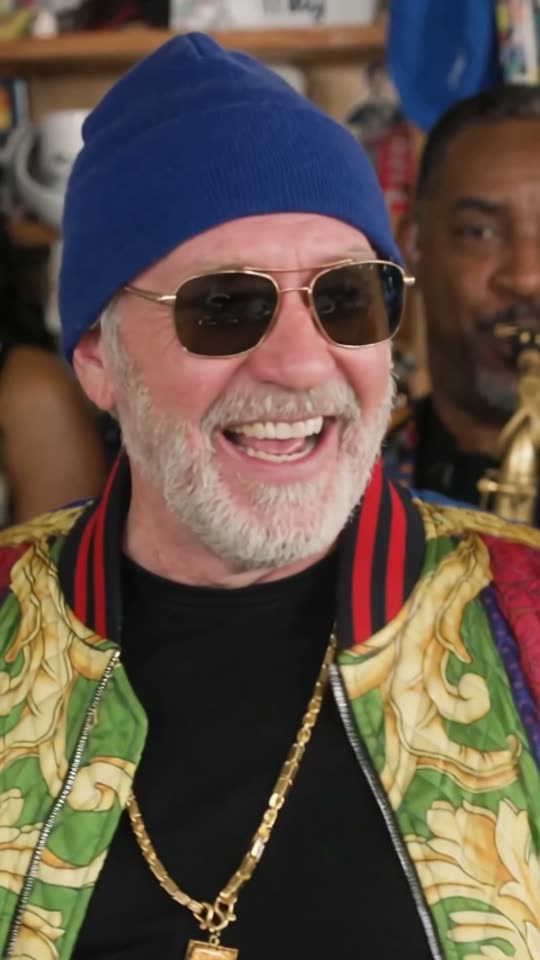
- Tiny Desk AI Band: Put 1–3 Friends in the Outstanding SetTiny Desk
- Outstanding Meme: The Gap Band Song Behind Tiny Desk AITiny Desk
- How to Make the Outstanding Tiny Desk AI Video (1–3 Photos)Tiny Desk
- Is the Tiny Desk AI Video Free? What It CostsTiny Desk
- Tiny Desk AI Video Ideas: Who Gets the SoloTiny Desk
- Dime Dime Baby Trend: Meaning, Song and the DanceDime Dime Baby
- How to Make a Dime Dime Baby AI VideoDime Dime Baby
- Is the Dime Dime Baby AI Video Free? Price per ClipDime Dime Baby
- Dime Dime Baby AI Video Ideas: Who to Put in ItDime Dime Baby
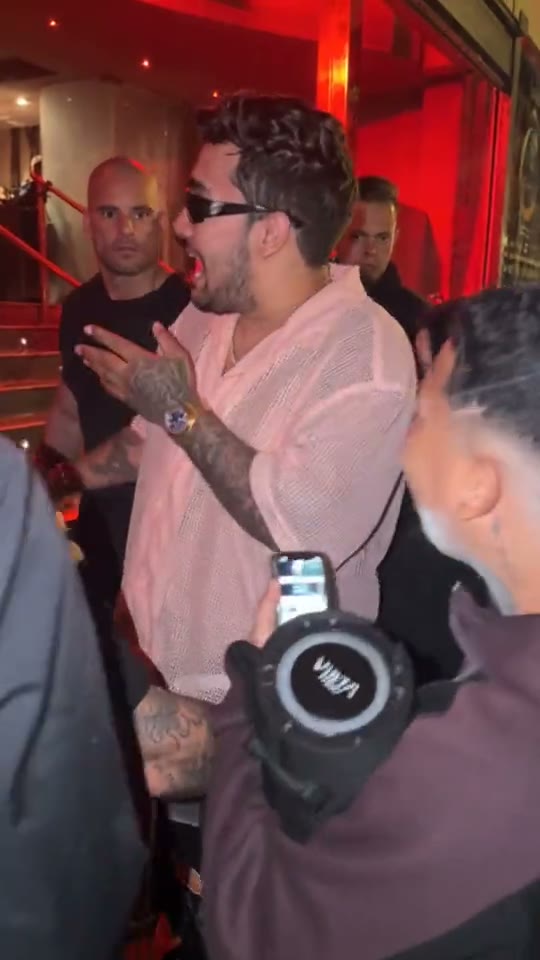
- Bulin 47 Trend: The Madrid Freestyle ExplainedBulin 47
- How to Make a Bulin 47 AI Video From One PhotoBulin 47
- Is the Bulin 47 AI Video Free? Price per ClipBulin 47
- Bulin 47 AI Video Ideas: Who to Put in ItBulin 47
- Hotel Lobby AI Prompt: Copy-Paste Prompts (Solo & Duo)Hotel Lobby
- Best App for the Hotel Lobby Trend: Options ComparedHotel Lobby
- Hotel Lobby AI Trend: Where It Came FromHotel Lobby
- How to Make a Hotel Lobby AI Video From One PhotoHotel Lobby
- Is the Hotel Lobby AI Video Free? What It CostsHotel Lobby
- Hotel Lobby AI Video Ideas and Caption IdeasHotel Lobby
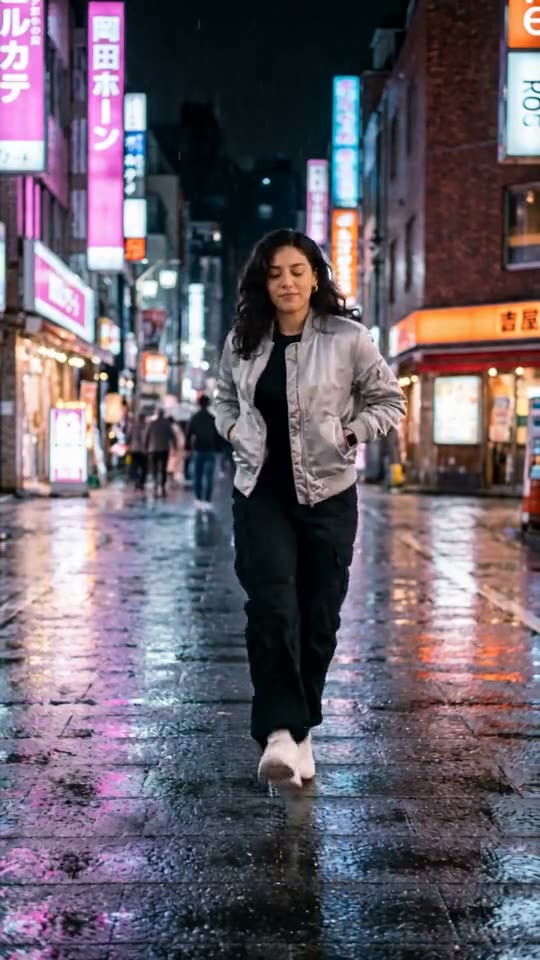
- How to Make a Neon Shuffle AI VideoNeon Shuffle
- Is the Neon Shuffle AI Video Free? Price per ClipNeon Shuffle
- Neon Shuffle AI Video Ideas: Who to Put in ItNeon Shuffle
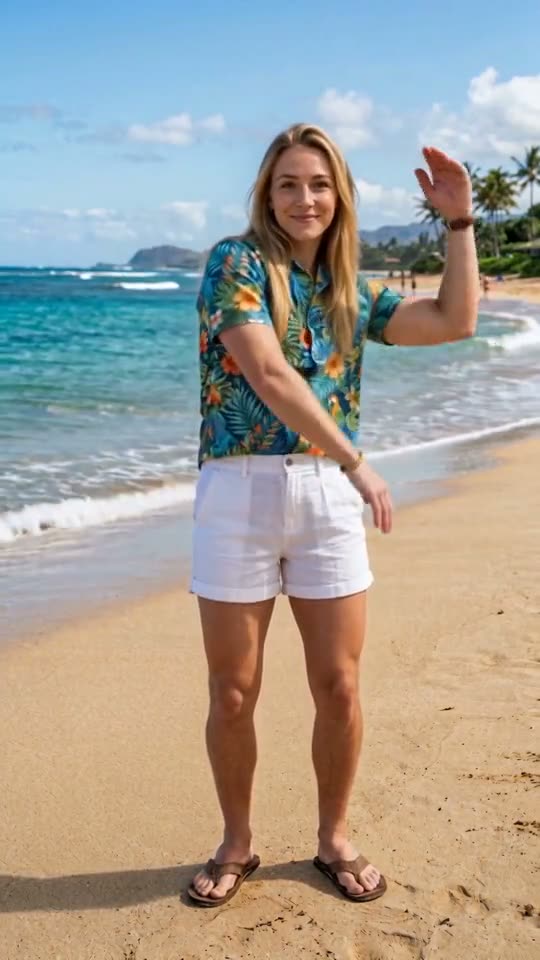
- How to Make a Beach Wave AI VideoBeach Wave
- Is the Beach Wave AI Video Free? What It CostsBeach Wave
- Beach Wave AI Video Ideas for Holidays and BirthdaysBeach Wave
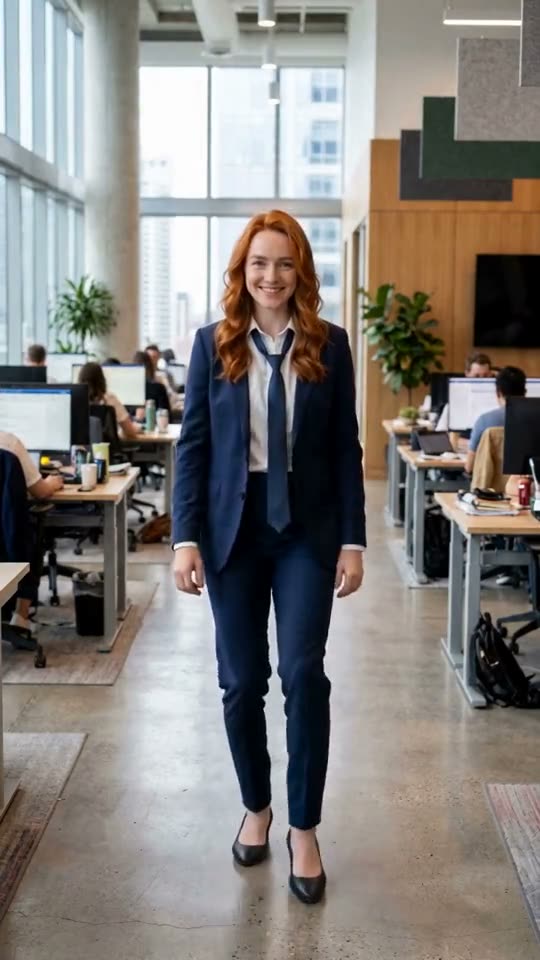
- How to Make an Office Moonwalk AI VideoOffice Moonwalk
- Is the Office Moonwalk AI Video Free? Price GuideOffice Moonwalk
- Office Moonwalk AI Video Ideas for Work ChatsOffice Moonwalk
Sample results
One photo in, one video out
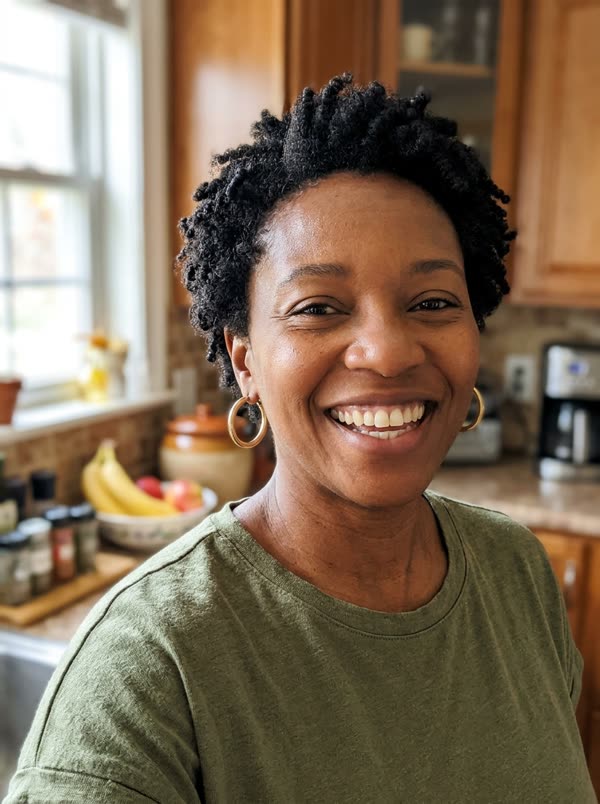
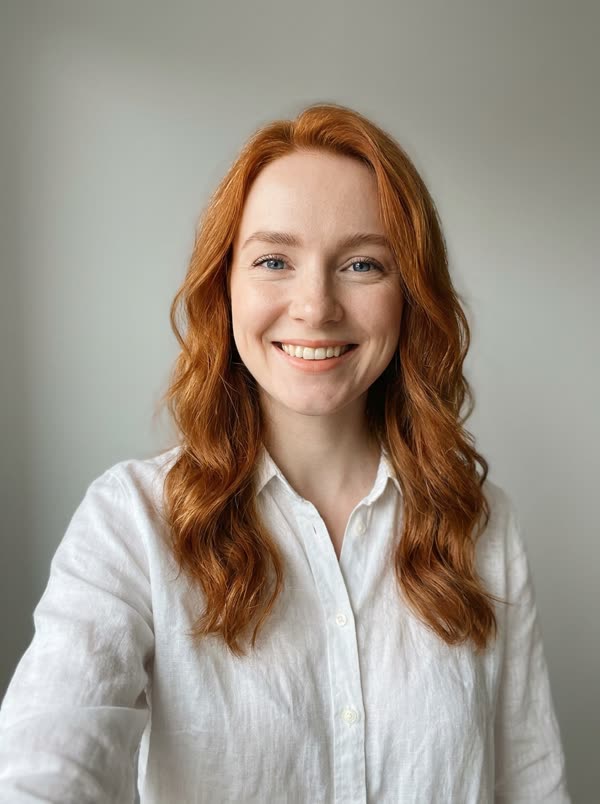
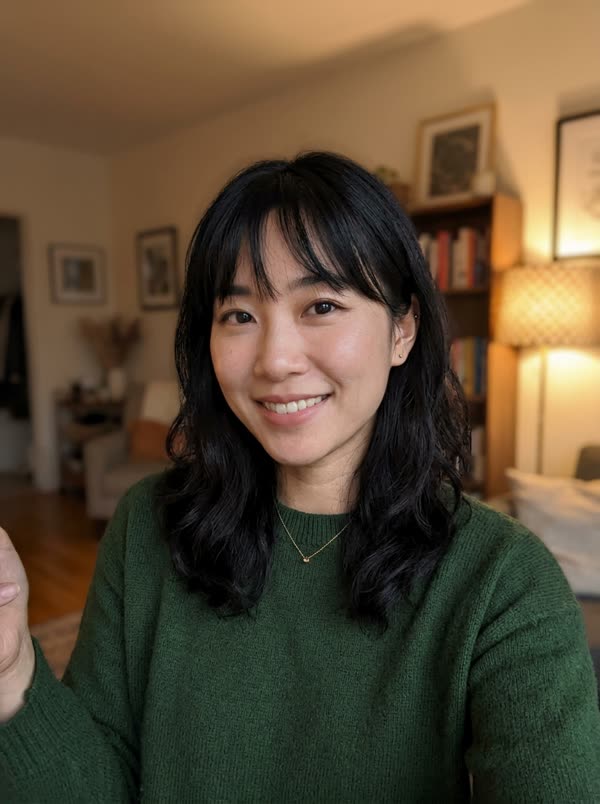
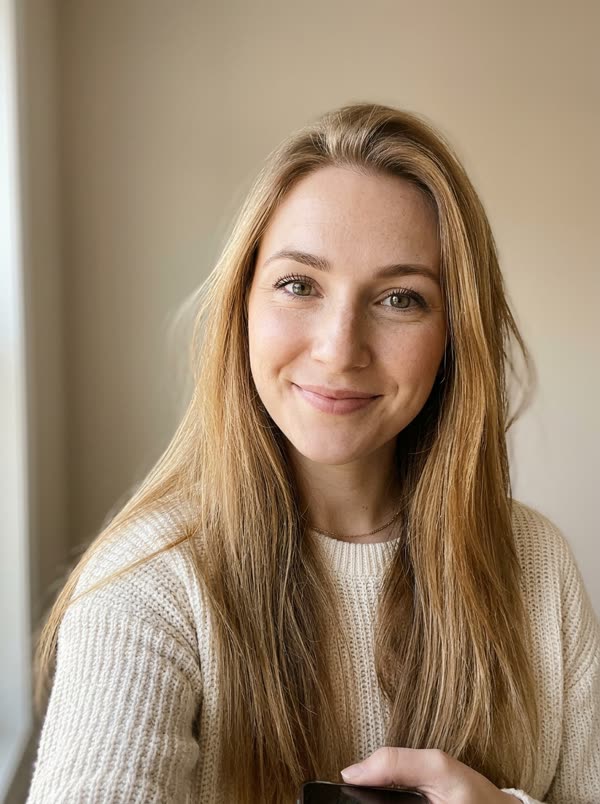
Each card shows the photo that went in and the video that came out. Tap a card to try that template.
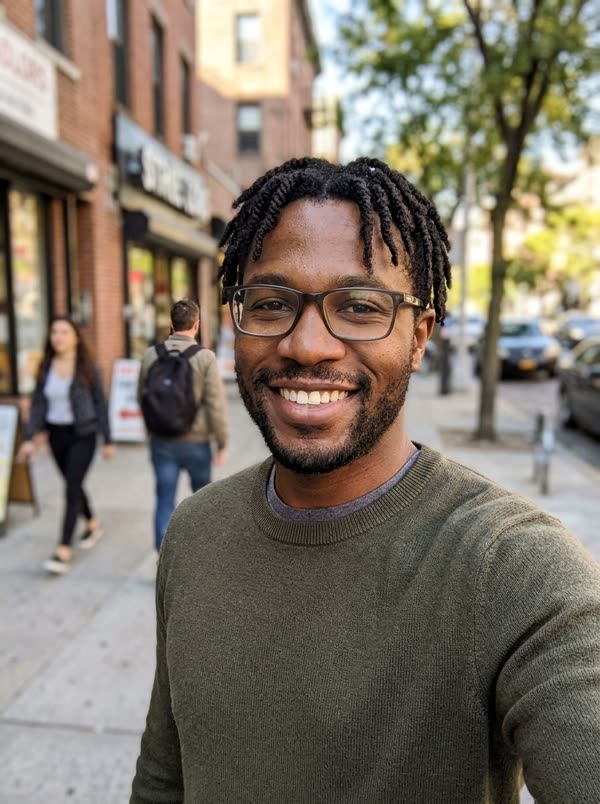 PhotoMake It Cap
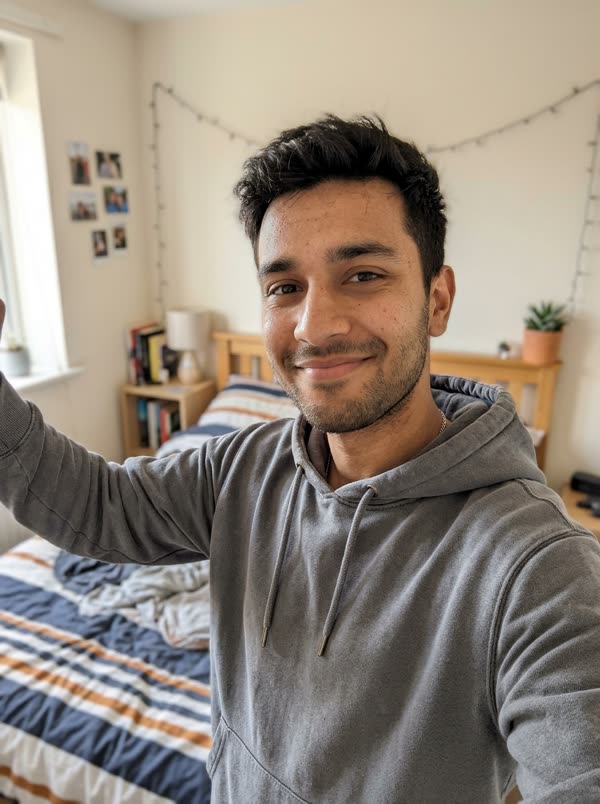 PhotoMake It Cap
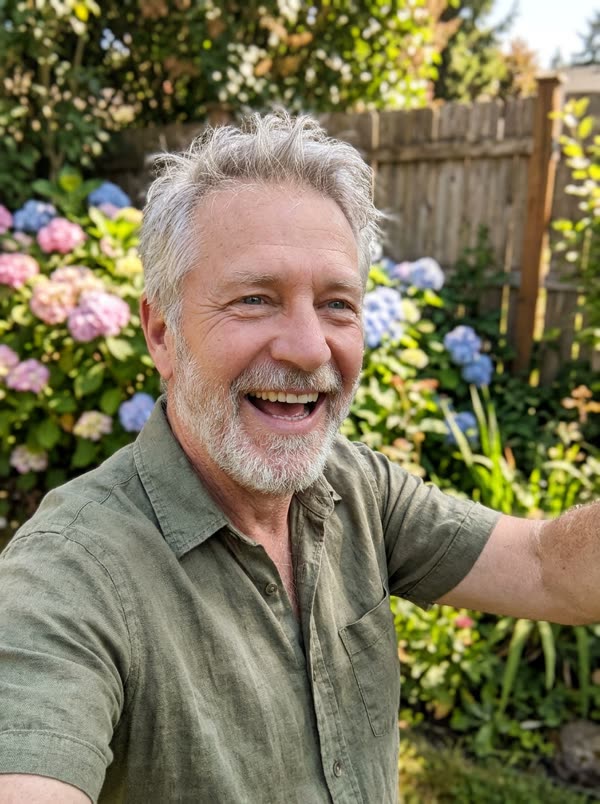 PhotoMake It Cap
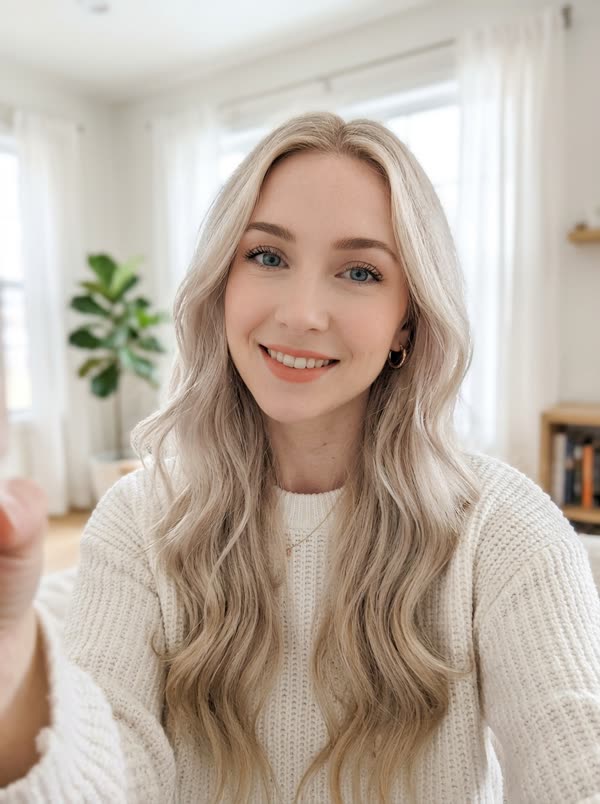 PhotoMake It CapPhotoTiny Desk
 PhotoTiny DeskPhotoTiny Desk
 PhotoTiny Desk
 PhotoTiny DeskPhotoHotel Lobby
 PhotoHotel LobbyPhotoHotel LobbyPhotoHotel Lobby
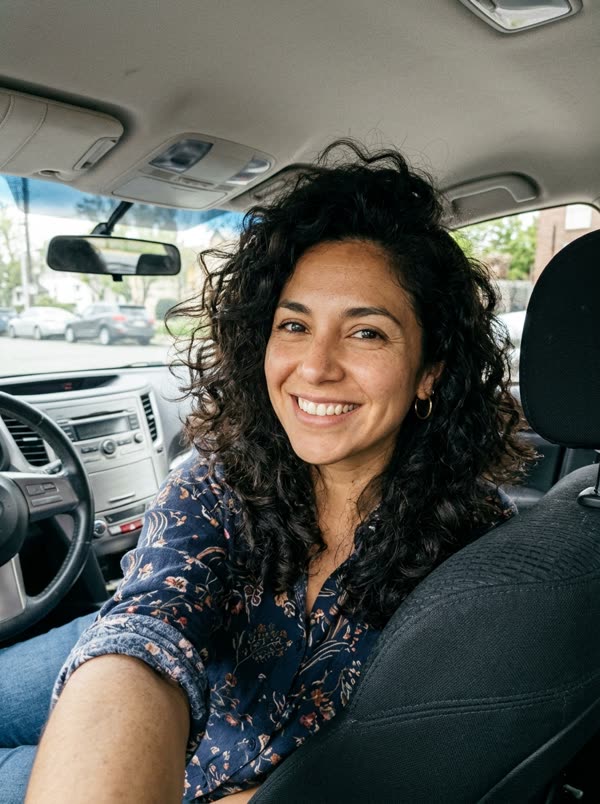 PhotoDime Dime BabyPhotoDime Dime BabyPhotoDime Dime BabyPhotoDime Dime BabyPhotoBulin 47
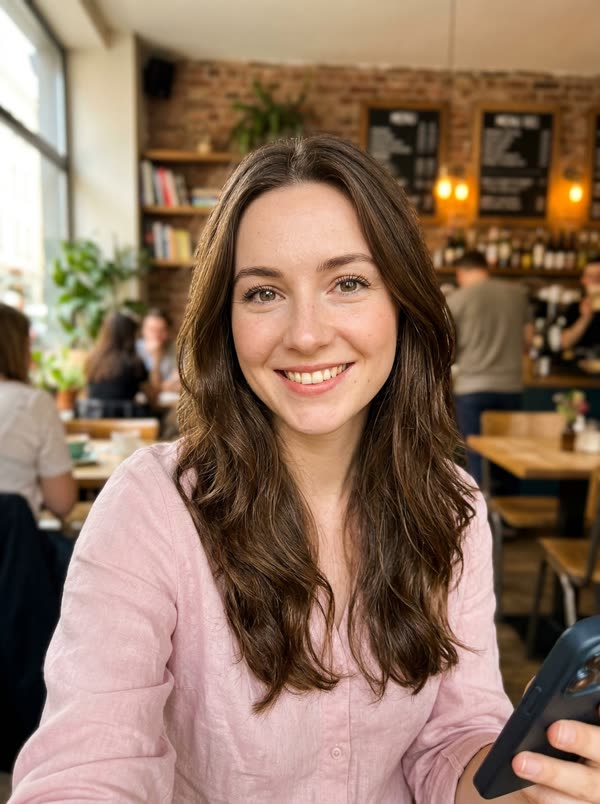 PhotoBulin 47PhotoBulin 47PhotoBulin 47PhotoEnd of WatchPhotoEnd of WatchPhotoEnd of WatchPhotoEnd of WatchPhotoAlors On DansePhotoAlors On DansePhotoAlors On DansePhotoAlors On Danse
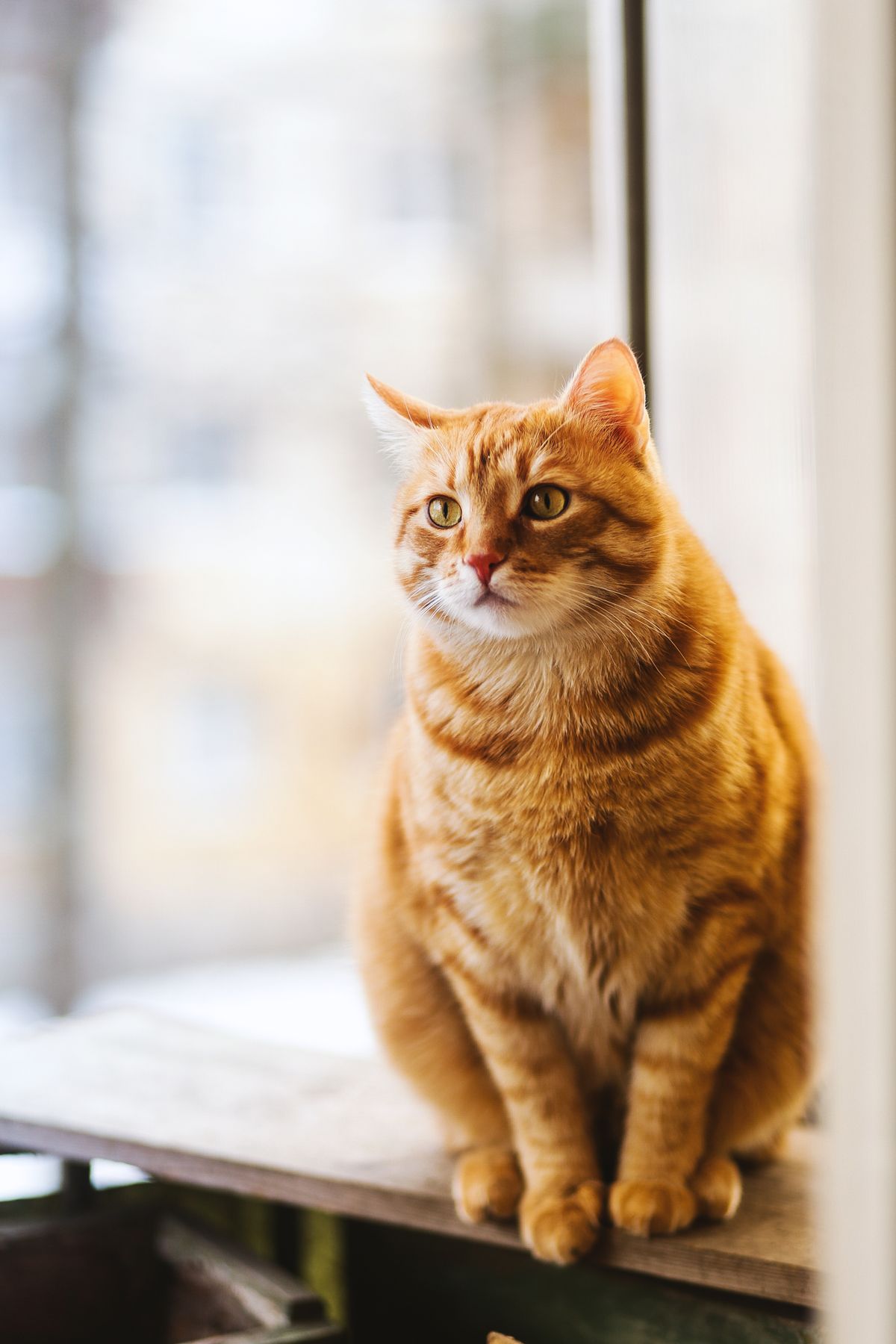
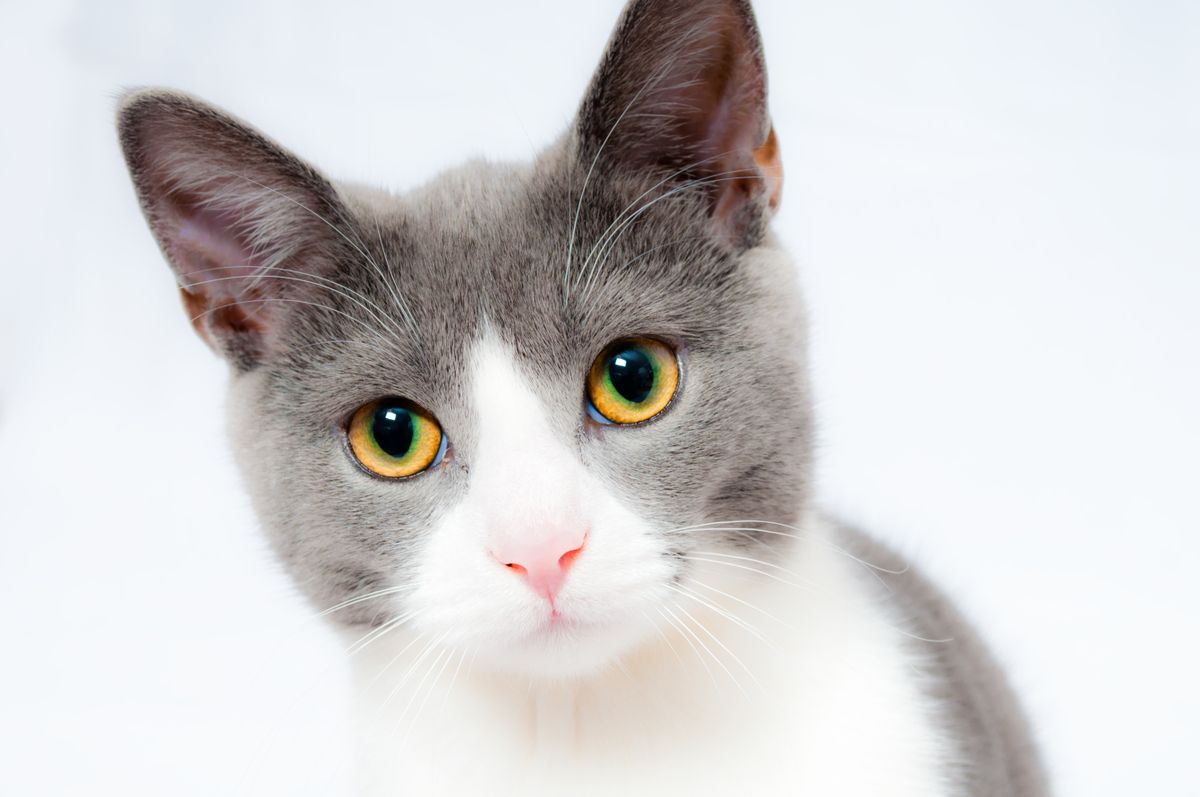 PhotoSmalltown Boy AI
 PhotoSmalltown Boy AIPhotoOzil Goal AIPhotoOzil Goal AIPhotoOzil Goal AIPhotoNeon ShufflePhotoNeon ShufflePhotoNeon ShufflePhotoNeon ShufflePhotoBeach WavePhotoBeach WavePhotoBeach WavePhotoOffice MoonwalkPhotoOffice MoonwalkPhotoOffice MoonwalkPhotoRooftop GroovePhotoRooftop GroovePhotoRooftop GroovePhotoRooftop Groove
Same face, every template
One photo, a different video for each template
The same photo went into every template. The face stays the same; the moves, the outfit and the scene come from each template.
Lengths
What each length gets you
The same photo at every length. One credit is one second of video.
Photo tips
Which photos work best
The AI copies the face it can see. These are the photos that give the closest result, and the ones that usually go wrong.
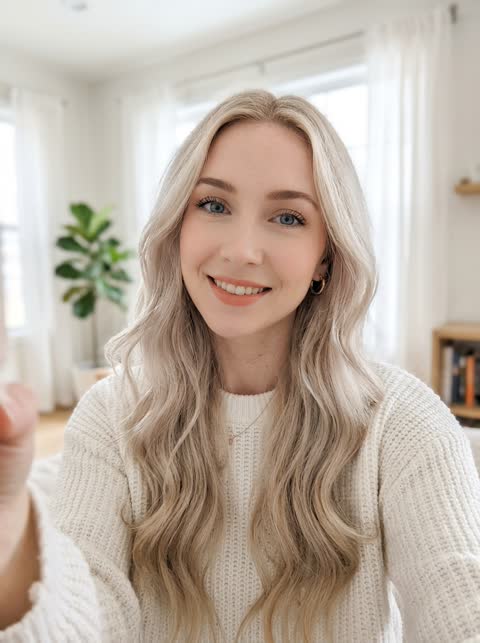 Works well
One person, facing the camera, even light
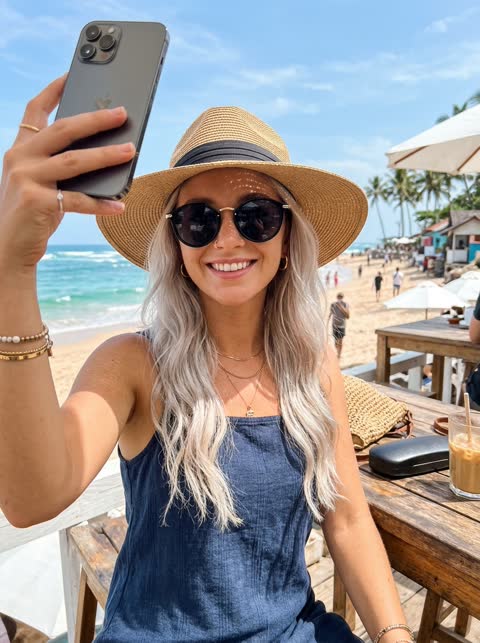 Avoid
Sunglasses or a hat hide the face
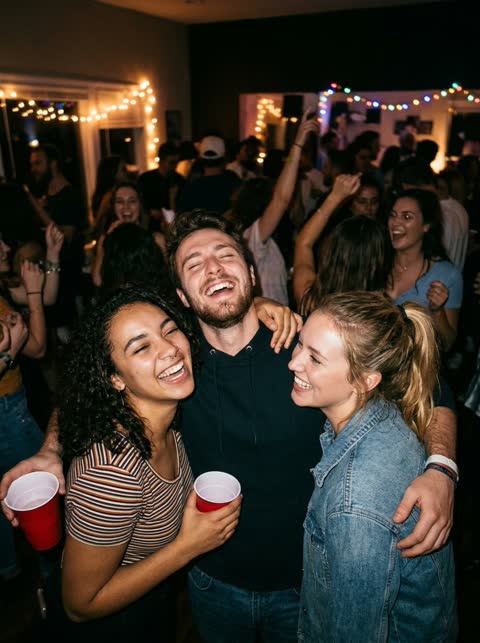 Avoid
Group photos: it cannot tell which face to use
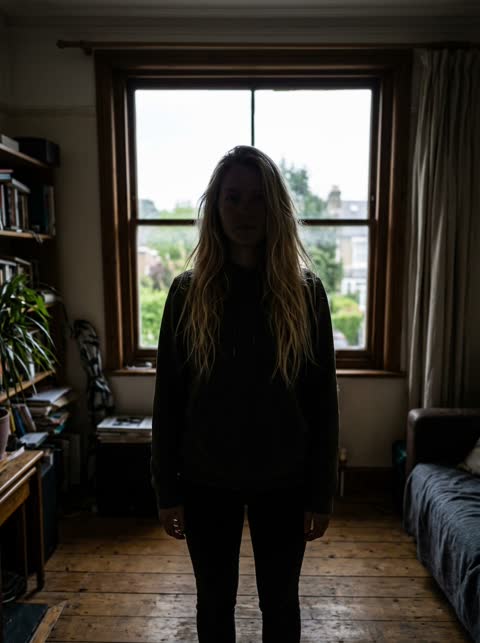 Avoid
Backlit or dark: the face is hard to read
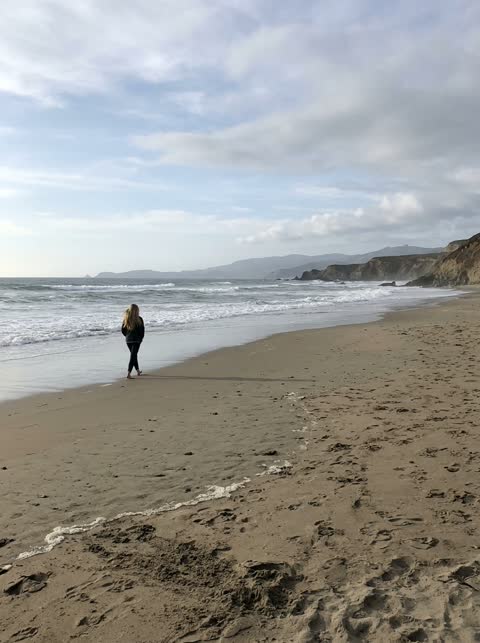 Avoid
Too far away: the face is too small
The catch
Joining a trend is harder than it looks
You have to learn the routine
Getting every move right takes real practice, and nerves still show once the camera is rolling.
Someone has to film it
You need a friend or a tripod, plus a background that matches the framing of the original.
The timing is unforgiving
Half a beat late looks obvious next to the original, so it turns into take after take.
Side by side
Filming it yourself vs. using TrendTemplate
| Filming it yourself | With TrendTemplate |
|---|---|
| Learn the choreography first | No dancing needed, one photo is enough |
| Find a friend or set up a tripod | No camera setup |
| Retake until the timing lines up | Timing follows the original clip |
| Edit and export on your phone | Download a finished MP4 |
How it works
How to make an AI trend video in 3 steps
- 1
Upload one clear photo
One person, facing the camera, in even light. JPG, PNG or WebP up to 10 MB.
- 2
Choose a length
Take a short hook or the full routine. One credit covers one second of video.
- 3
Generate and download
The render finishes in a few minutes. Download the MP4 without a watermark and post it anywhere.
Made with TrendTemplate
One photo in, one finished clip out
No editing timeline, no green screen. Upload a clear photo, choose a length and the render keeps every beat of the original routine.
Generated clip
About the trend
What is an AI trend template?
A trend template is a short vertical clip people already recognise: a viral meme like Make It Cap, Tiny Desk, Hotel Lobby or Bulin 47, or a dance we made ourselves. The moves, timing and camera are fixed, so every new version instantly reads as part of the trend.
TrendTemplate puts you in that clip. Instead of learning the steps and filming, you upload a single photo and the model renders you in the original moment with the same timing and framing.
What are AI trend templates?Features
Everything you need for a trend clip
One photo is enough
A single clear selfie is all the model needs to rebuild you inside the routine.
Faithful motion
Every step, pause and camera move follows the reference clip frame by frame.
Vertical and ready to post
Exports in 9:16 so it drops straight into Reels, Shorts or TikTok.
Pick your length
Grab a short hook or the full routine. You only pay for the seconds you render.
Private by default
Uploads are stored privately, used only for your render and deleted automatically 7 days after upload.
Fair billing
Credits never expire. If a render fails, the credits go straight back to your balance.
Ideas
What people make with it
Surprise the group chat
Drop yourself into the routine and send it before anyone else jumps on the trend.
Try it with your photoBirthday shout-outs
Use a friend’s photo (with their OK) and turn it into a dance-floor greeting card.
Try it with your photoCreator content in minutes
Ride the trend on your channel without filming, lighting or learning the steps.
Try it with your photoPricing
Pay once, use whenever
1 credit = 1 second of video. No subscription, no expiry.
Try
One short clip to test it
$4.99
5 credits
≈ 1 videos of 5 s
- Credits never expire
- All video lengths
- HD MP4 download, no watermark
- Automatic refund on failed renders
Single
One full 15-second video
$9.99
15 credits
≈ 3 videos of 5 s
- Credits never expire
- All video lengths
- HD MP4 download, no watermark
- Automatic refund on failed renders
Party
For you and your friends
$19.99
45 credits
≈ 9 videos of 5 s
- Credits never expire
- All video lengths
- HD MP4 download, no watermark
- Automatic refund on failed renders
Squad
For creators and teams
$49.99
150 credits
≈ 30 videos of 5 s
- Credits never expire
- All video lengths
- HD MP4 download, no watermark
- Automatic refund on failed renders
Prices in USD. Taxes are calculated at checkout by our payment partner.
What is TrendTemplate?
TrendTemplate is an online tool that puts you in trending videos as the performer, using just one photo.
How AI trend templates workIs this an AI video face swap?
Kind of. A face swap app pastes your face onto a video. Here the AI recasts the person in the trend clip as you, and keeps their outfit, moves, the camera and the original sound. It works from one photo, and it only swaps people in our templates, not in videos you upload.
Which AI model makes the videos?
ByteDance Seedance 2.0 and 2.5 and Alibaba Wan 3.0, called through the Nova API (nova.shanhaix.com). It keeps the moves, timing and camera of the template and swaps in the person from your photo.
Which photo works best?
A recent photo of one person facing the camera, with even light and the head and shoulders in frame. Group shots, sunglasses and strong filters lower the quality.
Photo tips for a better AI trend videoHow long does a render take?
Most videos finish in 2–8 minutes depending on length and queue. You can close the page; finished videos wait in My videos.
How do credits work?
Each second of video costs one credit. Credits are bought in packs, never expire and are refunded automatically if a render fails.
Can I use someone else’s photo?
Only with their permission, and never photos of minors, celebrities or public figures. Accounts that break this rule are closed.
What happens to my photos?
Uploads are private, used only to make your video and deleted automatically 7 days after upload. Finished videos are kept for 30 days after they finish. Deleting your account removes everything right away.
Your trend moment is one photo away
Upload a selfie, pick a length and watch yourself take the lead.
Create my video · $4.99+