Photo template: put your photo into a video
Pick a ready-made template, upload one photo and get a short vertical video with sound. These are video templates, not picture frames.
Crea tu video
1Elige una plantilla
2Tu foto
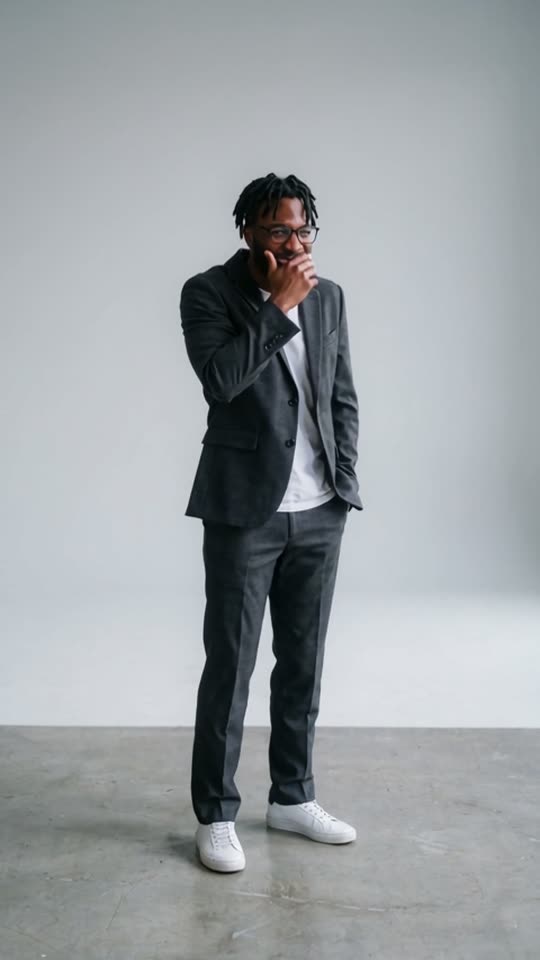
Para un mejor resultado: una persona o mascota, de frente, con luz pareja y que se vean la cabeza y el pecho. Evita lentes de sol, cubrebocas y filtros fuertes.
3Duración
Dime Dime Baby · Original: @bigbowee on TikTok · sound: BbY WOW (Karol G)
A photo template here is a ready-made video. You upload one photo, and the AI puts the person in it into the template.
If you need a collage, a frame or a photo card, this is the wrong tool. If you want your photo to dance in a video you can post, pick a template below.
The seven photo templates
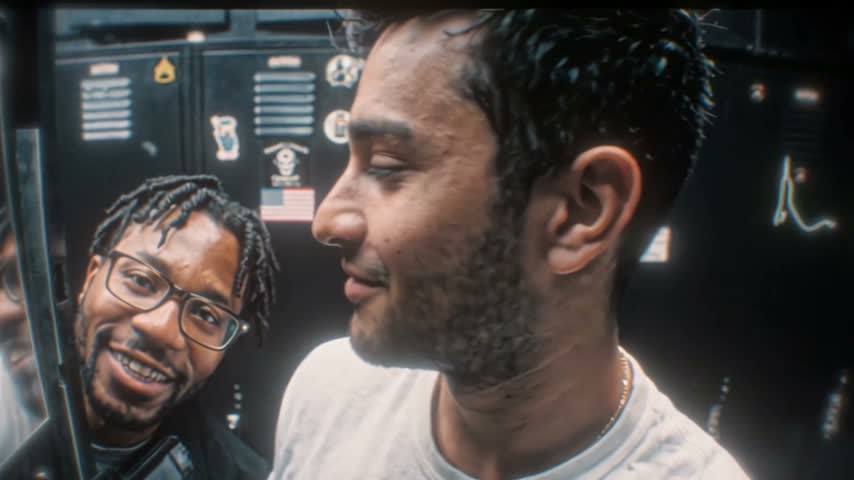
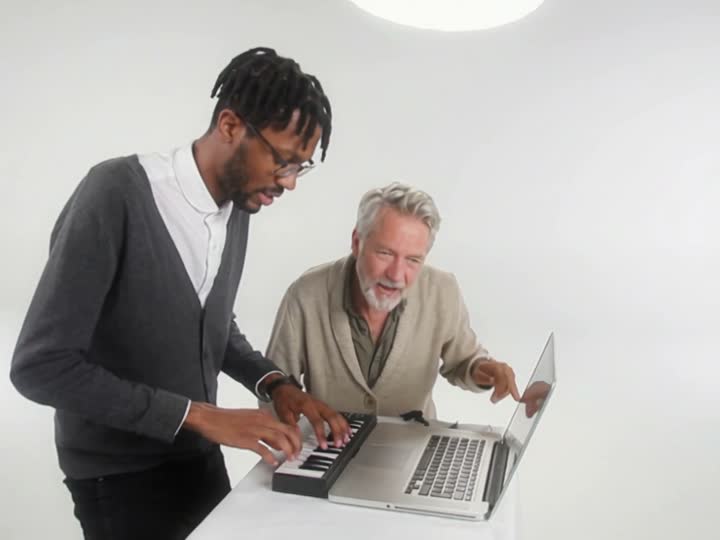
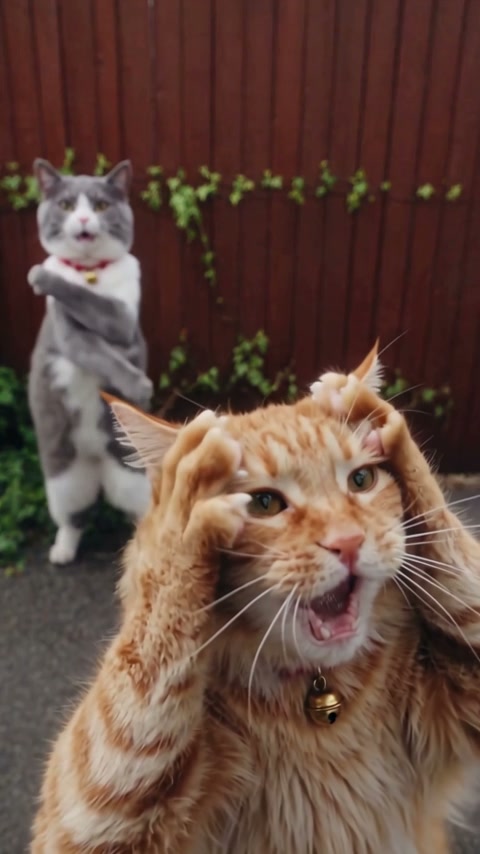
Three are viral TikTok trends made from the original clips, with the original sound: Dime Dime Baby, Bulin 47 and Hotel Lobby.
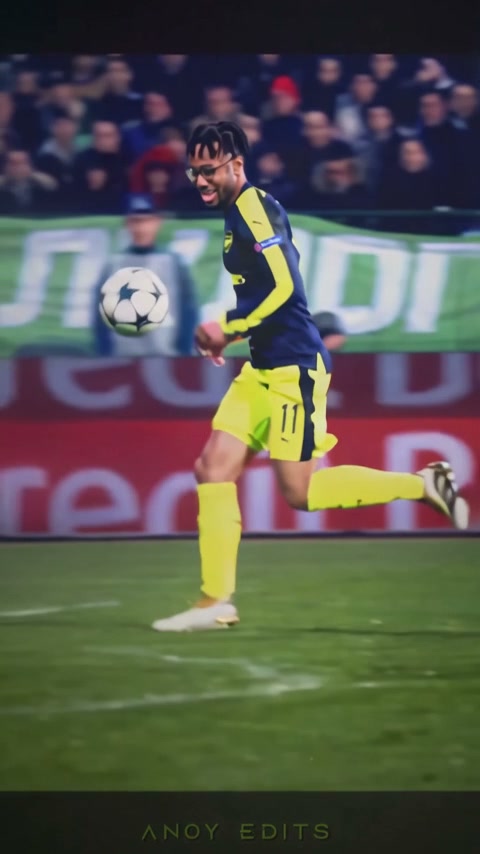
Four are our own dances with their own music: Rooftop Groove, Neon Shuffle, Beach Wave and Office Moonwalk.
Switch between them in the generator above before you pay. Your photo stays uploaded, and credits work on every template.
How to use a photo template
1. Pick a template. 2. Upload a recent, well-lit photo of one person with the face visible. A half-body shot works best. 3. Choose a length and press Generate.
A render usually takes 5 to 10 minutes. You can leave the page. The video lands in My videos as an MP4 you can download.
What a photo template will not do
It does not add frames, text or filters to your photo, and you get a video back, not an image. You can't use your own clip or song. Photos of children, celebrities or anyone who has not agreed are not allowed.
La misma cara en cada plantilla
Una sola foto, un video distinto en cada plantilla
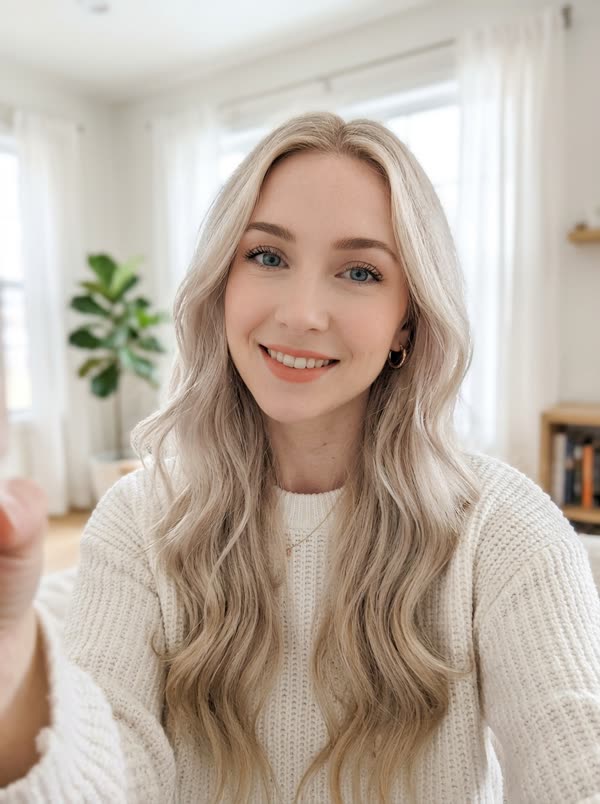
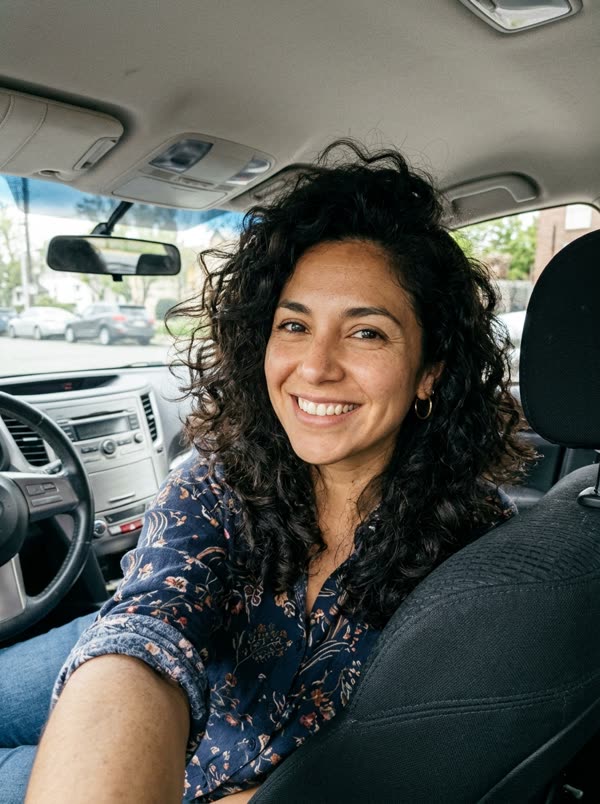
Usamos la misma foto en todas las plantillas. La cara se mantiene; los pasos, la ropa y el lugar cambian según la plantilla.
Resultados de muestra
Entra una foto, sale un video
 FotoDime Dime Baby
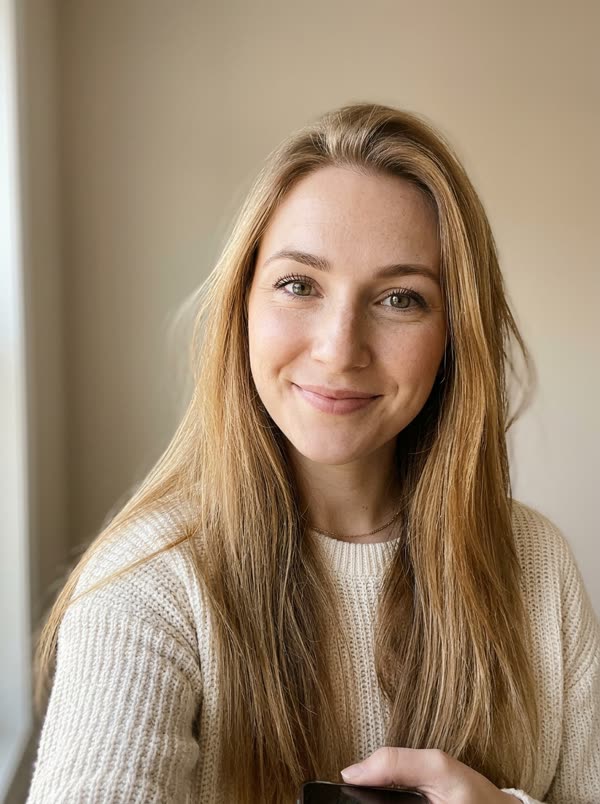 FotoDime Dime Baby
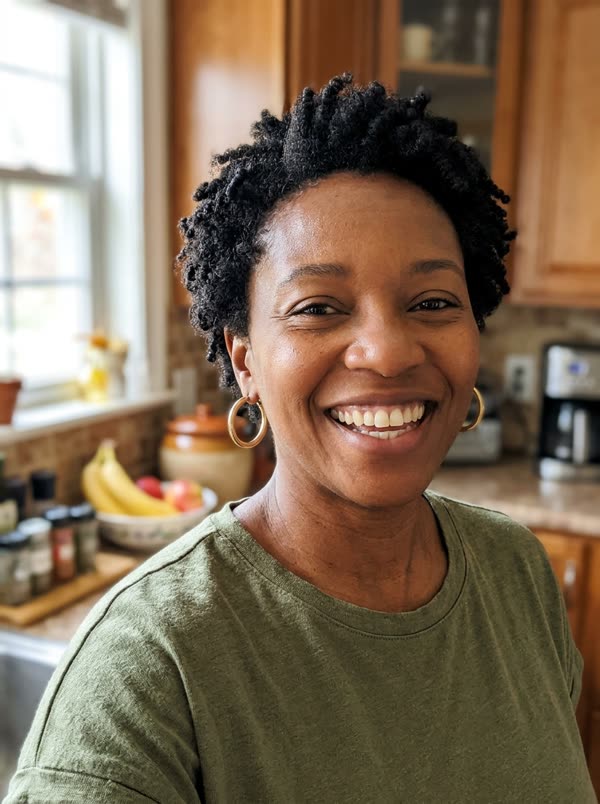 FotoDime Dime Baby
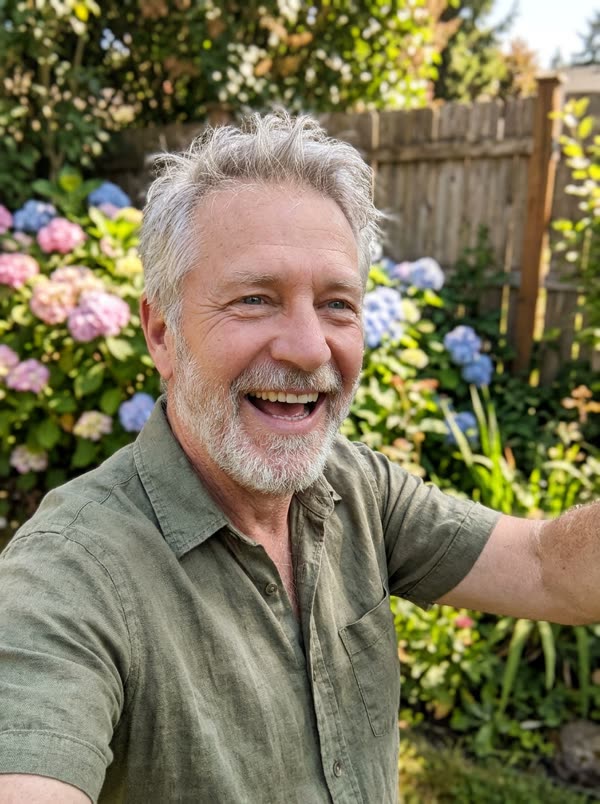 FotoDime Dime Baby
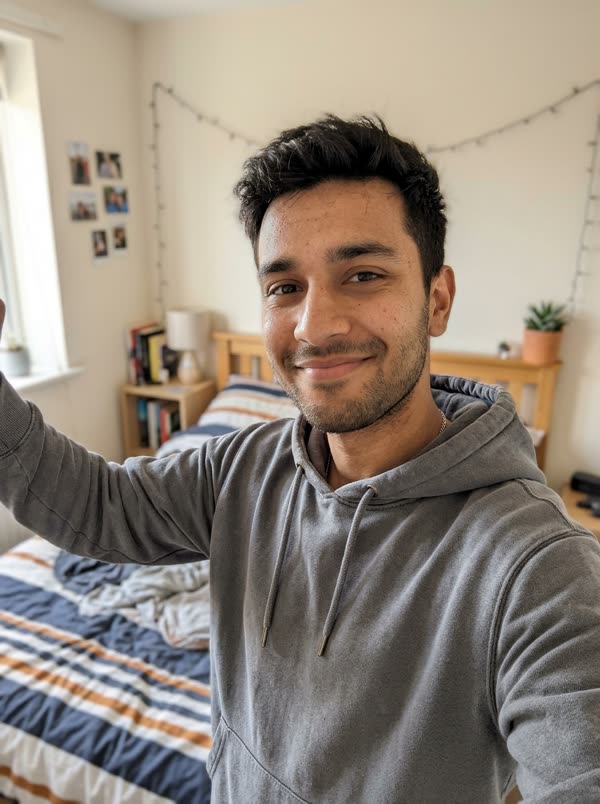 FotoBulin 47
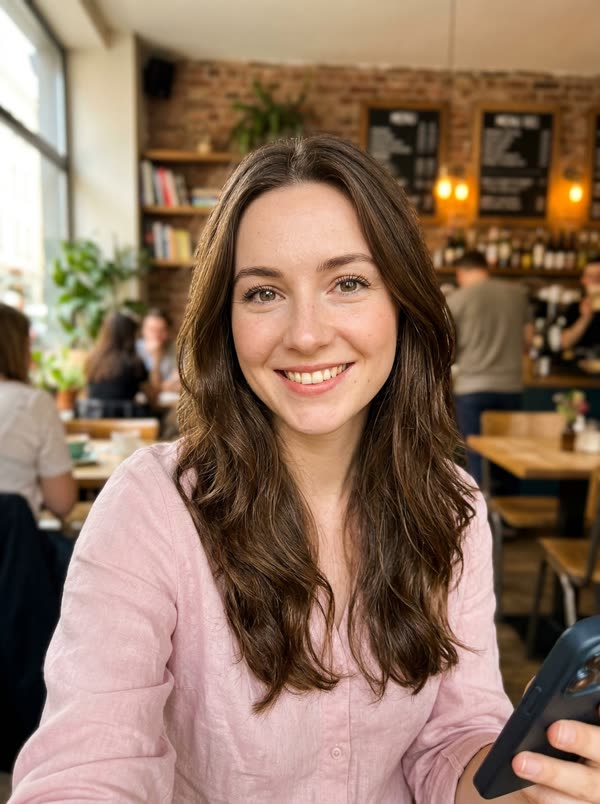 FotoBulin 47FotoBulin 47
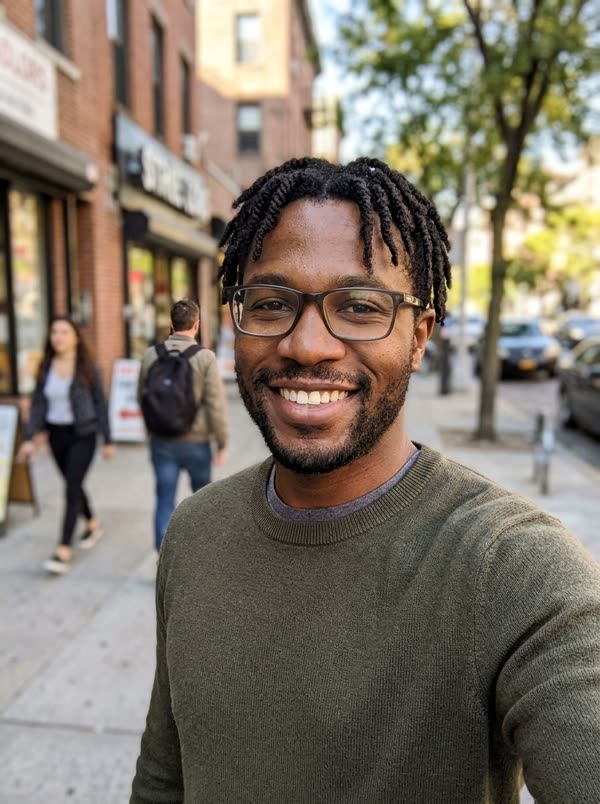 FotoBulin 47FotoHotel LobbyFotoHotel LobbyFotoHotel Lobby
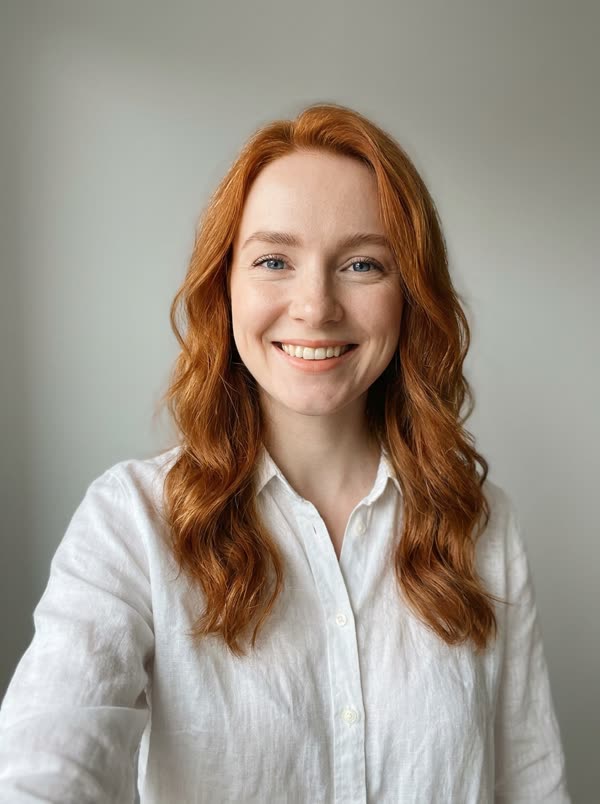 FotoHotel LobbyFotoNeon ShuffleFotoNeon ShuffleFotoNeon Shuffle
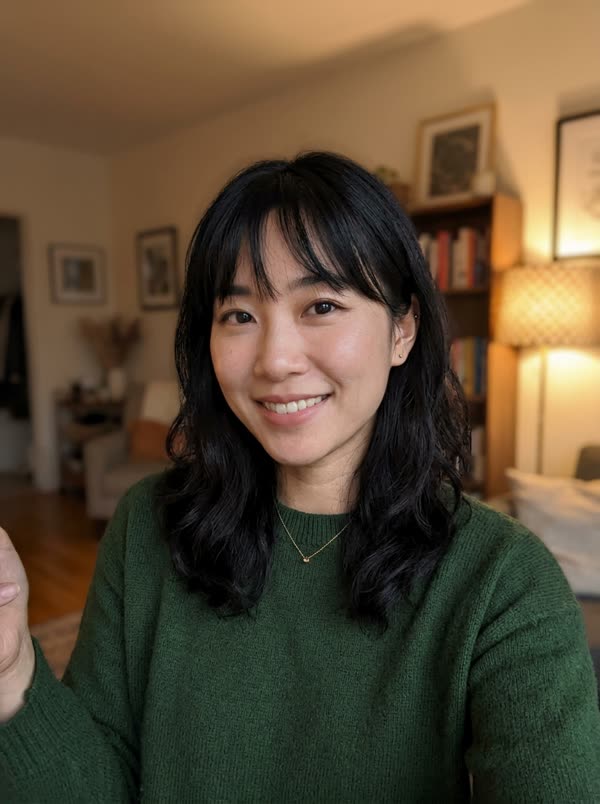 FotoNeon ShuffleFotoBeach WaveFotoBeach WaveFotoBeach WaveFotoOffice MoonwalkFotoOffice MoonwalkFotoOffice MoonwalkFotoRooftop GrooveFotoRooftop GrooveFotoRooftop GrooveFotoRooftop Groove
Consejos para la foto
Qué fotos funcionan mejor
La IA copia la cara que puede ver. Estas son las fotos que dan el resultado más parecido, y las que casi siempre salen mal.
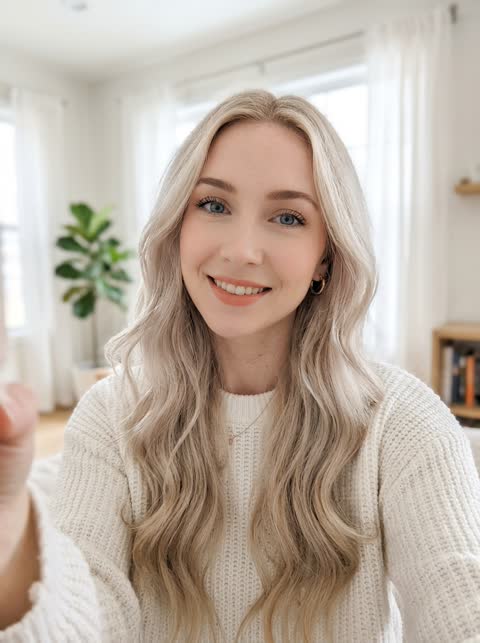 Funciona bien
Una persona, de frente, con buena luz pareja
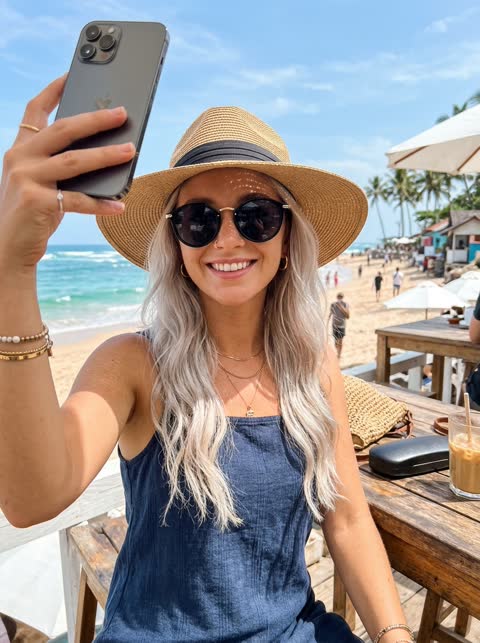 Evítala
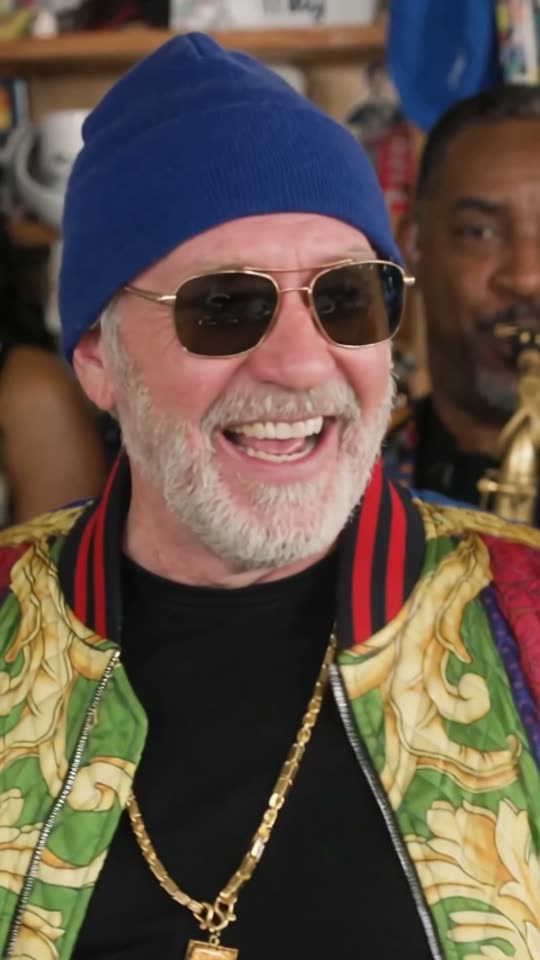
Lentes de sol o gorra tapan la cara
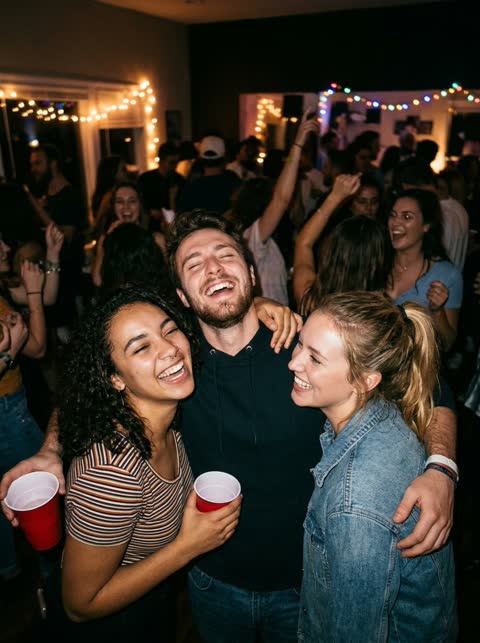 Evítala
Foto en grupo: no sabe qué cara usar
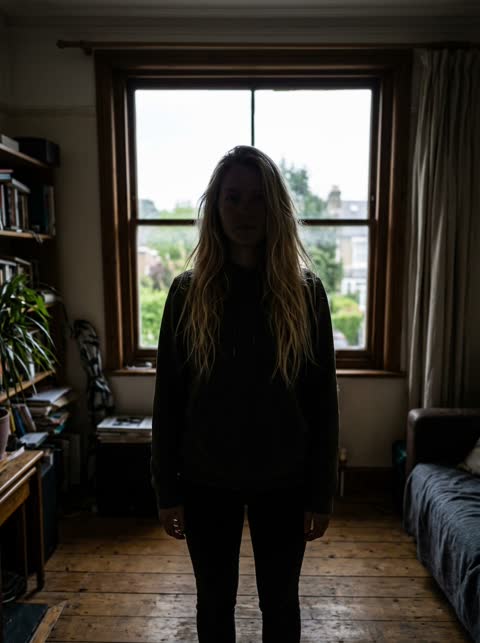 Evítala
A contraluz u oscura: la cara no se distingue
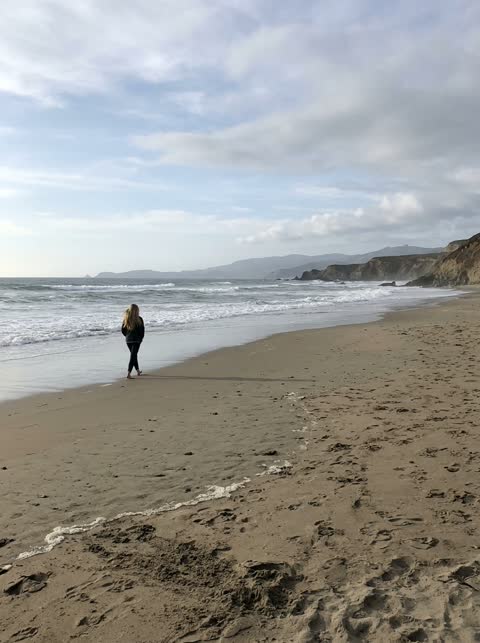 Evítala
Muy lejos: la cara sale demasiado chica
Preguntas frecuentes
Are these photo templates free?
No. Each video uses real GPU time, so there are no free credits. One credit is one second of video, and packs start at $4.99. A failed render gives the credits back.
Can I get a still image back?
No. The result is always a vertical MP4 with sound.
What photo works best?
A sharp, evenly lit photo of one adult, face visible. A half-body shot is best because the AI also rebuilds your arms.
Can I use more than one photo?
No. One photo replaces one person in the template.